01
Gift shops
Offer a personalized plaque without a full modeling workflow.
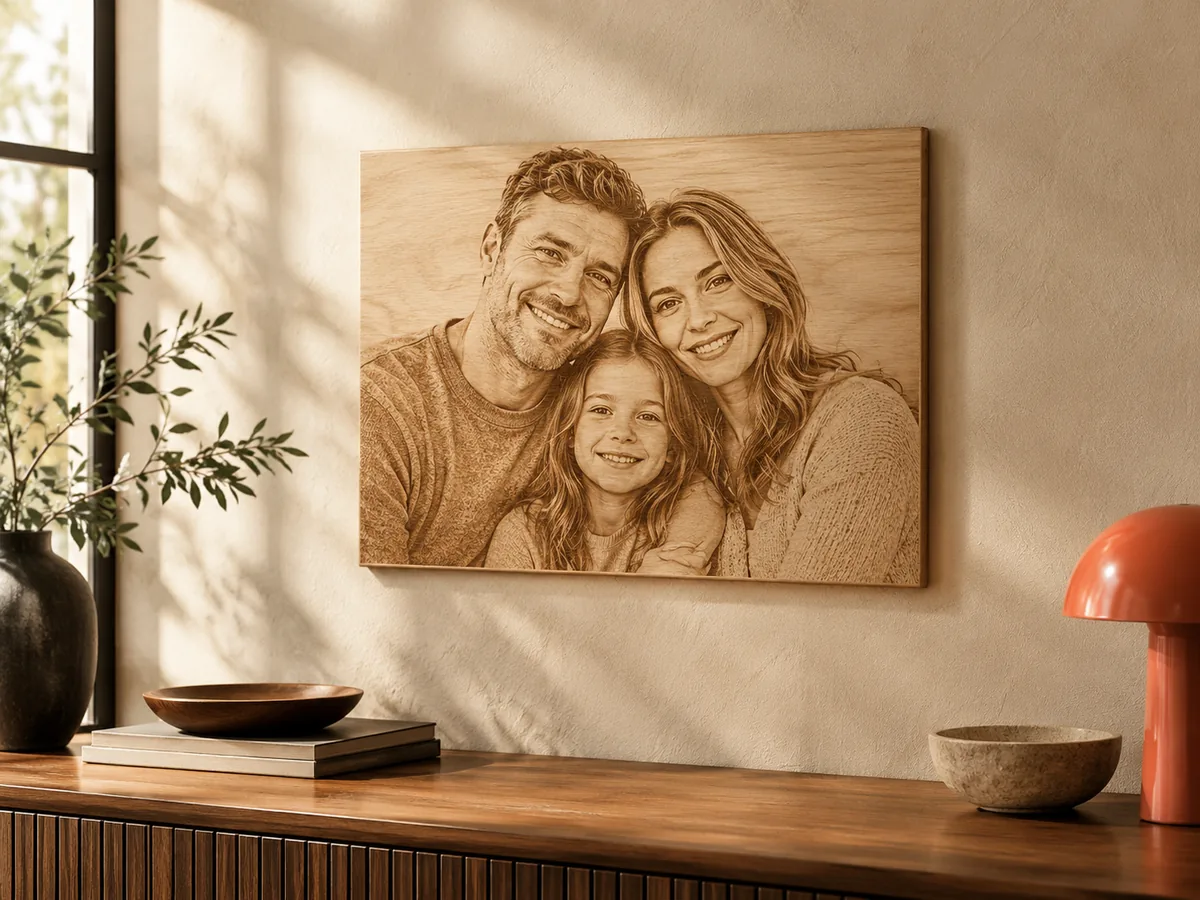
Personalized photo plaque
Turn one photo into a reviewable plaque, set the width, relief height, and base, and download a free test STL before you commit material or a customer deadline.
Three free AI previews per day · no account to try · one credit unlocks the production bundle
Live manufacturing workbench
Three free AI previews per day. Source checks, editing, 3D preview, and compatibility exports are free.

Choose a source image to begin.
Real work, real failure cost
The useful product is not the model call. It is the review loop that catches a reversed field, a noisy border, or an impossible relief before the next tool turns that mistake into wasted time.
01
Offer a personalized plaque without a full modeling workflow.
02
Quote a one-off plaque with a documented size and relief.
03
Prepare a personal photo file and see it before ordering.
01
A plaque has a fixed rectangular frame. Decide what belongs inside it before you upload. One face, a couple, a pet, or a house is easier to read than a crowded group. Remove objects that will become visual noise at plaque scale, and leave a little breathing room around the subject so the border does not cut into a shoulder or an ear.
If the photo is not the right shape, crop it rather than stretching it. The workbench follows the image aspect ratio, so a stretched source produces a stretched face. A square crop of a horizontal photo is often better than a full scene squeezed into a tall plaque.
02
Width defines the X dimension; height follows the image ratio. Relief height controls how far the highest point rises above the lowest, and the base adds a solid backing. A small plaque needs a shallow relief so the features do not become cliffs. A large plaque can carry more height, but the stock and the tool have to support it.
Write down the intended size before you approve the production bundle. A file that looks good on screen can be wrong at 200 mm because the cutter cannot reach the smallest features or because the base is too thin for the material. The manufacturing checks and a test cut are there to catch that before the customer sees it.
03
The workbench does not add a name, a date, a logo, a hanging hole, or a custom outline. Those are modeling operations, not depth estimation. Add them in a model editor, keep them shallow enough for the process, and check that they join the plaque. A hole near an edge can weaken the part; a raised letter can be fragile.
If the plaque needs a stand or a frame, design it as a separate part or a joined assembly. The relief STL is a rectangular slab with a flat back, not a finished display object. Planning those parts before the final cut is cheaper than discovering the omission after finishing.
04
The 2D comparison and 3D preview are the cheapest approval loop you have. Show them to the customer, ask about the crop and the expression, and confirm the intended size. Only then approve the raw-float production bundle. The bundle is for the approved design, not for exploring whether the design works.
Keep the source, the exported files, and the settings together. If the customer asks for a second copy or a different size, you can reproduce the starting point instead of guessing. The workbench records the parameters; your job record should record the material and finish.
Five bounded stages
Check source contrast, edge detail, border clutter, and resolution before an AI call is trusted.
Adjust the subject mask, background, curve, detail, smoothing, taper, frame, and real dimensions for free.
Compare beam or tool size, tonal slices, slope, base, manifold topology, and bounding box with the real setup.
Approve one successful production job only after the free 2D and 3D previews earn acceptance.
Download one verified ZIP and inspect it in LightBurn, CAM, or a slicer before committing production material.
Choose by next action
| Output | Use it for | It does not guarantee | Cost |
|---|---|---|---|
| 8-bit PNG | Preview, mask, laser and compositing tests | Physical scale or machine settings | Free |
| Compatible 16-bit PNG | Compatibility with grayscale depth workflows | Additional source precision | Free |
| Preview STL | Low-cost scale and import checks | Printability, tool reach, or safe G-code | Free |
| Production job bundle | Raw EXR, true 16-bit pair, STL, preview and manifest | Hidden surfaces or certified metric truth | 1 credit |
Straight answers
Not in the workbench. Add lettering in a model editor after export, keep it shallow, and verify that the added geometry joins the plaque before machining or printing.
The relief is rectangular. Custom outlines, rounded corners, and holes require a modeling step. Use the exported slab as the starting geometry and cut the shape in your editor.
Yes. Source checks, range controls, the 8-bit PNG, and the low-resolution preview STL are free. The raw-float production bundle costs one credit.
The free preview includes an 8-bit PNG and a preview STL. The production bundle adds raw float EXR, true 16-bit forward and inverse PNGs, a watertight STL, and a parameter manifest.
Preview the idea. Pay for usable output.
Start without an account. When a professional format earns approval, use the welcome credit or choose a pack that matches the shop's workload.