01
Personal gift makers
Create a photo keepsake without handing the file to an unknown print shop.
Lithophane maker
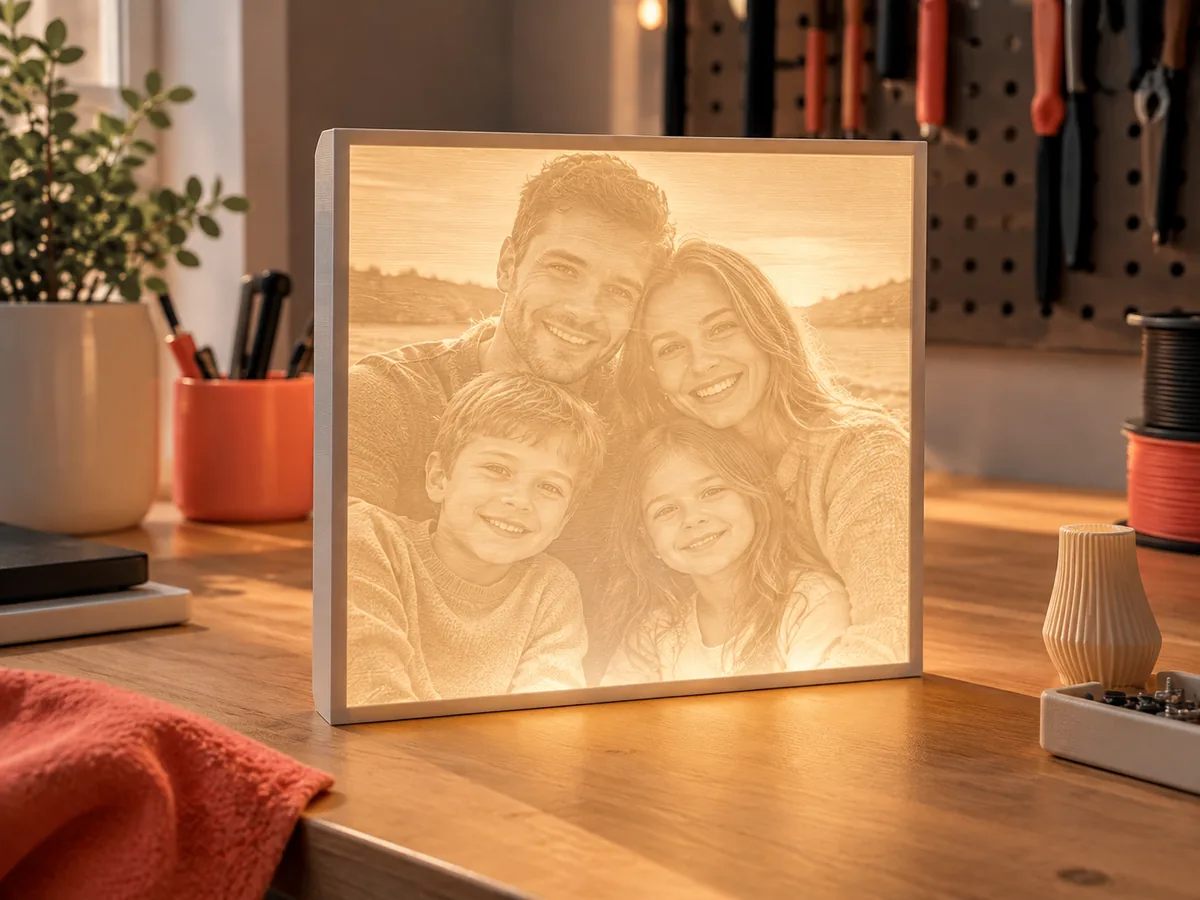
Turn one photo into a flat lithophane panel you can inspect in grayscale and 3D, set a real thickness, and test the mesh before a spool of white filament is at risk.
Three free AI previews per day · no account to try · one credit unlocks the production bundle
Live manufacturing workbench
Three free AI previews per day. Source checks, editing, 3D preview, and compatibility exports are free.

Choose a source image to begin.
Real work, real failure cost
The useful product is not the model call. It is the review loop that catches a reversed field, a noisy border, or an impossible relief before the next tool turns that mistake into wasted time.
01
Create a photo keepsake without handing the file to an unknown print shop.
02
Quote a small-batch photo gift with a repeatable starting recipe.
03
Keep a recognizable face in a format that reads when backlit.
01
A lithophane is not a printed photograph. It is a translucent panel whose thickness controls how much light passes through: thin areas glow, thick areas block. That means the useful input is a height field, not a color image. A lithophane maker has to decide which parts of the photo become thin, which become thick, and how much total thickness the printer can reproduce.
DepthCarve estimates relative depth from one photo and lets you invert it, remap the black and white points, and set a base thickness. The result is a height-field slab that can be printed in white filament and backlit. It is not a measured scan, and it cannot recover the back of a head or a hidden side. Treat the preview as a readable interpretation of the photo, not as a physical measurement.
02
The exported STL is a rectangular panel with a top surface, side walls, and a flat back. It does not include a cylindrical curve, an LED housing, a battery compartment, a stand, or a hanging hole. Those parts belong in a model editor or a separate print design. Adding them after the relief is exported is normal; expecting the generator to invent them is not.
That boundary is deliberate. A curved lithophane lamp needs a different projection and a wall thickness designed around the light source. A flat panel is the honest first product: one image, one thickness range, one test print. If the flat panel reads well, the same depth field can become the starting point for a more complex object later.
03
Pick a photo with one clear subject, even lighting, and a background that does not compete. Faces work best when the eyes, nose, and mouth are visible and the head is not pressed against the frame. Busy foliage, reflective glass, and a bright window behind the subject can confuse the depth estimate and produce a muddy panel even when the photo looks good on a phone.
Crop before upload. A small face inside a wide room gives most of the panel to the room. For a 100 mm wide ornament, the face should occupy enough of the frame to remain readable at arm's length. Check the inverted preview as well: the brightest areas should be the places you expect to glow, and the darkest areas should form a stable border rather than a noisy cloud.
04
No generator knows your nozzle, layer height, filament opacity, or light source. Start with a small test panel, print it vertically or at the orientation your printer handles best, and hold it against the intended light. White PLA or PETG at a 0.12-0.16 mm layer height is a common starting point, but the correct thickness range depends on the material and the backlight.
Keep the print test and the file review separate. The free preview answers whether the photo is readable. The test print answers whether the thickness range and the printer produce the glow you want. If the panel is too dark, reduce the maximum thickness or raise the light output; if it is washed out, increase the thickness range. Do not change both at once.
Five bounded stages
Check source contrast, edge detail, border clutter, and resolution before an AI call is trusted.
Adjust the subject mask, background, curve, detail, smoothing, taper, frame, and real dimensions for free.
Compare beam or tool size, tonal slices, slope, base, manifold topology, and bounding box with the real setup.
Approve one successful production job only after the free 2D and 3D previews earn acceptance.
Download one verified ZIP and inspect it in LightBurn, CAM, or a slicer before committing production material.
Choose by next action
| Output | Use it for | It does not guarantee | Cost |
|---|---|---|---|
| 8-bit PNG | Preview, mask, laser and compositing tests | Physical scale or machine settings | Free |
| Compatible 16-bit PNG | Compatibility with grayscale depth workflows | Additional source precision | Free |
| Preview STL | Low-cost scale and import checks | Printability, tool reach, or safe G-code | Free |
| Production job bundle | Raw EXR, true 16-bit pair, STL, preview and manifest | Hidden surfaces or certified metric truth | 1 credit |
Straight answers
The source check, depth preview, range controls, 8-bit PNG, and low-resolution preview STL are free. The raw-float production bundle costs one credit, and a new account starts with one credit.
No. This workflow exports a flat rectangular panel. A cylindrical lamp needs a different projection, a wall thickness designed for the light source, and a housing. Use the flat panel as a test before building the lamp in a model editor.
Start around 2-4 mm total thickness and test with your own filament and light. Thin panels glow more but become fragile; thick panels hold detail but need a stronger backlight. The correct range is a print experiment, not a universal setting.
Not automatically. The STL is a rectangular height-field slab. Add holes, loops, frames, and lettering in a model editor, then check that the added features join the panel before printing.
Preview the idea. Pay for usable output.
Start without an account. When a professional format earns approval, use the welcome credit or choose a pack that matches the shop's workload.