01
Holiday gift makers
Create a personal ornament without waiting on a custom order.
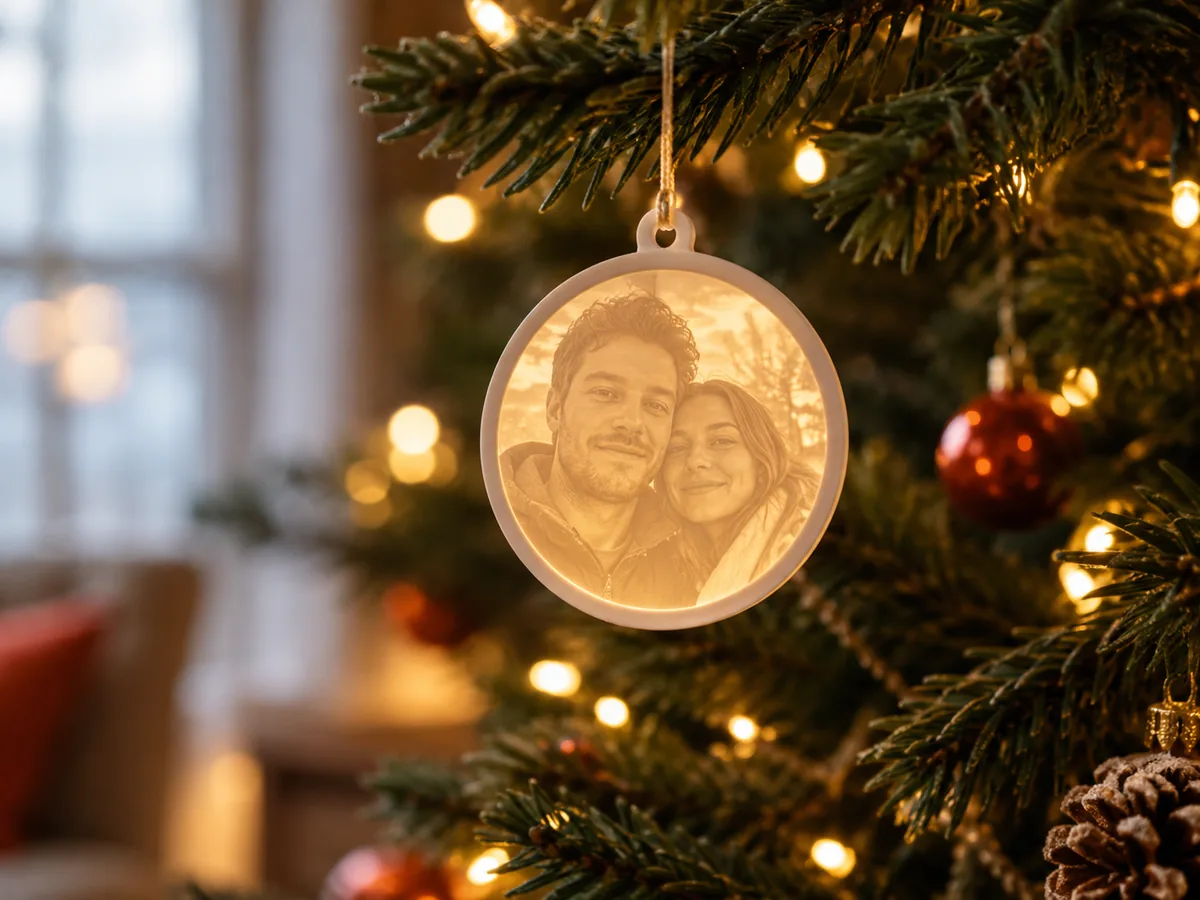
Photo Christmas ornament
Use a favorite photo to shape a thin, backlit ornament panel, check the face in 3D, and download a free STL before the holiday production window closes.
Three free AI previews per day · no account to try · one credit unlocks the production bundle
Live manufacturing workbench
Three free AI previews per day. Source checks, editing, 3D preview, and compatibility exports are free.

Choose a source image to begin.
Real work, real failure cost
The useful product is not the model call. It is the review loop that catches a reversed field, a noisy border, or an impossible relief before the next tool turns that mistake into wasted time.
01
Create a personal ornament without waiting on a custom order.
02
Add a seasonal photo product with a predictable file workflow.
03
Test a design before committing a batch of filament and packaging.
01
A lithophane ornament works because light passes through thin plastic and stops in thick plastic. The image you see is a map of thickness, not ink. That is why a dark background can become a solid block and a bright window can become a hole. The generator's job is to turn the photo into a controllable height field; your job is to decide which end of that field should be thin.
Use the invert control to test both interpretations. If the face is bright in the source but you want the face to glow, the face should be thin. If the background is dark and busy, raise the black point so it becomes a quiet border. Check the result at the intended ornament size, not zoomed in on a monitor. A 70 mm ornament has very little room for a crowd.
02
Choose one face or one clear group, keep the head away from the edge, and remove anything that will turn into a spike at small scale. A Christmas tree, a pet, or a couple works when the silhouette is simple. A group of ten people at a wedding does not. If the photo is horizontal but the ornament is vertical, crop before upload rather than squeezing the whole scene.
The border matters more than it does on a large plaque. A narrow, stable frame gives the panel strength and keeps the backlight from bleeding around the subject. If the source has a cluttered edge, flatten it or crop it. The free preview is the right place to discover that the ornament reads as a bright blob; that is cheaper than discovering it after a batch print.
03
The exported STL does not include a hole, a loop, a ribbon slot, or a frame. Add the hanging feature in a model editor and check the wall thickness around it. A hole placed too close to the edge can crack during printing or handling. If you want a framed ornament, design the frame as a separate part or join it before slicing.
The same rule applies to names and dates. The workbench does not create lettering. Add text as geometry in a model editor, keep it shallow enough to print, and check that it joins the panel. A photo ornament with a clean face and a simple added name is usually more readable than a panel crowded with decoration.
04
In December, a failed print is not just a failed print; it is a missed delivery date. Print one small test panel before committing to a batch. Check the light source, the filament, the layer height, and the hanging feature on that test. Then print the batch with the same settings and the same material lot when possible.
The free preview and the paid production bundle answer different questions. The preview answers whether the photo is worth using. The bundle provides the raw-float depth and verified files when the design is approved. Neither one guarantees a specific print result, and neither one knows your printer. Build the schedule around that boundary.
Five bounded stages
Check source contrast, edge detail, border clutter, and resolution before an AI call is trusted.
Adjust the subject mask, background, curve, detail, smoothing, taper, frame, and real dimensions for free.
Compare beam or tool size, tonal slices, slope, base, manifold topology, and bounding box with the real setup.
Approve one successful production job only after the free 2D and 3D previews earn acceptance.
Download one verified ZIP and inspect it in LightBurn, CAM, or a slicer before committing production material.
Choose by next action
| Output | Use it for | It does not guarantee | Cost |
|---|---|---|---|
| 8-bit PNG | Preview, mask, laser and compositing tests | Physical scale or machine settings | Free |
| Compatible 16-bit PNG | Compatibility with grayscale depth workflows | Additional source precision | Free |
| Preview STL | Low-cost scale and import checks | Printability, tool reach, or safe G-code | Free |
| Production job bundle | Raw EXR, true 16-bit pair, STL, preview and manifest | Hidden surfaces or certified metric truth | 1 credit |
Straight answers
You can generate and inspect a free preview, download an 8-bit PNG, and test a low-resolution STL without an account. The full raw-float production bundle costs one credit.
No. The STL is a rectangular height-field panel. Add the hole, loop, or frame in a model editor and verify the wall thickness before printing.
A 70-100 mm wide panel is a practical starting range for a tree ornament. Smaller panels need a simpler subject and a stronger backlight; larger panels need a thicker border and a longer print.
Yes, but the faces must remain readable at the final size. Crop to the people who matter, avoid tiny faces, and test one ornament before printing a set.
Preview the idea. Pay for usable output.
Start without an account. When a professional format earns approval, use the welcome credit or choose a pack that matches the shop's workload.