01
Wood carvers
Test a photo relief without committing a valuable board.
Wood relief carving
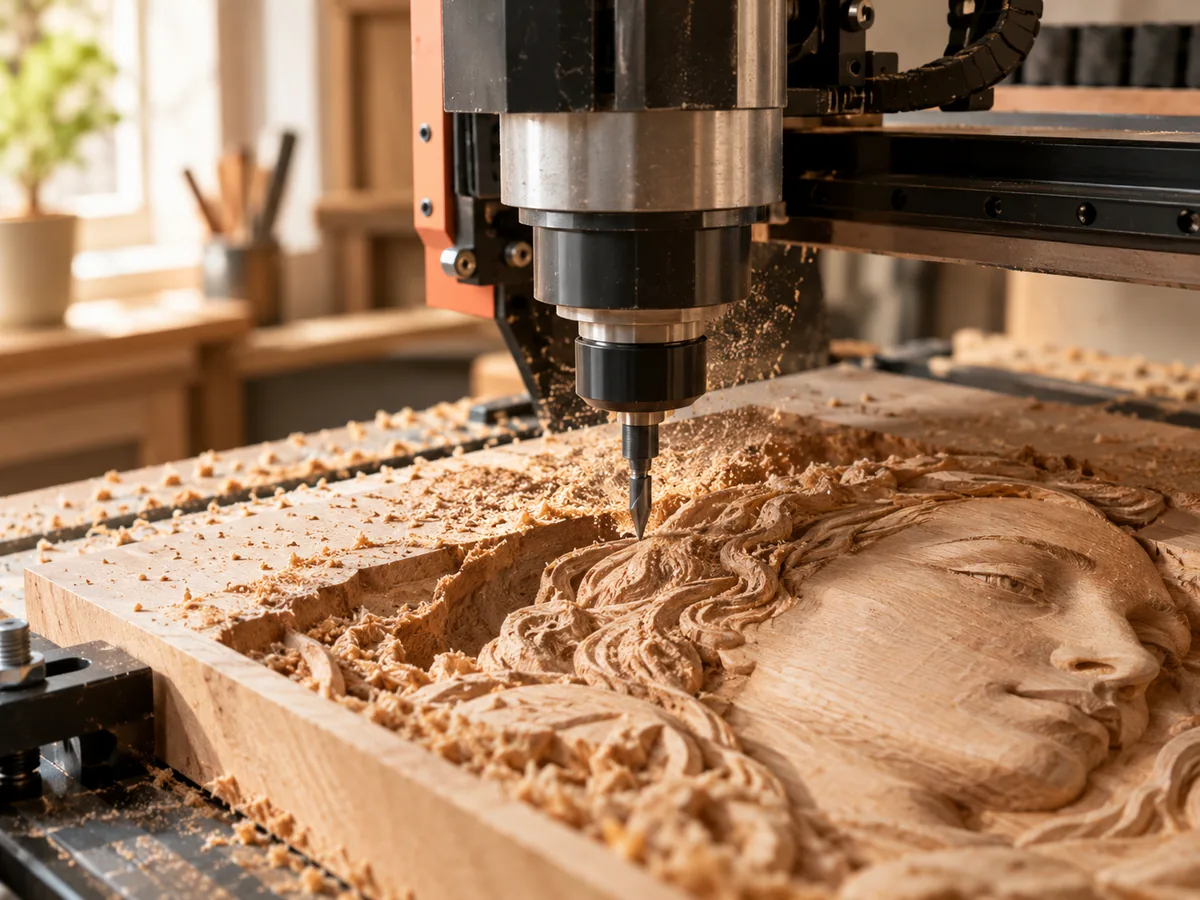
Turn a photo into a shallow relief you can inspect in 3D, set the stock and relief height, and export a free preview before the final cut.
Three free AI previews per day · no account to try · one credit unlocks the production bundle
Live manufacturing workbench
Three free AI previews per day. Source checks, editing, 3D preview, and compatibility exports are free.

Choose a source image to begin.
Real work, real failure cost
The useful product is not the model call. It is the review loop that catches a reversed field, a noisy border, or an impossible relief before the next tool turns that mistake into wasted time.
01
Test a photo relief without committing a valuable board.
02
Quote a relief with a documented shape and size.
03
Add a carved photo detail to a larger project.
01
A wood relief is a shallow object, so the background occupies a lot of the visual field. If the source has a busy room, a fence, or a crowd, the relief becomes a field of small bumps. Crop to the subject and flatten the border. A quiet background makes the face or the ornament read at a glance.
Grain is part of the result. A strong cathedral figure can compete with the relief, while a straight grain supports it. For a first test, choose a straight-grained offcut of the same species. For the final piece, decide whether the grain should run horizontally or vertically through the subject.
02
A cutter needs room to move. A deep relief with narrow valleys may be unreachable for a large bit, and a small bit may take too long or break. Set the relief height with the cutter diameter and the stepover in mind. The manufacturing check reports a detail figure against the tool size for this reason.
The stock has to cover the relief plus the base plus a safe margin for the fixture. A thin board can bow or break through. Decide how the blank will be held, where the origin is, and how the cutter will enter and exit. The STL is geometry; the workholding is your plan.
03
The relief exporter builds a top surface, side walls, and a bottom face. That closed mesh is easier to inspect and slice than an open height sheet, but it is still not a toolpath. Open the file in your CAM package, check the scale, and inspect the steepest slopes and the smallest features before you generate a path.
If the mesh has thin walls or isolated islands, fix the source or the relief settings. A CAM package can sometimes repair a mesh, but a repair can change the shape. It is better to catch the problem in the preview than to discover it after the toolpath is calculated.
04
Sanding raises fuzz on some species, especially across the grain. A finish can darken the recesses and increase contrast. Test the finish on the same wood and the same relief depth. A finish that looks good on a flat board can make a shallow relief look muddy.
Keep the offcut, the file, and the settings with the job. If the customer wants a matching piece, the same starting point and the same finish produce a more consistent result. The workbench is the preparation; the wood and the finish are the craft.
Five bounded stages
Check source contrast, edge detail, border clutter, and resolution before an AI call is trusted.
Adjust the subject mask, background, curve, detail, smoothing, taper, frame, and real dimensions for free.
Compare beam or tool size, tonal slices, slope, base, manifold topology, and bounding box with the real setup.
Approve one successful production job only after the free 2D and 3D previews earn acceptance.
Download one verified ZIP and inspect it in LightBurn, CAM, or a slicer before committing production material.
Choose by next action
| Output | Use it for | It does not guarantee | Cost |
|---|---|---|---|
| 8-bit PNG | Preview, mask, laser and compositing tests | Physical scale or machine settings | Free |
| Compatible 16-bit PNG | Compatibility with grayscale depth workflows | Additional source precision | Free |
| Preview STL | Low-cost scale and import checks | Printability, tool reach, or safe G-code | Free |
| Production job bundle | Raw EXR, true 16-bit pair, STL, preview and manifest | Hidden surfaces or certified metric truth | 1 credit |
Straight answers
Maple, basswood, and cherry are common for fine detail; walnut gives a darker, higher-contrast look. Test the species and the finish before the final board.
Yes. The STL is closed geometry for a slicer or CAM package. You still choose the cutter, stepover, feeds, speeds, and workholding.
Start shallow and increase only if the image looks flat at the final size. A small plaque often reads well at 4-8 mm of relief over a solid base; the tool and stock decide the upper limit.
Yes. You can review the source, tune the depth, and download a test PNG and STL at no cost. Only the raw-float production bundle uses a credit.
Preview the idea. Pay for usable output.
Start without an account. When a professional format earns approval, use the welcome credit or choose a pack that matches the shop's workload.