01
Woodworking shops
Quote a photo engraving without wasting a hardwood blank.
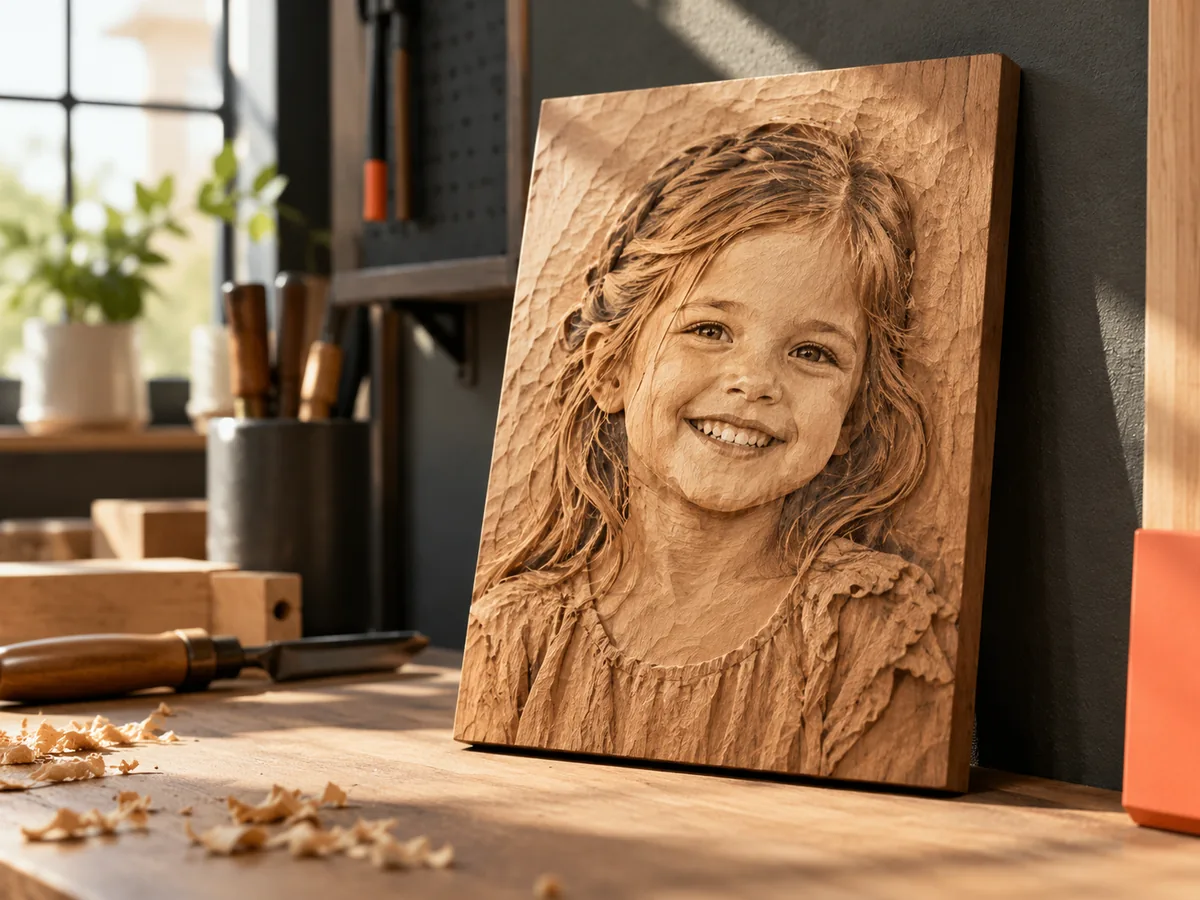
Wood photo engraving
Inspect the photo, shape the tonal range, and preview the relief before a hardwood blank goes on the bed. The free test file is the cheap failure.
Three free AI previews per day · no account to try · one credit unlocks the production bundle
Live manufacturing workbench
Three free AI previews per day. Source checks, editing, 3D preview, and compatibility exports are free.

Choose a source image to begin.
Real work, real failure cost
The useful product is not the model call. It is the review loop that catches a reversed field, a noisy border, or an impossible relief before the next tool turns that mistake into wasted time.
01
Quote a photo engraving without wasting a hardwood blank.
02
Prepare a grayscale file that matches the material test.
03
Compare a depth preview before committing to a toolpath.
01
A depth map describes shape; wood grain describes the surface. The two interact. A strong grain figure can read as texture in the final piece, and a dark knot can look like a shadow that is not in the map. Choose a straight-grained offcut for the first test so the image and the material are not fighting each other.
The same photo can look different on maple, walnut, and plywood. A light wood reflects more of the engraved detail; a dark wood absorbs it. If the customer expects a specific look, test on the actual species and finish. The file is only one variable in that result.
02
Laser engraving and CNC carving are different processes with different files. A laser follows a grayscale image and varies energy; a CNC follows a toolpath and removes material. The workbench exports a grayscale PNG and a relief STL, but it does not create a toolpath. Decide which process the job will use before you choose the export.
For a laser, the PNG is usually the direct input. For a CNC, the STL or a height map goes into CAM, where you choose the cutter, stepover, feeds, speeds, and stock. Neither path is automatic, and neither one is safe without a material test.
03
Wood shows every tonal change. A busy background becomes a field of burn marks or a noisy relief. Raise the black point so the background flattens, crop out objects that do not belong, and keep the subject's edge clean. A dark border is often more forgiving than a bright one because it frames the image.
If the subject has fine hair or thin branches, check the detail against the beam or cutter size. A line that is thinner than the tool will not survive. Smoothing the map is not cheating; it is matching the image to the process.
04
Cut a piece from the same board, with the same grain direction, and run the same settings. Inspect the darkest area, the lightest area, and the transition between them. If the test burns too dark, reduce power or increase speed; if the relief is too shallow, adjust the map or the depth of cut. Change one variable at a time.
Keep the test piece and a photo of it with the job record. When the customer asks for a matching piece next year, the test is the reference. The workbench gives you a repeatable image input; the material recipe is your own.
Five bounded stages
Check source contrast, edge detail, border clutter, and resolution before an AI call is trusted.
Adjust the subject mask, background, curve, detail, smoothing, taper, frame, and real dimensions for free.
Compare beam or tool size, tonal slices, slope, base, manifold topology, and bounding box with the real setup.
Approve one successful production job only after the free 2D and 3D previews earn acceptance.
Download one verified ZIP and inspect it in LightBurn, CAM, or a slicer before committing production material.
Choose by next action
| Output | Use it for | It does not guarantee | Cost |
|---|---|---|---|
| 8-bit PNG | Preview, mask, laser and compositing tests | Physical scale or machine settings | Free |
| Compatible 16-bit PNG | Compatibility with grayscale depth workflows | Additional source precision | Free |
| Preview STL | Low-cost scale and import checks | Printability, tool reach, or safe G-code | Free |
| Production job bundle | Raw EXR, true 16-bit pair, STL, preview and manifest | Hidden surfaces or certified metric truth | 1 credit |
Straight answers
A light, close-grained wood such as maple or basswood usually shows detail clearly. Walnut gives a darker, higher-contrast look. Test the actual species and finish before committing a customer piece.
Both can start here. The free 8-bit PNG suits laser tests; the STL is geometry for a slicer or CAM package. The tool does not create a toolpath or machine settings.
Yes. The preview, 8-bit PNG, compatible 16-bit container, and low-resolution preview STL are free. The raw-float production bundle costs one credit.
Raise the black point, crop the distracting area, and keep the subject border simple. Then test on scrap. If the background still burns, change the material or the laser settings rather than over-editing the map.
Preview the idea. Pay for usable output.
Start without an account. When a professional format earns approval, use the welcome credit or choose a pack that matches the shop's workload.