01
Anniversary gift makers
Create a personal relief without a custom sculpture commission.
Anniversary gift photo
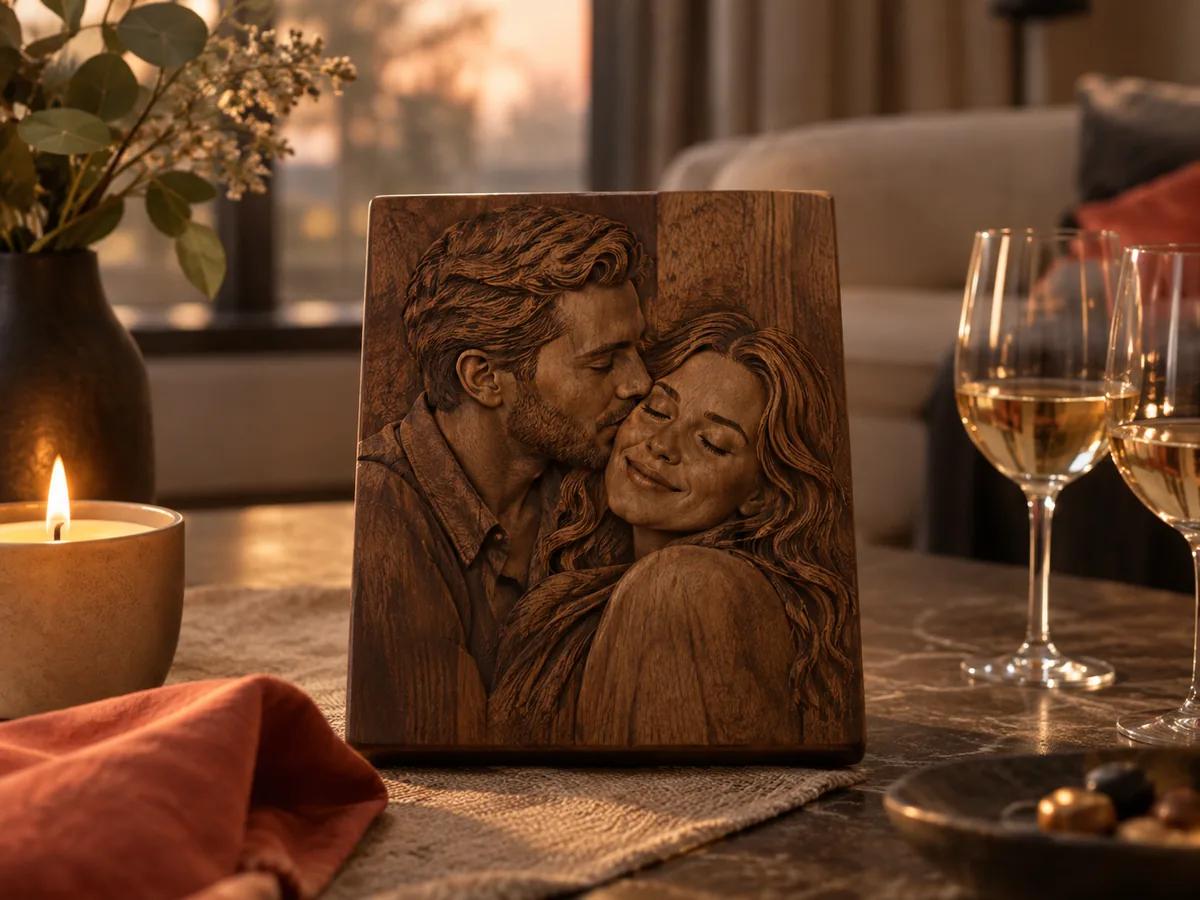
Turn a favorite couple photo into a plaque preview, check both faces in 3D, and export a free STL test before the final carve.
Three free AI previews per day · no account to try · one credit unlocks the production bundle
Live manufacturing workbench
Three free AI previews per day. Source checks, editing, 3D preview, and compatibility exports are free.

Choose a source image to begin.
Real work, real failure cost
The useful product is not the model call. It is the review loop that catches a reversed field, a noisy border, or an impossible relief before the next tool turns that mistake into wasted time.
01
Create a personal relief without a custom sculpture commission.
02
Quote a small keepsake with a documented preview.
03
See the result before committing to a finished object.
01
The best anniversary photo is not always the sharpest one. It may be a favorite travel snapshot with soft light and a small face, or a formal portrait with a stiff pose. Start with the photo that carries the memory, then check whether the faces are large enough, the light is even enough, and the background is quiet enough to become a relief.
If the favorite photo fails those checks, crop it or choose a second photo from the same moment. A close crop often preserves the feeling while giving the depth model a clearer subject. Do not rely on a model to rescue a face that occupies fifty pixels.
02
A small anniversary plaque usually reads better with a shallow relief. Deep carving can exaggerate the nose and eye sockets and make the faces look severe. Start with a modest relief height, inspect the side view, and increase it only if the image looks flat at the intended size.
The base is part of the object, not padding. It gives the plaque strength and a flat back for mounting. A base that is too thin can warp or break during finishing. Decide the base thickness with the material and the display method in mind, not just the depth preview.
03
Sanding, oil, stain, and a frame can change the way the relief reads. A dark finish increases contrast and can hide small errors; a light finish shows every tool mark. If the final piece will be finished, test the finish on the same material and the same relief depth. The STL does not include a finish.
For a 3D print, the layer lines become part of the surface. A finer layer height and a matte filament usually look more like a carved object than a glossy one. For a CNC relief, the stepover and the cutter shape leave their own texture. Choose the process that matches the look the gift is meant to have.
04
An anniversary gift is often a surprise, which makes approval awkward. Ask a trusted friend or family member to review the preview, or show the recipient a cropped version without revealing the final object. The goal is to catch a bad crop or an unrecognizable expression before the material is committed.
Keep the source, the exported file, and the settings with the gift record. If the couple wants a matching piece for a later anniversary, the same starting point makes the second object consistent. The workbench is a preparation tool; the memory is the reason the file exists.
Five bounded stages
Check source contrast, edge detail, border clutter, and resolution before an AI call is trusted.
Adjust the subject mask, background, curve, detail, smoothing, taper, frame, and real dimensions for free.
Compare beam or tool size, tonal slices, slope, base, manifold topology, and bounding box with the real setup.
Approve one successful production job only after the free 2D and 3D previews earn acceptance.
Download one verified ZIP and inspect it in LightBurn, CAM, or a slicer before committing production material.
Choose by next action
| Output | Use it for | It does not guarantee | Cost |
|---|---|---|---|
| 8-bit PNG | Preview, mask, laser and compositing tests | Physical scale or machine settings | Free |
| Compatible 16-bit PNG | Compatibility with grayscale depth workflows | Additional source precision | Free |
| Preview STL | Low-cost scale and import checks | Printability, tool reach, or safe G-code | Free |
| Production job bundle | Raw EXR, true 16-bit pair, STL, preview and manifest | Hidden surfaces or certified metric truth | 1 credit |
Straight answers
Yes, if the face is clear and the scan has enough detail. Old photos with soft focus or heavy grain may produce a softer relief. Inspect the preview and simplify the crop if needed.
Not in the workbench. Add text in a model editor after export, keep it shallow, and check that it joins the plaque before machining or printing.
Wood gives a traditional carved look and is easy to finish. A 3D print is faster for a small test and can be painted. Both need a material-specific test before the final piece.
Yes. The depth preview, range controls, 8-bit PNG, and low-resolution STL are free. The raw-float production bundle costs one credit.
Preview the idea. Pay for usable output.
Start without an account. When a professional format earns approval, use the welcome credit or choose a pack that matches the shop's workload.