01
Wedding gift makers
Deliver a personal keepsake without a last-minute production surprise.
Wedding gift engraving
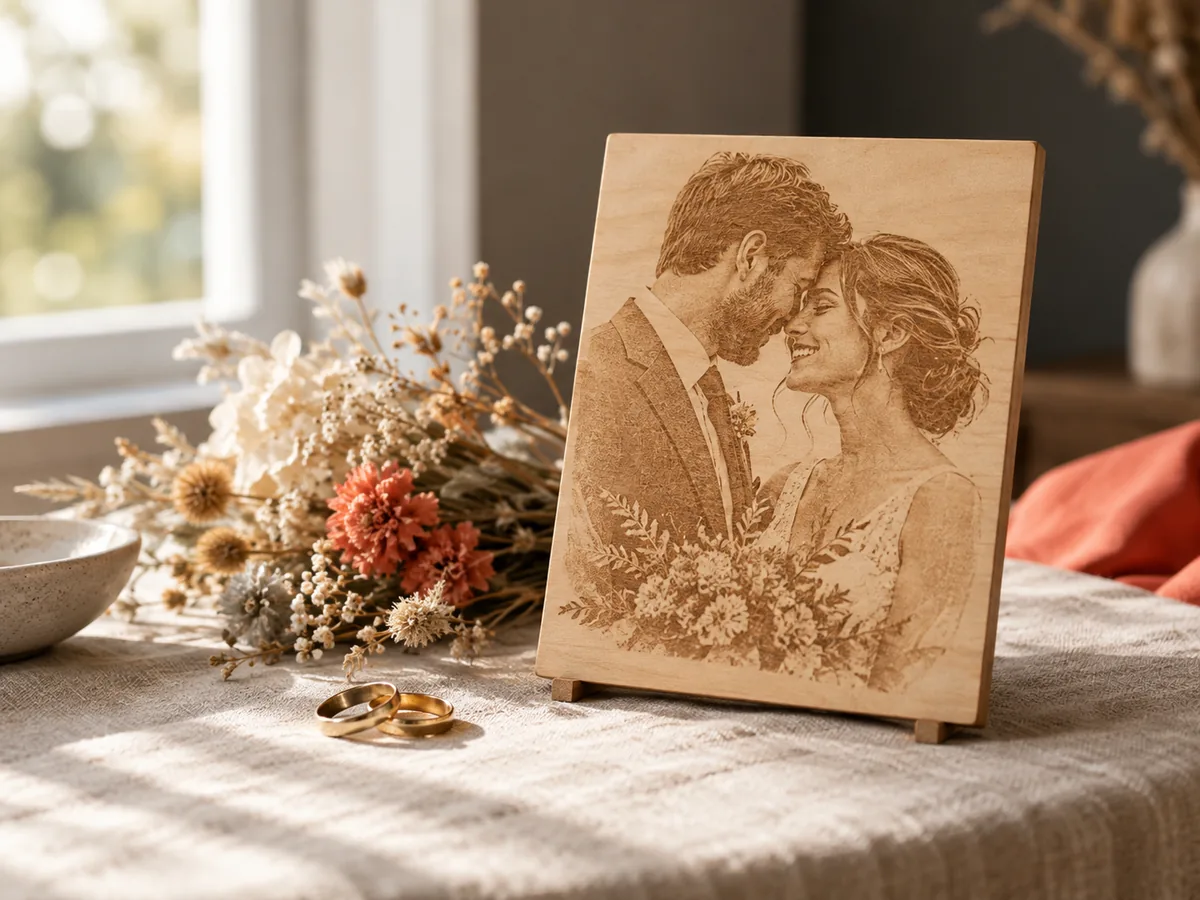
Review the couple's faces, choose a shallow relief, and export a free preview before the keepsake is cut. A wedding date is a deadline you cannot renegotiate.
Three free AI previews per day · no account to try · one credit unlocks the production bundle
Live manufacturing workbench
Three free AI previews per day. Source checks, editing, 3D preview, and compatibility exports are free.

Choose a source image to begin.
Real work, real failure cost
The useful product is not the model call. It is the review loop that catches a reversed field, a noisy border, or an impossible relief before the next tool turns that mistake into wasted time.
01
Deliver a personal keepsake without a last-minute production surprise.
02
Quote a couple portrait with a clear approval step.
03
See the relief before committing to a finished gift.
01
A wedding photo can be beautiful and still be a poor relief source. Tiny faces in a wide venue, veils that merge into a background, and harsh directional light all make the depth estimate less reliable. Choose a frame where both faces are large enough to read at the final plaque size and neither face is turned away from the camera.
If the best photo has a distracting background, crop it before upload. If one face is much closer to the camera than the other, inspect the 3D preview carefully; the relief may exaggerate that difference. A gentle three-quarter view is usually easier than a dramatic profile.
02
The model sees one view. It cannot reconstruct the side of a face that is hidden, and it may soften the boundary between two people who are standing close together. That is a limitation of single-image depth, not a setting you can fix with more contrast. Check the boundary between the two faces and the shoulders in the preview.
If the couple wants a highly accurate likeness, a photographed scan or a sculpted relief is a better process. The workbench is for a recognizable, well-composed plaque, not for a forensic portrait. Setting that expectation before the gift is commissioned protects everyone.
03
A wedding keepsake is often small enough to sit on a shelf or hang on a wall. Wood, slate, and cast stone each behave differently. A shallow relief over a solid base is easier to finish and less likely to chip than a deep, fragile carving. Decide the material before you choose the relief height.
Add names, dates, and a frame in a model editor if the design calls for them. The workbench provides the photo relief; it does not create lettering or a hanging feature. Check that every added element joins the plaque and that the back is flat enough to mount.
04
Wedding gifts have a hard deadline. Build a buffer into the schedule: approve the preview, make a test piece, then produce the final. If the couple is not available to approve, ask someone they trust to review the crop and the expression. A surprise is not worth a portrait that misses the mark.
Keep the source photo, the exported files, and the material record together. If the gift is duplicated for a family member, the same starting point makes the second piece consistent with the first. The free preview is the approval; the production bundle is the file you keep.
Five bounded stages
Check source contrast, edge detail, border clutter, and resolution before an AI call is trusted.
Adjust the subject mask, background, curve, detail, smoothing, taper, frame, and real dimensions for free.
Compare beam or tool size, tonal slices, slope, base, manifold topology, and bounding box with the real setup.
Approve one successful production job only after the free 2D and 3D previews earn acceptance.
Download one verified ZIP and inspect it in LightBurn, CAM, or a slicer before committing production material.
Choose by next action
| Output | Use it for | It does not guarantee | Cost |
|---|---|---|---|
| 8-bit PNG | Preview, mask, laser and compositing tests | Physical scale or machine settings | Free |
| Compatible 16-bit PNG | Compatibility with grayscale depth workflows | Additional source precision | Free |
| Preview STL | Low-cost scale and import checks | Printability, tool reach, or safe G-code | Free |
| Production job bundle | Raw EXR, true 16-bit pair, STL, preview and manifest | Hidden surfaces or certified metric truth | 1 credit |
Straight answers
Yes, if both faces are clear and large enough at the final size. Inspect the boundary between the faces in the 3D preview. The model cannot recover a hidden side of a face.
Not in the workbench. Add lettering in a model editor after export and verify that it joins the plaque. Keep the text shallow enough for the material.
Wood is forgiving and easy to finish; slate gives a darker, higher-contrast look; stone is heavier and less tolerant of deep, abrupt relief. Test the actual material before the final piece.
Yes. You can upload a photo, tune the depth, inspect the 3D preview, and download a free 8-bit PNG and preview STL. The production bundle costs one credit.
Preview the idea. Pay for usable output.
Start without an account. When a professional format earns approval, use the welcome credit or choose a pack that matches the shop's workload.