Stepover & scallop height
0.15 mm · 3.8 µm
Flat-plane ball-nose cusp & finishing line count: 1,200 lines (R=0.75 mm)
True 65,536-Level Float Quantization
Converting an 8-bit JPEG or browser canvas into a 16-bit PNG container leaves 65,280 elevation values completely empty—carving visible stair-steps into smooth wood, brass, and 3D displacement meshes. Generate AI depth free, then quantize directly from raw 32-bit float data.
Three free AI previews per day · no account to try · 1 credit unlocks raw EXR, true 16-bit PNGs & STL ($12 / 30 credits)
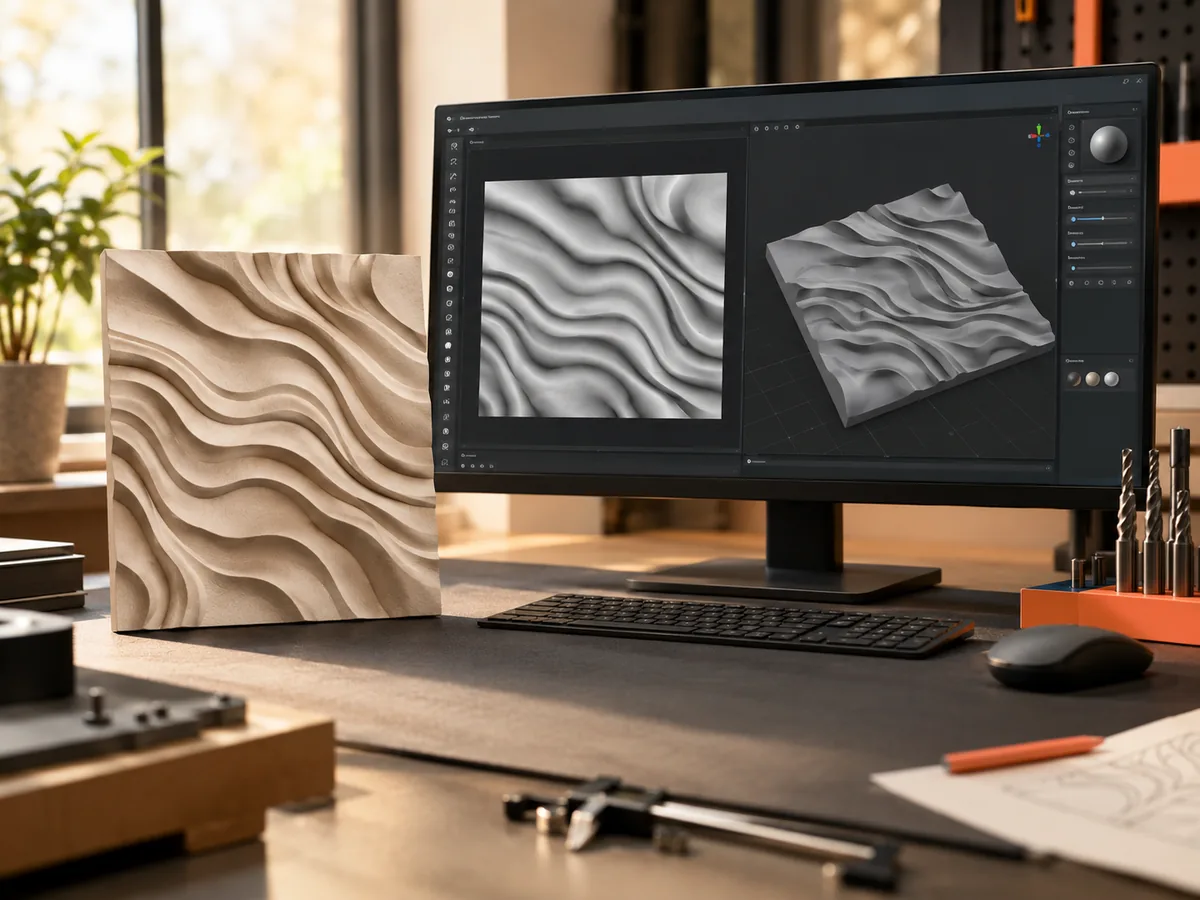
Live manufacturing workbench
Three free AI previews per day. Source checks, editing, 3D preview, and compatibility exports are free.
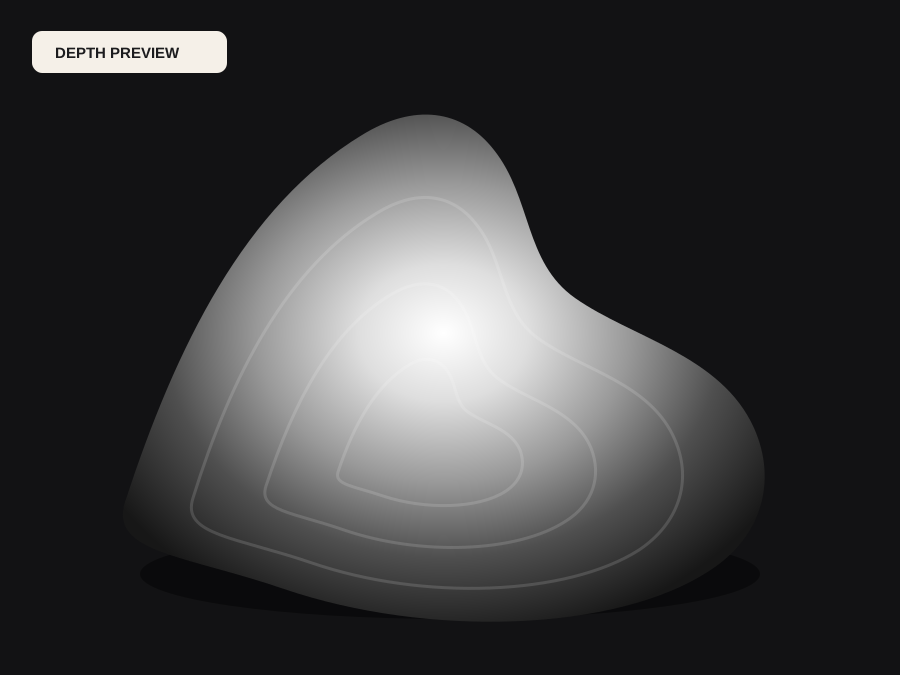
What happens to an ordinary photo (no login required):
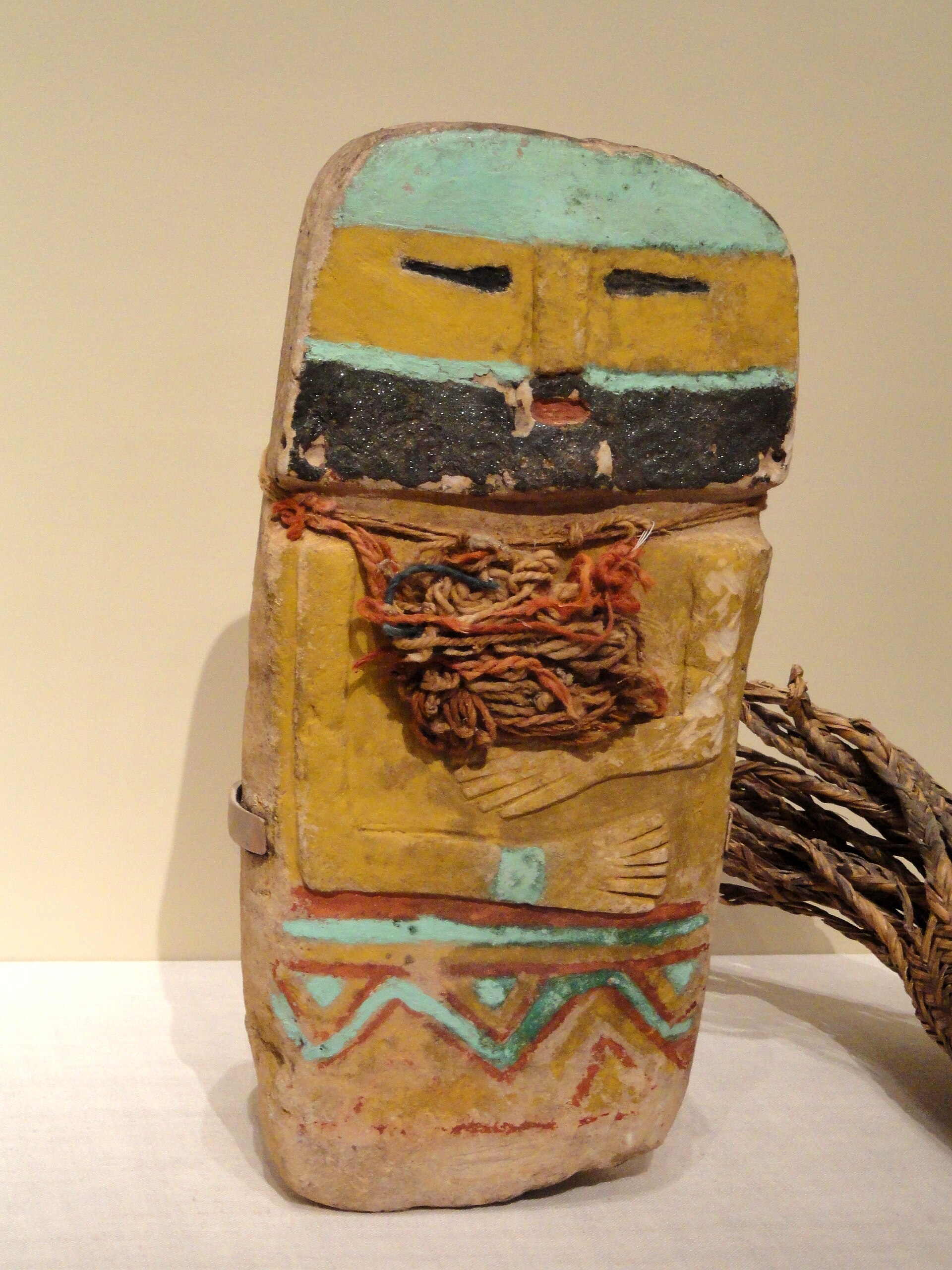
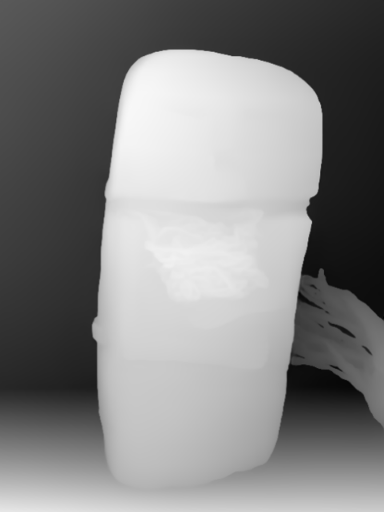
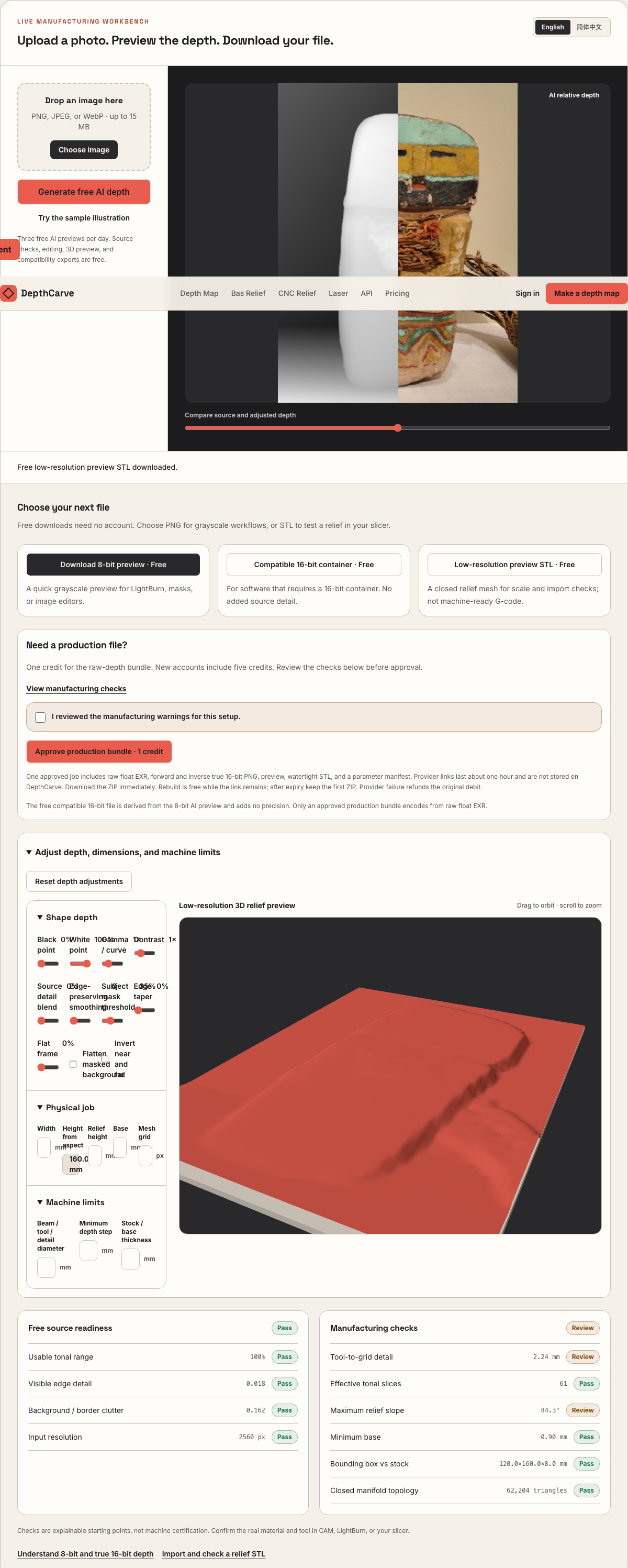
Camera shadows get separated from true 3D height—ready for CNC ball-nose finishing, LightBurn 3D Sliced laser, or resin/FDM printing.
Choose a source image to begin.
Free browser shop calculator · zero server cost
Check whether your planned cutter radius, finishing stepover, pixel width, and Z pass depth match the blank before generating a relief or importing into VCarve, Aspire, Carveco, or LightBurn.
Load a starting shop profile
Stepover & scallop height
0.15 mm · 3.8 µm
Flat-plane ball-nose cusp & finishing line count: 1,200 lines (R=0.75 mm)
Bit radius vs pixel pitch
8.5 px / R · Cutter-filtered
0.088 mm/px · min feature 1.50 mm. Multiple pixels sit inside one ball-nose radius; micro-details narrower than tool diameter are filtered physically.
Carving passes & backing stock
3 passes · 1.67 mm
Backing ≥ 1.5 mm (7.0 mm left)
8-bit vs true 16-bit Z step
19.6 µm vs 0.08 µm
High 8-bit terrace risk · 65 steps across 25% ramp (~1.41 mm terraces)
8-bit: 65 ramp levels · True 16-bit: 16,385 ramp levels
8-bit preview / compatibility PNG (256 max levels)
Discrete Z plateaus appear across gentle cheeks, backgrounds, and >256-slice Galvo jobs. Repackaging an 8-bit preview into a 16-bit container keeps the same 256 steps.
True 16-bit raw-float export (65,536 levels · 1 credit)
Encoded directly from MoGe2 raw float EXR in the Production ZIP alongside an inverse 16-bit PNG and watertight STL—keeping Z steps well below cutter scallop height.
Geometric screening only. This estimator never generates G-code, spindle speeds, feed rates, or laser power settings—always simulate in CAM and cut scrap first.
8-Bit Terracing vs Float-Derived 16-Bit
Across an 8 mm CNC carve or Blender displacement modifier, 256 gray levels jump 31.4 microns at every integer boundary. Encoding directly from unclipped 32-bit floating-point inference shrinks each integer step to 0.12 microns—far finer than any cutter or laser pulse.
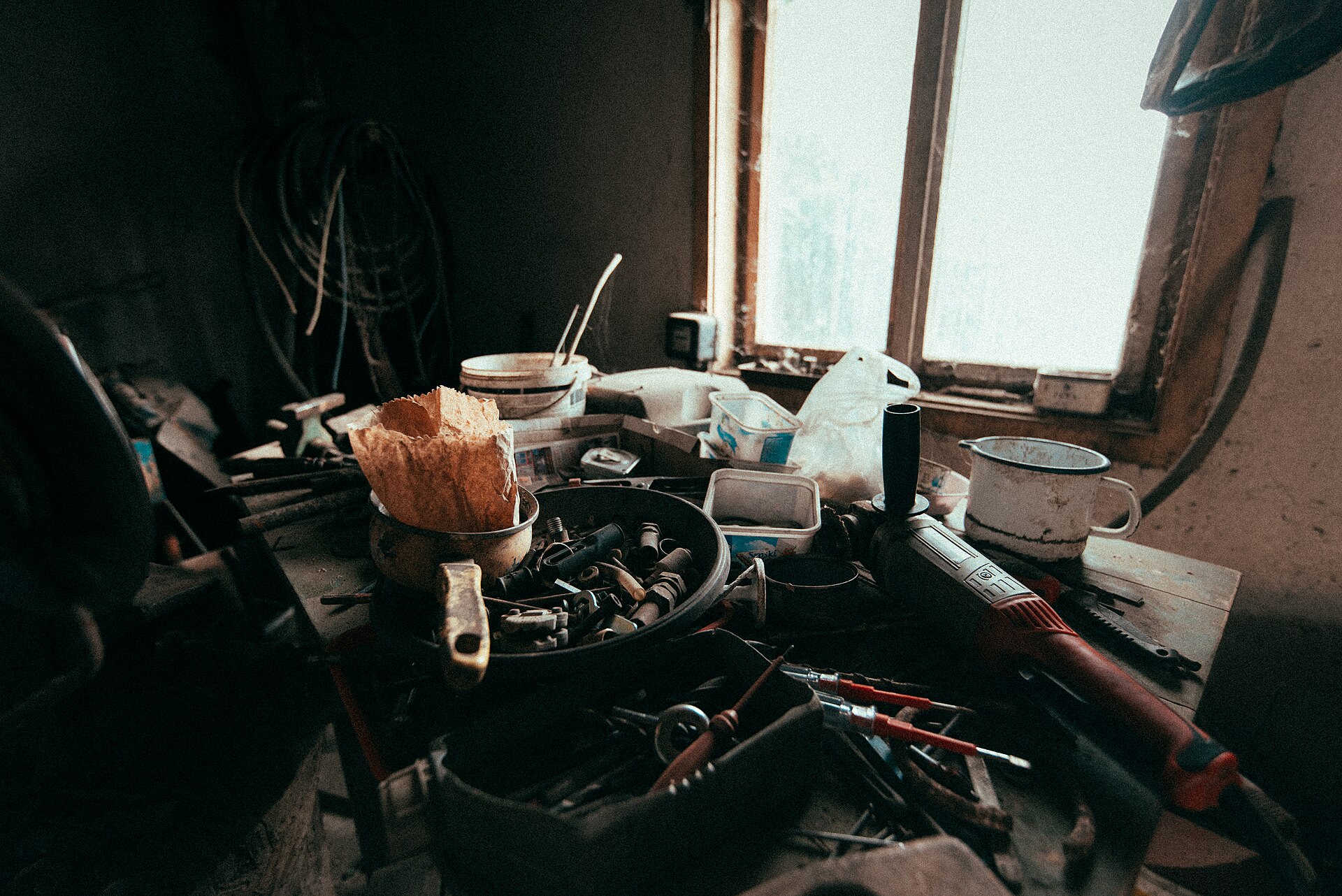
Raw RGB channels mix albedo color, specular highlights, and JPEG compression artifacts that never represent elevation.
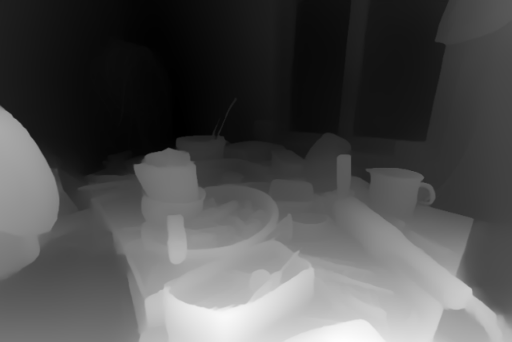
Black-point, white-point, and gamma curves execute in floating-point math before writing verified 16-bit forward and inverse PNGs.
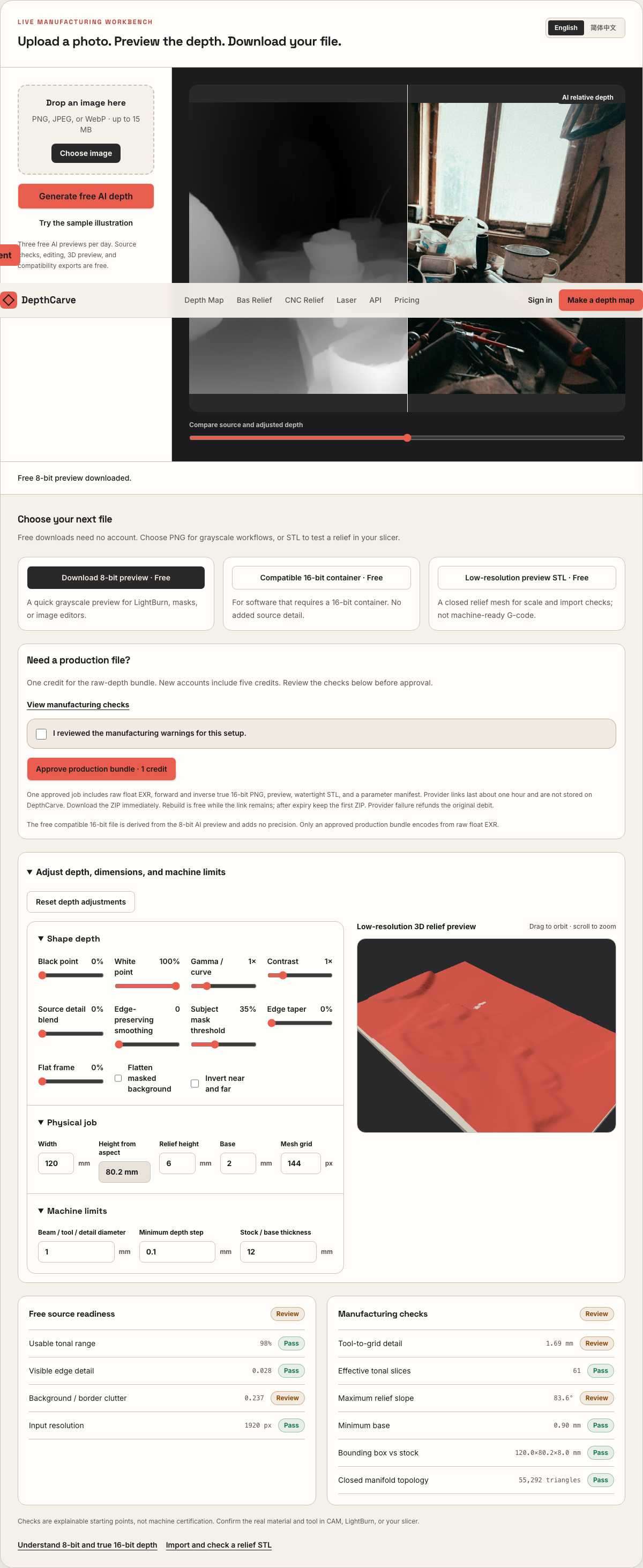
Audit every exported PNG yourself in our local PNG Bit Depth Checker to confirm populated intermediate 16-bit histogram values.
Real work, real failure cost
The useful product is not the model call. It is the review loop that catches a reversed field, a noisy border, or an impossible relief before the next tool turns that mistake into wasted time.
01
Import smooth 16-bit grayscale relief bitmaps that finish clean in maple, cherry, walnut, and tooling board without contour rings.
02
Feed 250–350 ablation passes with populated intermediate gray values so sloped coins and plaques never develop stepped shelves.
03
Displace dense subdivision geometry using linear 16-bit PNGs or raw 32-bit OpenEXR without 8-bit posterization.
01
Because HTML5 `<canvas>` pipelines default to 8-bit unsigned integers (`0..255`), dozens of web heightmap converters draw their AI output onto an 8-bit canvas first and then multiply every pixel by 257 (`v * 257`) when saving a 16-bit PNG. Operating systems and CAM dialogs report `16-bit Grayscale`, yet 99.6% of the 16-bit number line is dead air.
DepthCarve separates free checks from true float encoding honestly. Our free instant browser exports give you an 8-bit PNG and a clearly labeled compatibility 16-bit container so you can confirm software import at $0. Approving a 1-credit production bundle bypasses 8-bit canvas quantization altogether, reading the raw floating-point OpenEXR tensor and mapping your shaped curve across all 65,536 integer steps.
| Heightmap format | Distinct Z levels | Vertical Z-step (at 8 mm) | Smooth ramp behavior | DepthCarve tier |
|---|---|---|---|---|
| 8-bit grayscale PNG | 256 levels | 31.37 µm per step | Visible contour shelves on smooth wood, metal & renders | Free (no login) |
| Compatibility / ×257 padded 16-bit PNG | 256 levels in 16-bit header | 31.37 µm per step | Tests 16-bit importer support; identical banding to 8-bit | Free (clearly labeled) |
| True float-derived 16-bit PNG (fwd + inv) | Up to 65,536 levels | 0.12 µm per step | Sub-micron continuity—smoother than spindle runout | 1 credit ($0.40 in Maker pack) |
| Raw 32-bit floating-point OpenEXR | Continuous IEEE-754 float | Unclipped float | Lossless re-grading in Blender, Nuke, ZBrush & Houdini | Included in same 1-credit ZIP |
Audit any heightmap from any tool locally at /png-bit-depth-checker—no upload leaves your browser.
02
A common workaround is converting an 8-bit depth map to 16-bit mode inside Photoshop or GIMP and applying a Gaussian blur. While heavy blurring fills empty histogram buckets across gentle domes, the radius required to erase wide 8-bit terraces (often 6–12 pixels) simultaneously melts away crisp eyelids, lettering edges, filigree, and architectural moldings.
When depth is quantized directly from raw floating-point model output after floating-point black/white clipping and edge-preserving smoothing, smooth cheek ramps stay continuous at sub-micron precision without blurring sharp silhouette boundaries.
03
Even a genuine 16-bit heightmap will balloon midtones if your 3D software applies an sRGB 2.2 transfer curve on import. Heightmaps represent scalar physical distance, not perceptual display brightness.
In Blender's Image Texture node, always switch Color Space from `sRGB` to `Non-Color` (or load the included `raw-depth.exr` directly). In ZBrush Alpha import and Vectric Aspire / Carveco bitmap component creation, import the 16-bit grayscale PNG directly without running auto-contrast filters that re-clip the tonal extremes.
04
Scroll up to the interactive Pass Depth & Stepover Estimator on this page, enter your real workpiece width and Z-relief millimeter depth, and compare the 8-bit step size against the 16-bit step size right alongside your ball-nose scallop or galvo slice thickness.
When you only need a rough pine sign test or quick mask, keep the free 8-bit PNG. When smooth curvature matters, spend a single credit for the complete verified archive.
Five bounded stages
Check source contrast, edge detail, border clutter, and resolution before an AI call is trusted.
Adjust the subject mask, background, curve, detail, smoothing, taper, frame, and real dimensions for free.
Compare beam or tool size, tonal slices, slope, base, manifold topology, and bounding box with the real setup.
Approve one successful production job only after the free 2D and 3D previews earn acceptance.
Download one verified ZIP and inspect it in LightBurn, CAM, or a slicer before committing production material.
Choose by next action
| Output | Use it for | It does not guarantee | Cost |
|---|---|---|---|
| 8-bit PNG | Preview, mask, laser and compositing tests | Physical scale or machine settings | Free |
| Compatible 16-bit PNG | Compatibility with grayscale depth workflows | Additional source precision | Free |
| Preview STL | Low-cost scale and import checks | Printability, tool reach, or safe G-code | Free |
| Production job bundle | Raw EXR, true 16-bit pair, STL, preview and manifest | Hidden surfaces or certified metric truth | 1 credit |
Straight answers
Drop `depth-16bit.png` from your production ZIP into our client-side PNG Bit Depth Checker (/png-bit-depth-checker). It inspects the PNG IHDR header and counts populated intermediate 16-bit sample values between 8-bit multiples of 257.
Yes. Every approved 1-credit production ZIP contains `raw-depth.exr`, `depth-16bit.png` (forward), `depth-inverse-16bit.png` (inverse), a watertight `relief.stl`, a visual preview image, and `manifest.json`.
Yes. The AI monocular depth model predicts continuous 32-bit floating-point scene geometry from visual cues in your 8-bit RGB photo, and the production pipeline encodes your 16-bit heightmap directly from that floating-point prediction.
One-time Maker ($12 for 30 credits) and Shop ($39 for 150 credits) packs are pay-per-job credit balances with no recurring subscription required, and confirmed inference-provider errors automatically return the credit.
Verify 16-bit IHDR headers and comb-gap histograms locally in browser.
Inspect every file inside the 1-credit production ZIP archive.
Pair 16-bit heightmaps with Vectric Aspire, Carveco, and router tooling.
Practical guide to testing 8-bit vs 16-bit quantization on real ramps.
Preview the idea free. Pay 1 credit for production output.
Start without an account—3 free AI previews per day. Unlock raw EXR, true 16-bit PNG heightmaps, and watertight STL with the $12 Maker Pack (30 credits) or $39 Shop Pack (150 credits).