Stepover & scallop height
0.15 mm · 3.8 µm
Flat-plane ball-nose cusp & finishing line count: 1,200 lines (R=0.75 mm)
Watertight Relief Mesh
An open displacement sheet fails in slicers and leaves CAM boundary offsets guessing. Compress scene depth into shallow bas-relief proportions, attach solid perimeter walls and a flat bottom face, and verify dimensions before cutting or printing.
Three free AI previews per day · no account to try · 1 credit unlocks raw EXR, true 16-bit PNGs & STL ($12 / 30 credits)
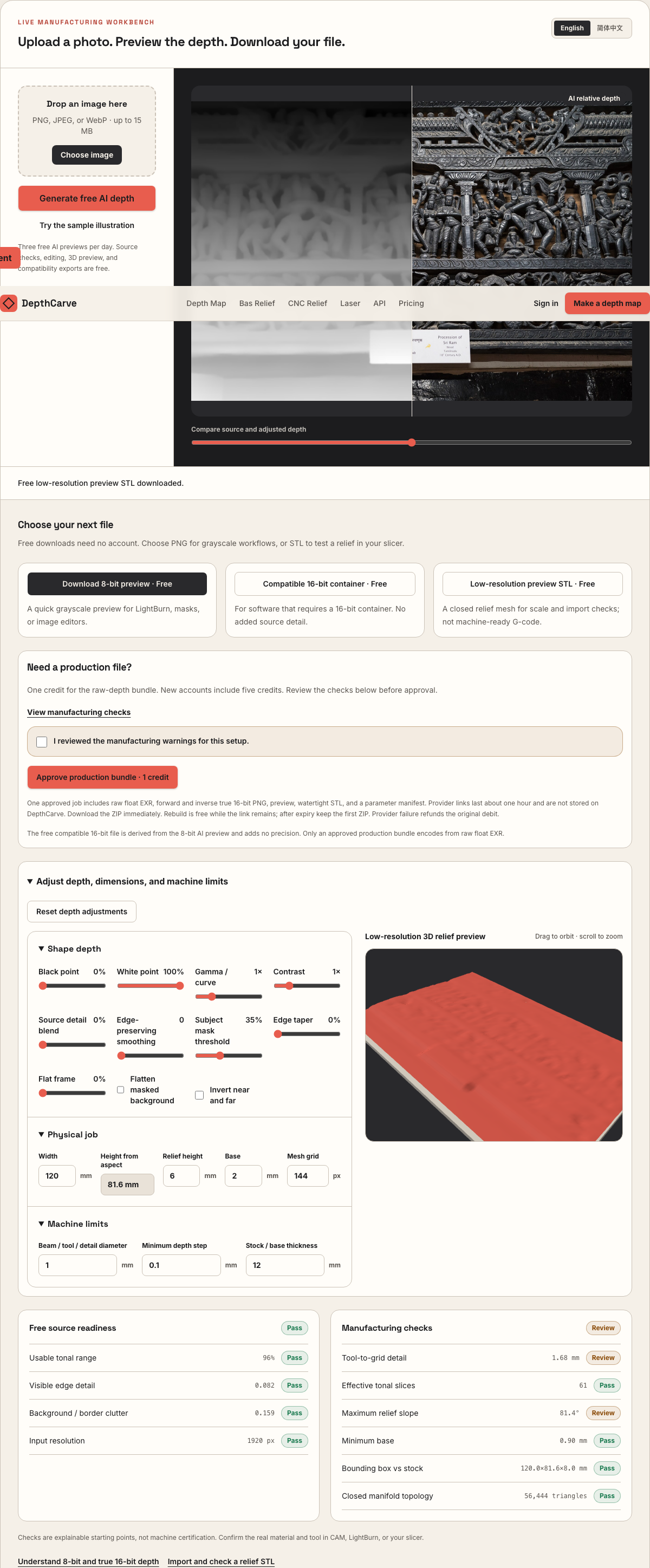
Live manufacturing workbench
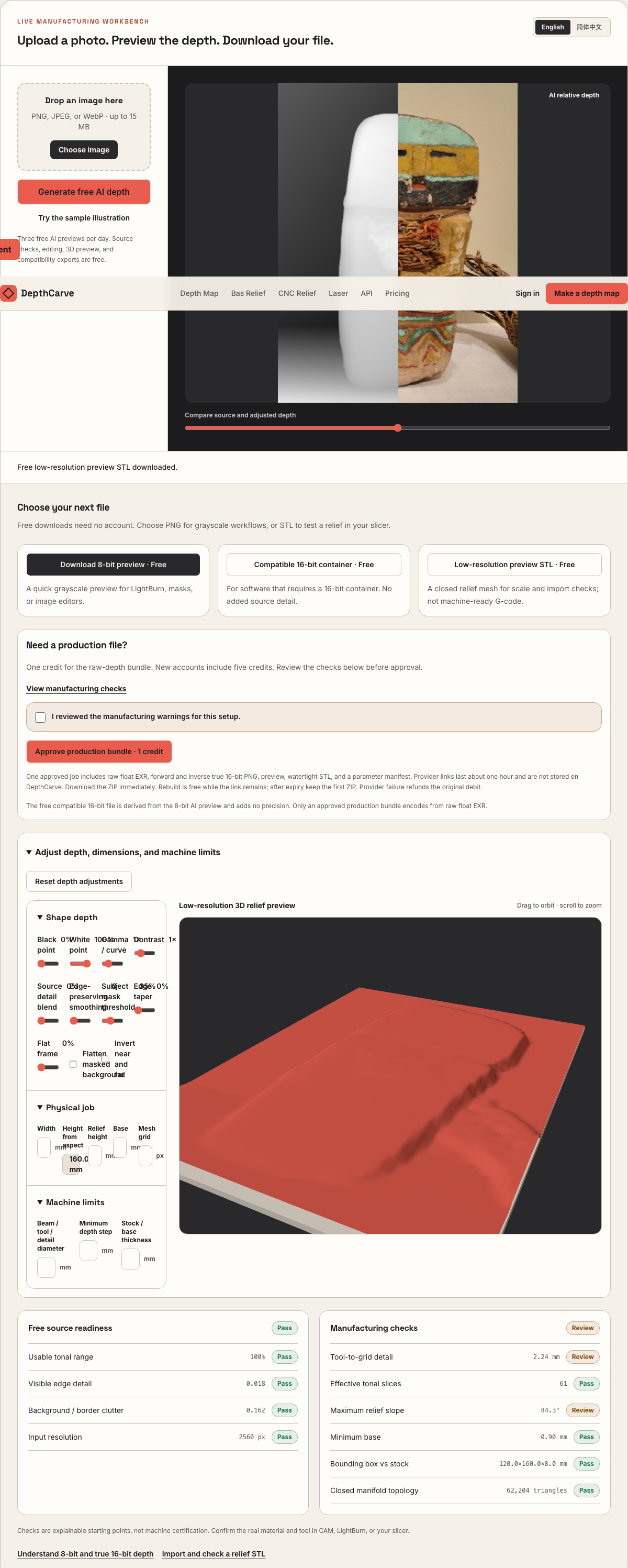
Three free AI previews per day. Source checks, editing, 3D preview, and compatibility exports are free.
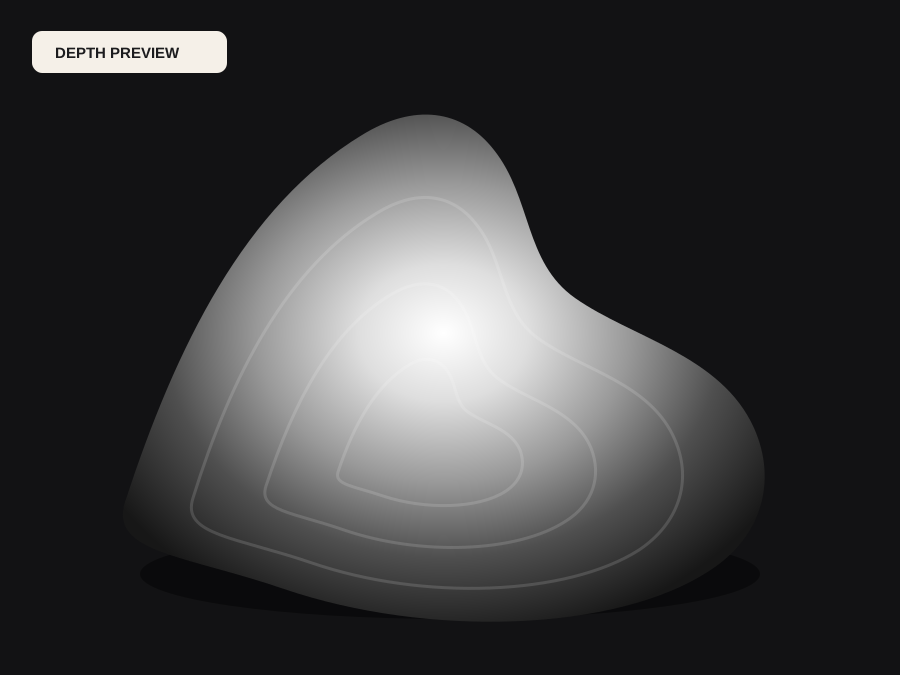
What happens to an ordinary photo (no login required):
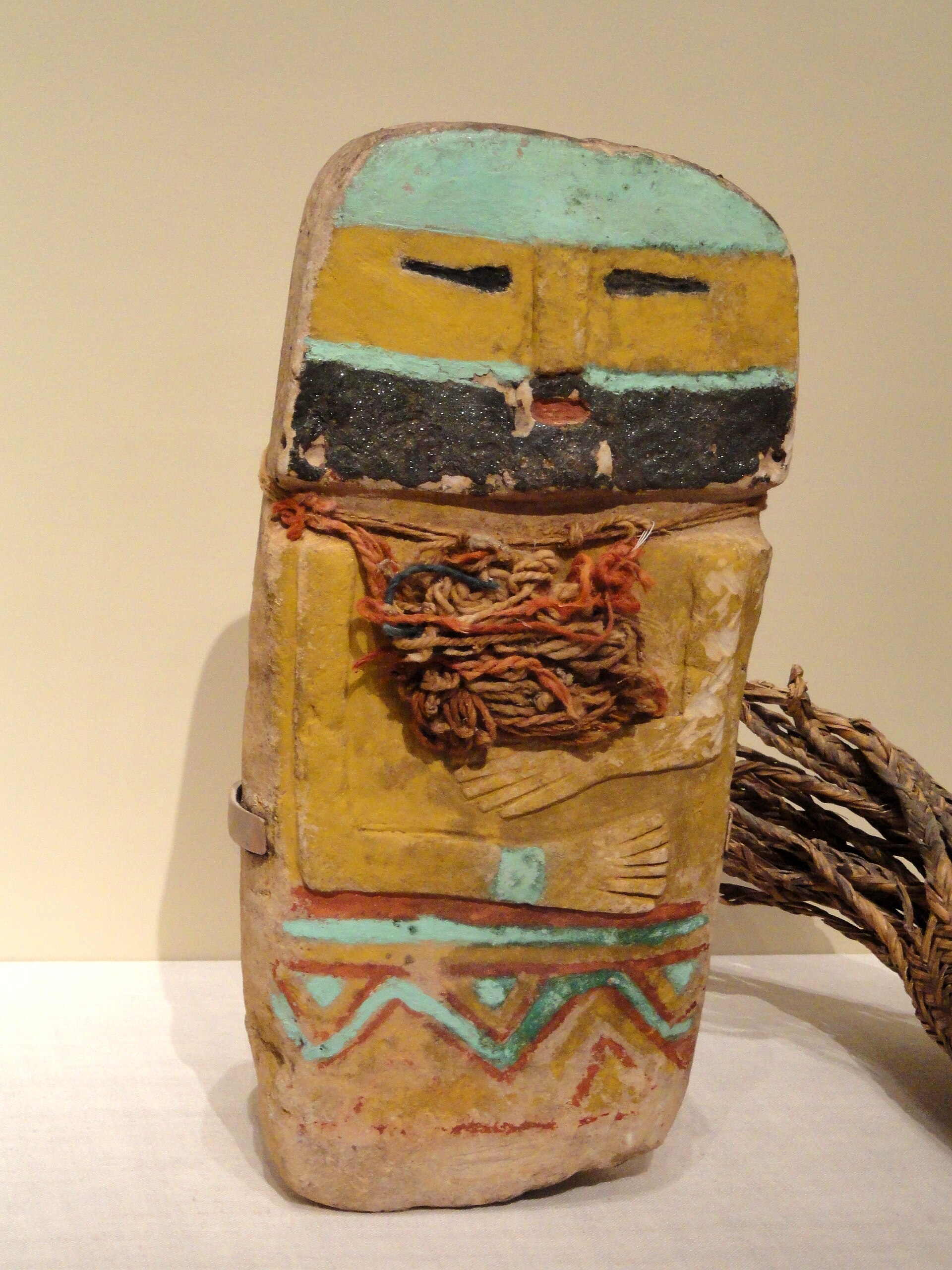
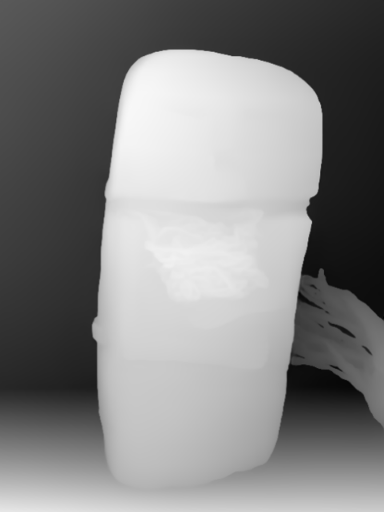
Camera shadows get separated from true 3D height—ready for CNC ball-nose finishing, LightBurn 3D Sliced laser, or resin/FDM printing.
Choose a source image to begin.
Free browser shop calculator · zero server cost
Check whether your planned cutter radius, finishing stepover, pixel width, and Z pass depth match the blank before generating a relief or importing into VCarve, Aspire, Carveco, or LightBurn.
Load a starting shop profile
Stepover & scallop height
0.15 mm · 3.8 µm
Flat-plane ball-nose cusp & finishing line count: 1,200 lines (R=0.75 mm)
Bit radius vs pixel pitch
8.5 px / R · Cutter-filtered
0.088 mm/px · min feature 1.50 mm. Multiple pixels sit inside one ball-nose radius; micro-details narrower than tool diameter are filtered physically.
Carving passes & backing stock
3 passes · 1.67 mm
Backing ≥ 1.5 mm (7.0 mm left)
8-bit vs true 16-bit Z step
19.6 µm vs 0.08 µm
High 8-bit terrace risk · 65 steps across 25% ramp (~1.41 mm terraces)
8-bit: 65 ramp levels · True 16-bit: 16,385 ramp levels
8-bit preview / compatibility PNG (256 max levels)
Discrete Z plateaus appear across gentle cheeks, backgrounds, and >256-slice Galvo jobs. Repackaging an 8-bit preview into a 16-bit container keeps the same 256 steps.
True 16-bit raw-float export (65,536 levels · 1 credit)
Encoded directly from MoGe2 raw float EXR in the Production ZIP alongside an inverse 16-bit PNG and watertight STL—keeping Z steps well below cutter scallop height.
Geometric screening only. This estimator never generates G-code, spindle speeds, feed rates, or laser power settings—always simulate in CAM and cut scrap first.
Real work, real failure cost
The useful product is not the model call. It is the review loop that catches a reversed field, a noisy border, or an impossible relief before the next tool turns that mistake into wasted time.
01
Import a closed STL solid with unambiguous XYZ bounds instead of scaling unitless grayscale bitmaps.
02
Slice vertical or angled relief plaques that pass manifold checks without non-manifold naked edges.
03
Create shallow positive relief masters without vertical undercuts that lock silicone or sand molds.
01
In a real room, a person's nose sits three centimeters ahead of their cheekbones while the wall behind them sits two meters away. If you scale true metric distance linearly into a 6 mm plaque, 98% of your Z-budget goes to the empty air between the shoulders and the wall, squashing the entire face into a tenth of a millimeter.
Bas-relief works by non-linearly compressing background separation while preserving local surface gradients across eyes, drapery, fur, and trim. DepthCarve lets you pull the black point up to flatten distant clutter onto the base plane and shape the remaining foreground curve so every millimeter of Z-travel carries visible detail.
02
Many displacement scripts write a single-sided triangle grid with naked boundary edges. Resin slicers flag those meshes as non-manifold shells, FDM slicers invent unpredictable infill pillars underneath, and CAM packages can let a ball-nose cutter roll off the perimeter straight toward the spoilboard.
Every relief mesh built here—both the free low-resolution preview STL and the denser production STL—stitches the displaced top grid to four watertight side walls and a planar bottom face at Z = 0. Your total bounding-box thickness equals your chosen base thickness plus your chosen relief height.
03
A two-million-triangle STL exported from a blurry phone snapshot does not carve cleaner than a well-matched grid; it simply stalls viewport rotation and slows 3D toolpath projection. Conversely, an overly coarse grid turns curved cheeks and circular rims into visible flat facets.
Check pixel pitch against cutter radius in the estimator below, inspect the free preview STL inside your actual CAM or slicer viewport for scale and orientation, and then use one credit when you want the denser production STL built directly from raw floating-point depth.
04
A height-field relief has exactly one Z-elevation per XY coordinate. That guarantees zero overhangs on a 3-axis router bed and easy demolding from silicone rubber, but it also means the mesh cannot wrap behind ears, under chins, or around the back of a statue.
Treat the output as a single-sided architectural plaque, medallion insert, or printable relief tile. When a project requires full 360-degree sculpture in the round, use multi-view photogrammetry or digital sculpting instead.
Five bounded stages
Check source contrast, edge detail, border clutter, and resolution before an AI call is trusted.
Adjust the subject mask, background, curve, detail, smoothing, taper, frame, and real dimensions for free.
Compare beam or tool size, tonal slices, slope, base, manifold topology, and bounding box with the real setup.
Approve one successful production job only after the free 2D and 3D previews earn acceptance.
Download one verified ZIP and inspect it in LightBurn, CAM, or a slicer before committing production material.
Choose by next action
| Output | Use it for | It does not guarantee | Cost |
|---|---|---|---|
| 8-bit PNG | Preview, mask, laser and compositing tests | Physical scale or machine settings | Free |
| Compatible 16-bit PNG | Compatibility with grayscale depth workflows | Additional source precision | Free |
| Preview STL | Low-cost scale and import checks | Printability, tool reach, or safe G-code | Free |
| Production job bundle | Raw EXR, true 16-bit pair, STL, preview and manifest | Hidden surfaces or certified metric truth | 1 credit |
Straight answers
Yes. Both the free preview STL and the 1-credit production STL close the top height field with four perimeter walls and a flat bottom face, forming a watertight solid with explicit millimeter dimensions.
The free preview STL downsamples intentionally so you can test import scale, XYZ orientation, and gross relief depth in seconds without logging in. Approving a 1-credit production bundle builds a denser mesh from raw float depth alongside 16-bit PNGs, EXR, and a validation manifest.
Because a heightfield assigns one Z height per XY point, it contains no negative-draft undercuts. However, steep vertical walls can still rub a tapered tool flute or exceed ball-nose reach, so always check wall slope and simulate your toolpath before cutting.
Yes. Drop either the preview STL or the production STL into DepthCarve's local browser STL Viewer to verify triangle count, manifold closure, and exact XYZ millimeter dimensions.
Inspect bounding box, triangle count, and shading in your browser.
Plan tapered ball-nose stepover and hardwood blank thickness.
Compare silhouette extrusion, full 3D reconstruction, and relief meshes.
Understand grid sampling, wall stitching, and manifold verification.
Preview the idea free. Pay 1 credit for production output.
Start without an account—3 free AI previews per day. Unlock raw EXR, true 16-bit PNG heightmaps, and watertight STL with the $12 Maker Pack (30 credits) or $39 Shop Pack (150 credits).