Stepover & scallop height
0.040 mm · 0.8 µm
Flat-plane ball-nose cusp & finishing line count: 1,875 lines (R=0.25 mm)
Custom Challenge Coins & Metal Dies
Engraving a 40 mm brass challenge coin or silver commemorative medallion compresses an entire portrait, mascot, or unit crest into less than one millimeter of Z-depth. Isolate the emblem onto a clean coin field, taper harsh perimeter drops, and export matched cameo and intaglio 16-bit maps.
Three free AI previews per day · no account to try · 1 credit unlocks raw EXR, true 16-bit PNGs & STL ($12 / 30 credits)
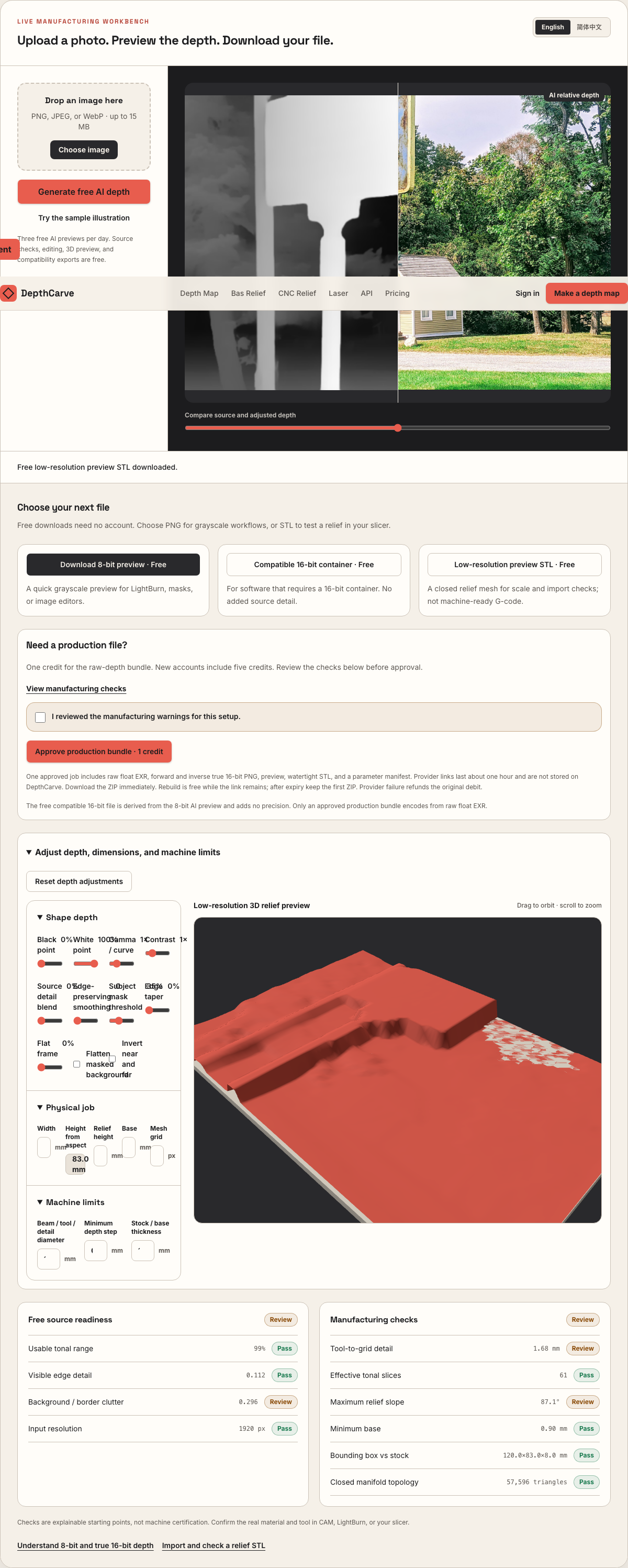
Live manufacturing workbench
Three free AI previews per day. Source checks, editing, 3D preview, and compatibility exports are free.
What happens to an ordinary photo (no login required):
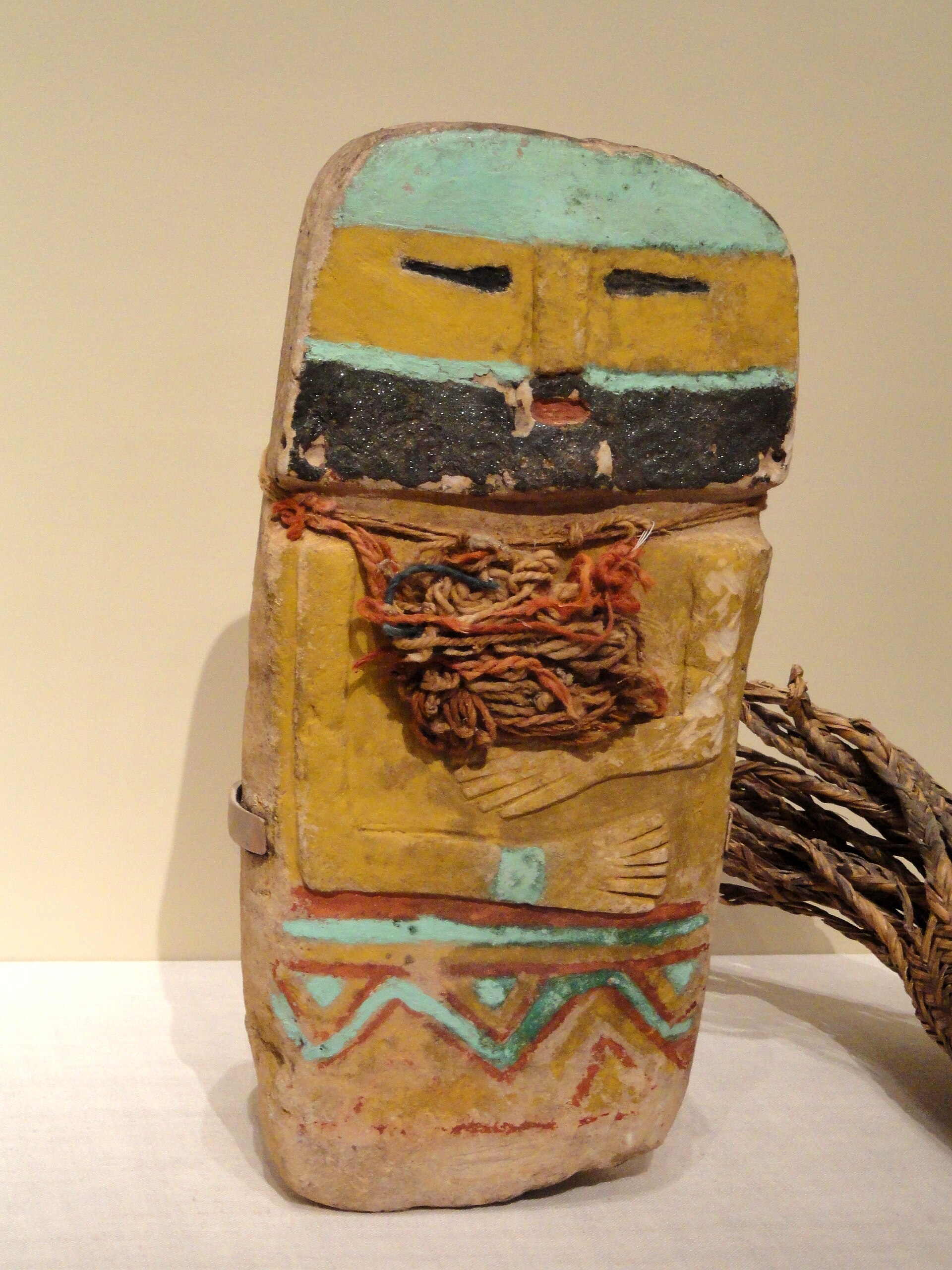
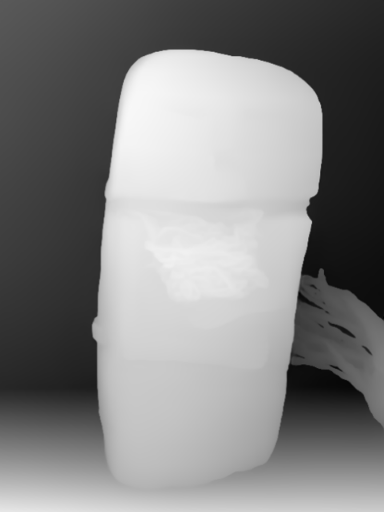
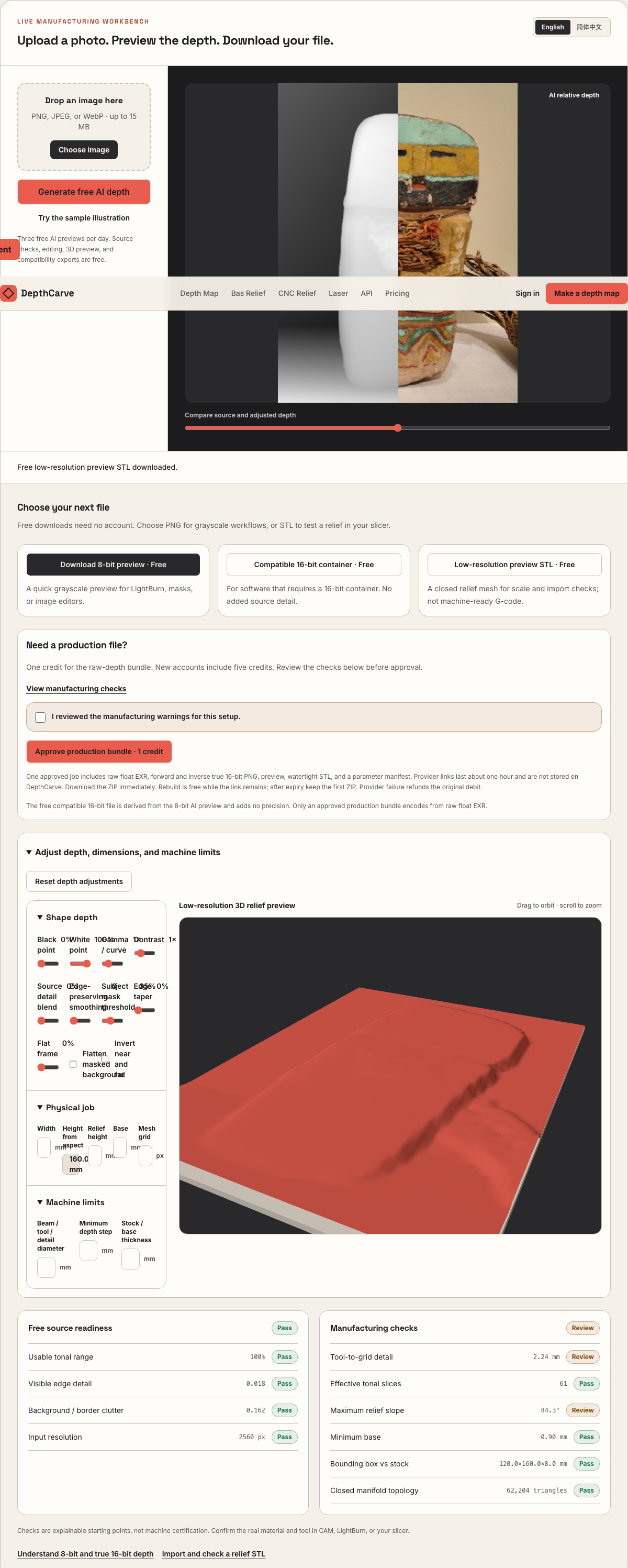
Camera shadows get separated from true 3D height—ready for CNC ball-nose finishing, LightBurn 3D Sliced laser, or resin/FDM printing.
Choose a source image to begin.
Free browser shop calculator · zero server cost
Check whether your planned cutter radius, finishing stepover, pixel width, and Z pass depth match the blank before generating a relief or importing into VCarve, Aspire, Carveco, or LightBurn.
Load a starting shop profile
Stepover & scallop height
0.040 mm · 0.8 µm
Flat-plane ball-nose cusp & finishing line count: 1,875 lines (R=0.25 mm)
Bit radius vs pixel pitch
6.8 px / R · Cutter-filtered
0.037 mm/px · min feature 0.50 mm. Multiple pixels sit inside one ball-nose radius; micro-details narrower than tool diameter are filtered physically.
Carving passes & backing stock
4 passes · 0.55 mm
Backing ≥ 1.5 mm (2.8 mm left)
8-bit vs true 16-bit Z step
8.6 µm vs 0.03 µm
Moderate terrace risk · 57 steps across 22% ramp (~0.67 mm terraces)
8-bit: 57 ramp levels · True 16-bit: 14,419 ramp levels
8-bit preview / compatibility PNG (256 max levels)
Discrete Z plateaus appear across gentle cheeks, backgrounds, and >256-slice Galvo jobs. Repackaging an 8-bit preview into a 16-bit container keeps the same 256 steps.
True 16-bit raw-float export (65,536 levels · 1 credit)
Encoded directly from MoGe2 raw float EXR in the Production ZIP alongside an inverse 16-bit PNG and watertight STL—keeping Z steps well below cutter scallop height.
Geometric screening only. This estimator never generates G-code, spindle speeds, feed rates, or laser power settings—always simulate in CAM and cut scrap first.
Portrait / Crest -> Brass Coin Blank
On a 40 mm × 3 mm solid brass blank, background photo gradients bow the coin field into a dish and steal depth from facial features or heraldic wings. Masking and flattening the field locks 100% of your slice budget onto the raised motif.
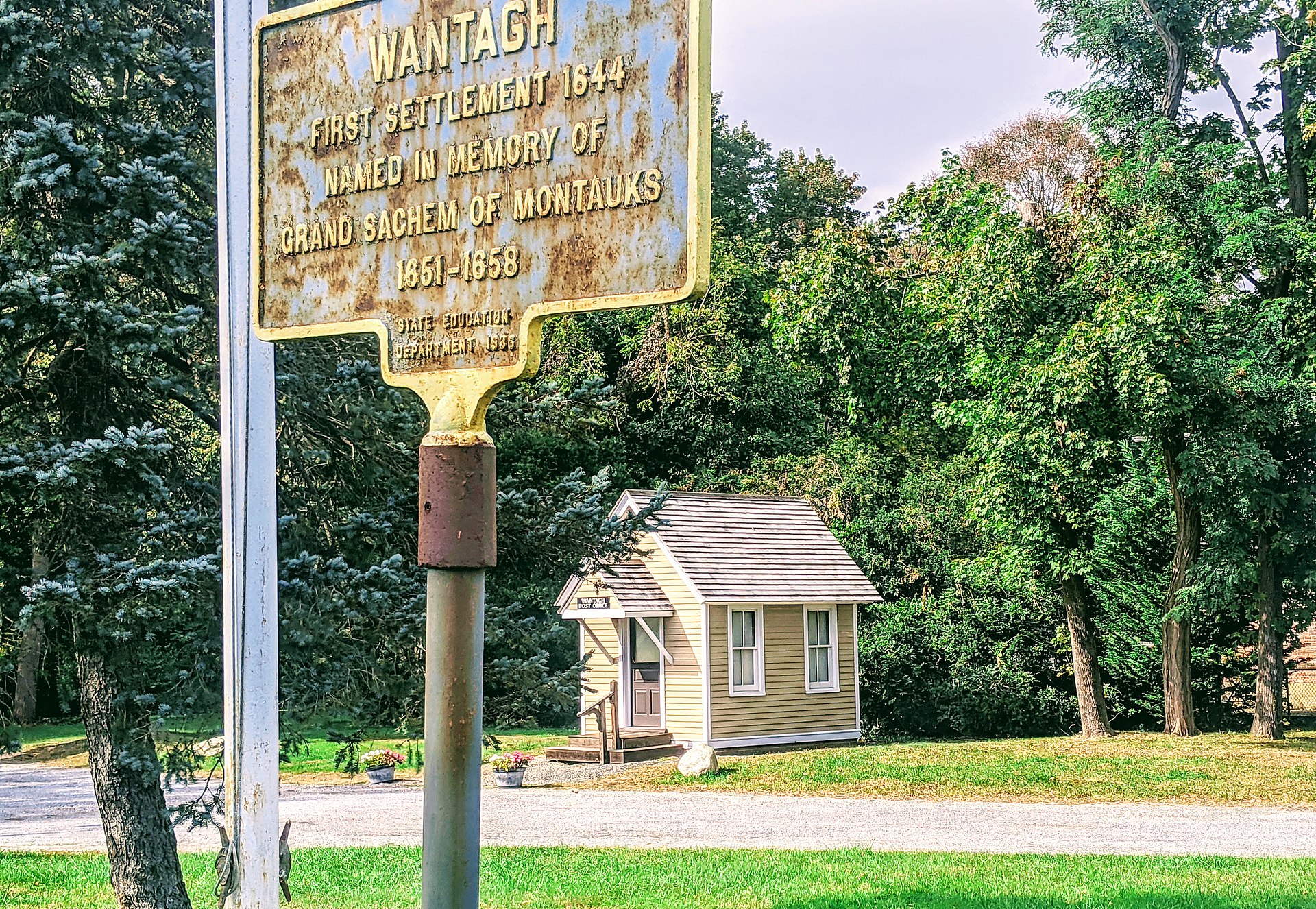
Lighting gradients across the background force galvo lasers to ablate uneven bowls instead of leaving a crisp flat coin table.
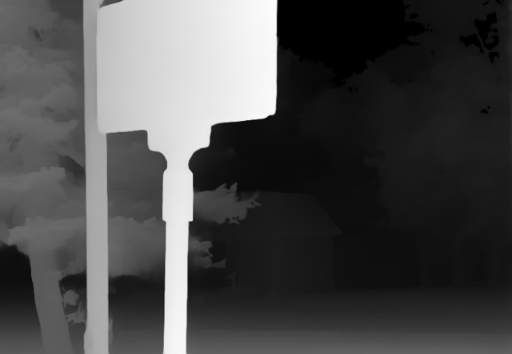
True 16-bit forward and inverse PNGs give LightBurn Galvo and EzCad3 smooth 250–350 pass elevation ramps without terraced cheek rings.
Inspect rim clearance and relief slope in 3D before engraving $6–$15 solid C36000 brass, bronze, copper, or .999 silver blanks.
Real work, real failure cost
The useful product is not the model call. It is the review loop that catches a reversed field, a noisy border, or an impossible relief before the next tool turns that mistake into wasted time.
01
Turn military, fire/rescue, corporate, and club portraits or mascots into 300-slice MOPA fiber depth maps in minutes instead of outsourcing sculpting.
02
Prepare 20–32 mm sterling silver pendants, signet inserts, and commemorative rounds using tight F=100 mm or F=160 mm galvo lenses.
03
Export both positive master reliefs and exact inverse cavity maps for steel coining dies, Delrin/brass leather stamps, and lost-wax casting.
01
A wooden wall plaque gives you 6 mm to 10 mm of relief height; a standard 40 mm × 3.0 mm brass challenge coin engraved on both faces typically budgets 0.45 mm to 0.90 mm per side inside a protective raised rim. If distant shoulders or room backgrounds consume half of that Z-window, eyes, stars, Epaulettes, and collar insignia shrink below 40 microns and vanish during brass-brush cleanup.
In DepthCarve, pull the black point and subject mask threshold up until the coin table behind the subject reads completely flat, then apply subtle gamma compression so mid-height facial planes and foreground insignia share crisp, tactile separation.
| Blank & process | Optics / cutter | Outer diameter | Target relief depth | Pass / stepover strategy |
|---|---|---|---|---|
| C360 / H62 brass challenge coin (60W–100W MOPA) | F=160 mm lens (~0.04 mm spot) | 40–45 mm (3 mm thick) | 0.55–0.90 mm | 240–320 3D slices + high-kHz cleanup pass |
| Heavy bronze / copper medal (80W–100W fiber) | F=160 mm lens, rotated scan angle | 50 mm (4 mm thick) | 0.80–1.25 mm | 280–360 slices + antique patina & high-spot buff |
| Sterling silver pendant / signet (30W–60W fiber) | F=100 mm tight-field lens | 22–30 mm (2 mm thick) | 0.30–0.55 mm | 180–260 fine slices + light polishing pass |
| Rotary CNC brass / wax master or stamp die | 0.25–0.50 mm tapered ball-nose | 35–50 mm | 0.60–1.40 mm | 6%–8% stepover on 16-bit PNG or production STL |
Always clamp blanks in a self-centering 3-jaw coin vise, run active fume extraction (especially on leaded C360 brass), and calibrate slice settings on a test blank.
02
Unit mottos, dates, and serial numbers around the outer ring of a challenge coin look sharpest when kept as clean vector paths in LightBurn or Illustrator rather than baked into a low-contrast photograph. Use DepthCarve for what vectors cannot draw—the 3D portrait, eagle, skull, badge, vehicle, or architectural centerpiece—and composite your crisp vector rim and lettering around the exported 16-bit heightmap inside LightBurn or Aspire.
Enabling Edge Taper or a narrow Flat Frame in the workbench ensures your central 3D relief blends smoothly down to the coin floor without colliding abruptly into the inner border ring.
03
Direct laser coin engraving ablates the recessed field away so the portrait stands proud in positive cameo relief. Machining a steel coining die, wax seal stamp, or brass leather embossing stamp requires the exact mirror-depth negative cavity (plus horizontal flip in CAM or LightBurn so stamped impressions read left-to-right).
Because every 1-credit production ZIP delivers both `depth-16bit.png` and `depth-inverse-16bit.png` encoded directly from raw float depth—plus raw EXR and a closed STL solid—you never lose 16-bit precision flipping between positive coin proofs and negative dies.
04
Commissioning a freelance 3D relief artist for a single one-off retirement or memorial challenge coin commonly costs $35 to $80 and adds a two-day turnaround before the customer even sees a proof. With DepthCarve, you generate up to three AI previews free per day to mock up the 3D coin face during quoting.
Once the customer approves the proof, converting that image into a verified raw-float 16-bit + STL production bundle costs 1 credit—just $0.40 on the $12 Maker pack or even less on Shop and Workshop plans.
Five bounded stages
Check source contrast, edge detail, border clutter, and resolution before an AI call is trusted.
Adjust the subject mask, background, curve, detail, smoothing, taper, frame, and real dimensions for free.
Compare beam or tool size, tonal slices, slope, base, manifold topology, and bounding box with the real setup.
Approve one successful production job only after the free 2D and 3D previews earn acceptance.
Download one verified ZIP and inspect it in LightBurn, CAM, or a slicer before committing production material.
Choose by next action
| Output | Use it for | It does not guarantee | Cost |
|---|---|---|---|
| 8-bit PNG | Preview, mask, laser and compositing tests | Physical scale or machine settings | Free |
| Compatible 16-bit PNG | Compatibility with grayscale depth workflows | Additional source precision | Free |
| Preview STL | Low-cost scale and import checks | Printability, tool reach, or safe G-code | Free |
| Production job bundle | Raw EXR, true 16-bit pair, STL, preview and manifest | Hidden surfaces or certified metric truth | 1 credit |
Straight answers
Most coin shops prefer F=160 mm (roughly 110×110 mm scan field) or F=100 mm (70×70 mm field) for 40–50 mm coins. Shorter focal lengths produce a smaller laser spot and tighter depth of focus than F=254 mm, preserving fine facial detail and crisp lettering walls.
Rotate the scan angle between passes in LightBurn 3D Sliced mode so trench lines never stack in one direction, and follow the deep ablation job with a dedicated high-frequency, low-power surface cleanup pass before brass-brushing and applying darkening patina.
Yes. Desktop precision mills (such as Carvera, Nomad, or Pocket NC) and Vectric/Carveco rotary setups can import either the watertight production STL or the 16-bit PNG heightmap directly.
Evenly lit front or three-quarter portraits, clean emblem illustrations without heavy drop shadows, and subjects cropped tightly to the bust or crest convert cleanest. Always check the free 3D preview before spending a credit.
Additional numismatic rim, cameo polarity, and micro-cutter guidance.
Compare MOPA fiber 3D Sliced settings against CO2 grayscale workflows.
See why 65,536 float-derived steps eliminate concentric coin rings.
Start at $12 for 30 production bundles ($0.40 per coin design).
Preview the idea free. Pay 1 credit for production output.
Start without an account—3 free AI previews per day. Unlock raw EXR, true 16-bit PNG heightmaps, and watertight STL with the $12 Maker Pack (30 credits) or $39 Shop Pack (150 credits).