Stepover & scallop height
0.15 mm · 3.8 µm
Flat-plane ball-nose cusp & finishing line count: 1,200 lines (R=0.75 mm)
Vectric Aspire, Carveco & Router Reliefs
Raw camera brightness turns dark eyebrows into valleys and sunlit walls into peaks. Estimate relative scene depth first, quiet the background, check ball-nose stepover against pixel pitch, and pay only when the relief preview holds up.
Three free AI previews per day · no account to try · 1 credit unlocks raw EXR, true 16-bit PNGs & STL ($12 / 30 credits)
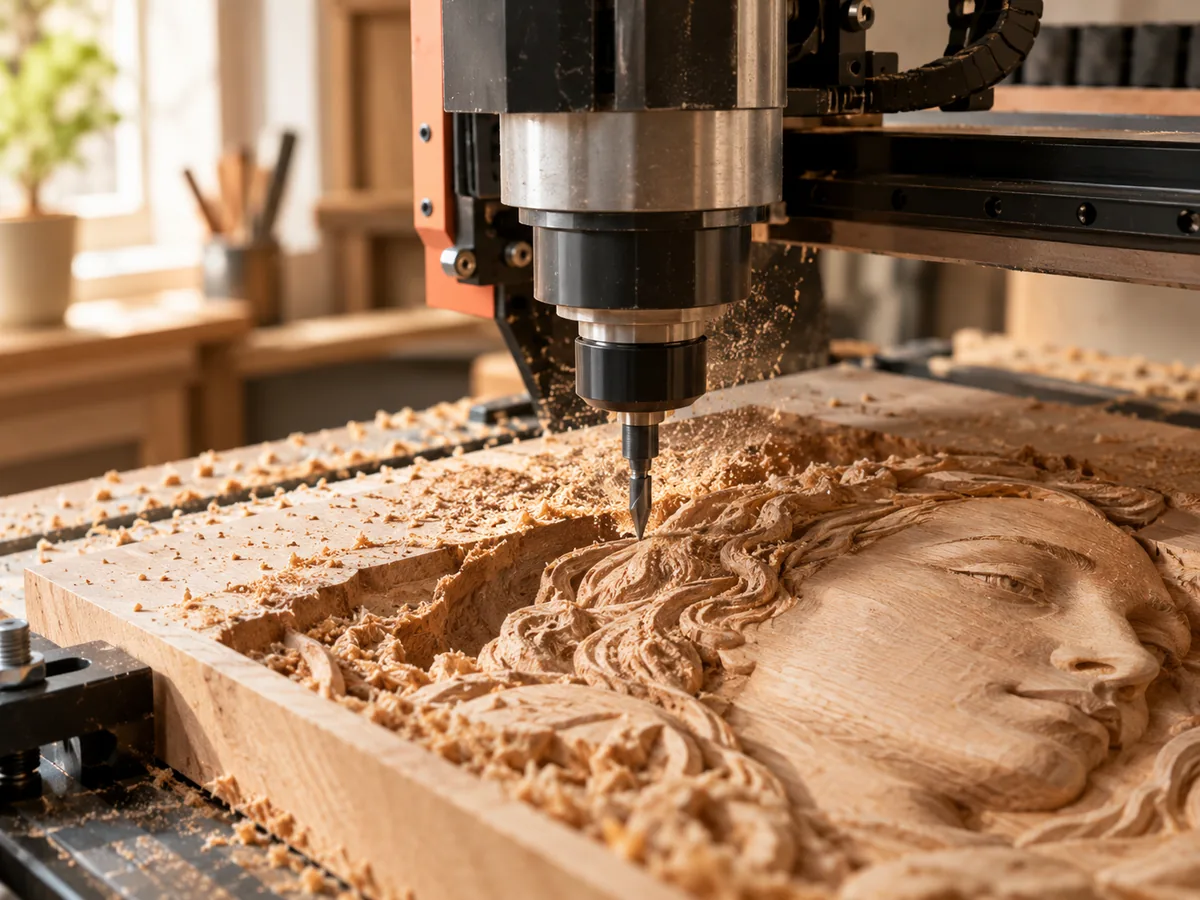
Live manufacturing workbench
Three free AI previews per day. Source checks, editing, 3D preview, and compatibility exports are free.
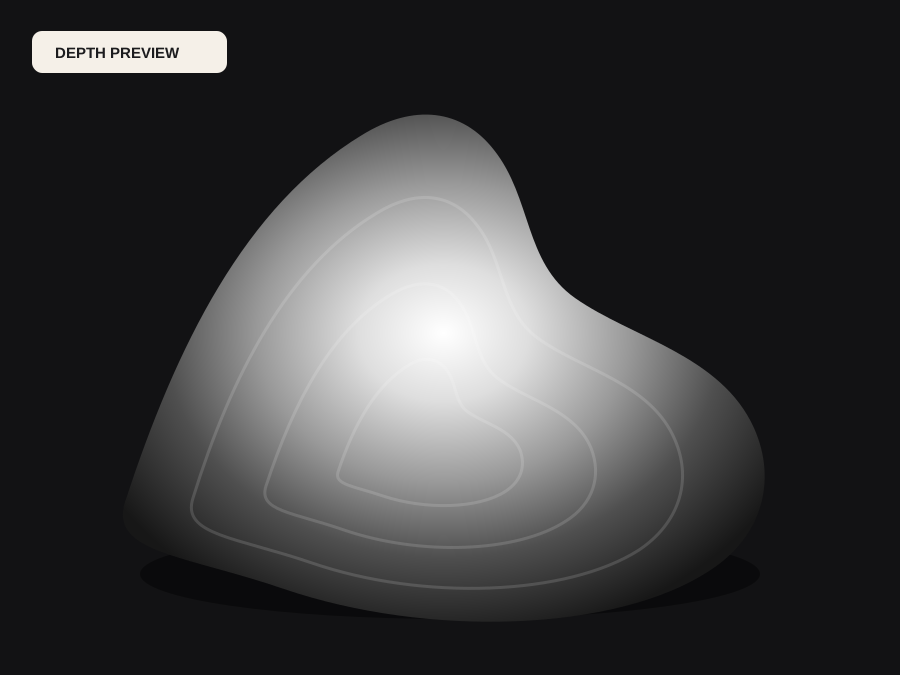
What happens to an ordinary photo (no login required):
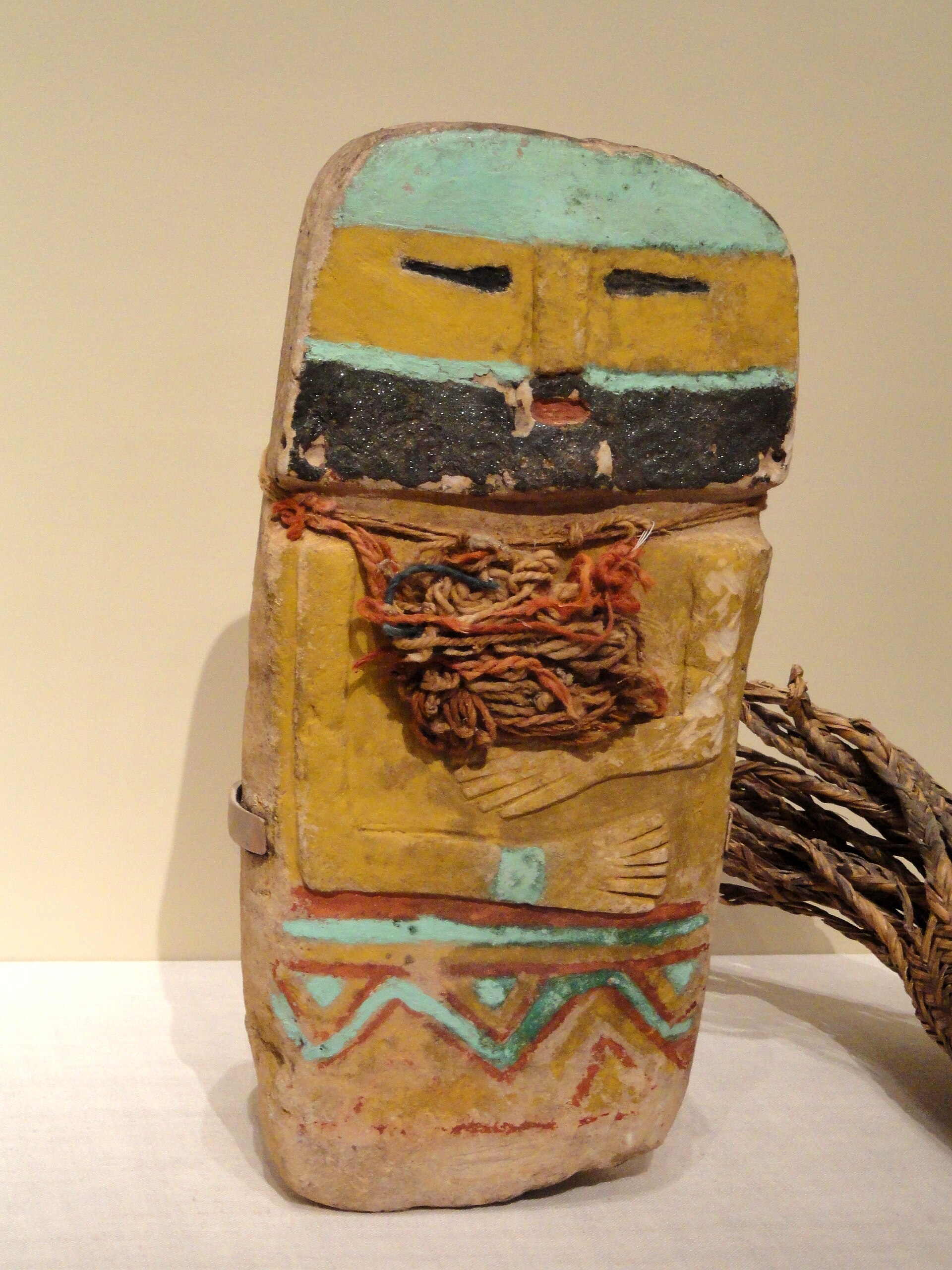
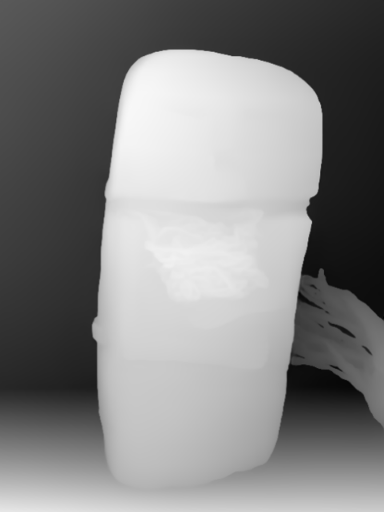
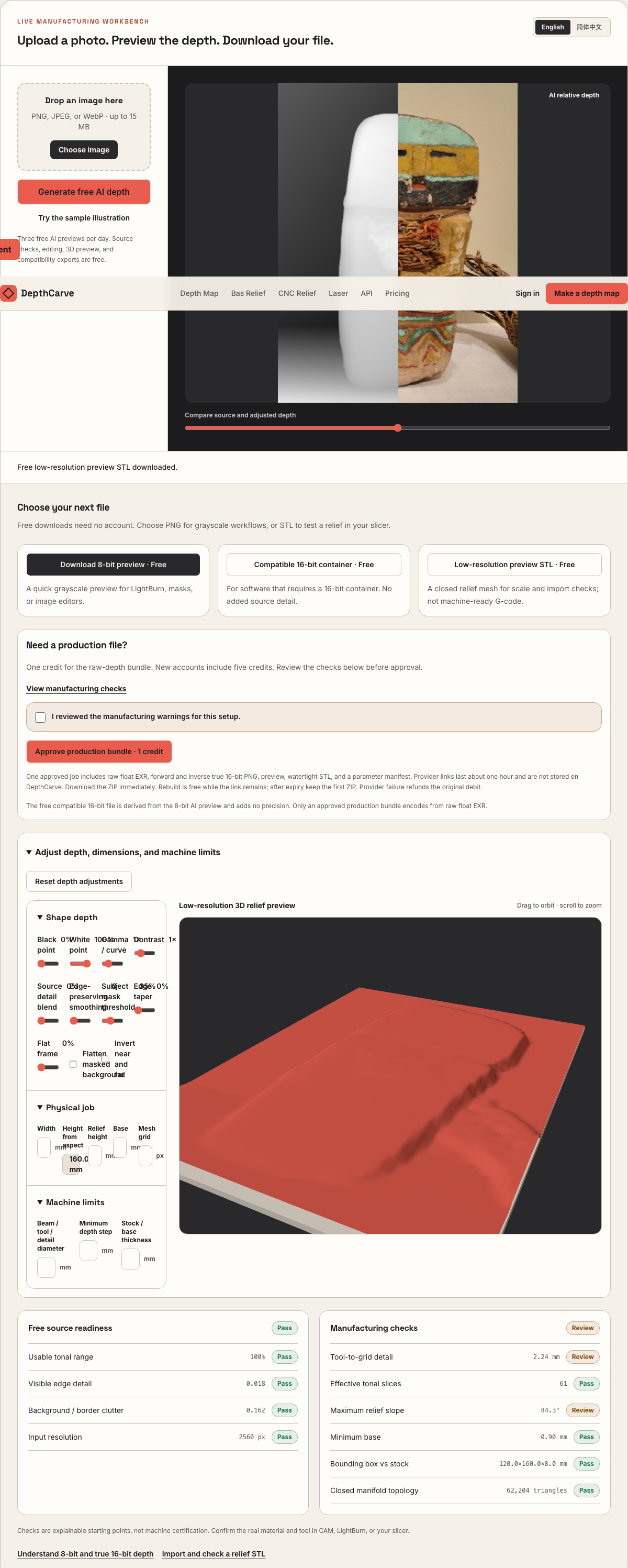
Camera shadows get separated from true 3D height—ready for CNC ball-nose finishing, LightBurn 3D Sliced laser, or resin/FDM printing.
Choose a source image to begin.
Free browser shop calculator · zero server cost
Check whether your planned cutter radius, finishing stepover, pixel width, and Z pass depth match the blank before generating a relief or importing into VCarve, Aspire, Carveco, or LightBurn.
Load a starting shop profile
Stepover & scallop height
0.15 mm · 3.8 µm
Flat-plane ball-nose cusp & finishing line count: 1,200 lines (R=0.75 mm)
Bit radius vs pixel pitch
8.5 px / R · Cutter-filtered
0.088 mm/px · min feature 1.50 mm. Multiple pixels sit inside one ball-nose radius; micro-details narrower than tool diameter are filtered physically.
Carving passes & backing stock
3 passes · 1.67 mm
Backing ≥ 1.5 mm (7.0 mm left)
8-bit vs true 16-bit Z step
19.6 µm vs 0.08 µm
High 8-bit terrace risk · 65 steps across 25% ramp (~1.41 mm terraces)
8-bit: 65 ramp levels · True 16-bit: 16,385 ramp levels
8-bit preview / compatibility PNG (256 max levels)
Discrete Z plateaus appear across gentle cheeks, backgrounds, and >256-slice Galvo jobs. Repackaging an 8-bit preview into a 16-bit container keeps the same 256 steps.
True 16-bit raw-float export (65,536 levels · 1 credit)
Encoded directly from MoGe2 raw float EXR in the Production ZIP alongside an inverse 16-bit PNG and watertight STL—keeping Z steps well below cutter scallop height.
Geometric screening only. This estimator never generates G-code, spindle speeds, feed rates, or laser power settings—always simulate in CAM and cut scrap first.
Visual Transformation
Importing a raw JPEG directly into Vectric Aspire or Carveco Maker carves dark shadows as deep pockets. Separating relative scene geometry from surface lighting keeps faces, architecture, and trim proud of a quiet background floor.
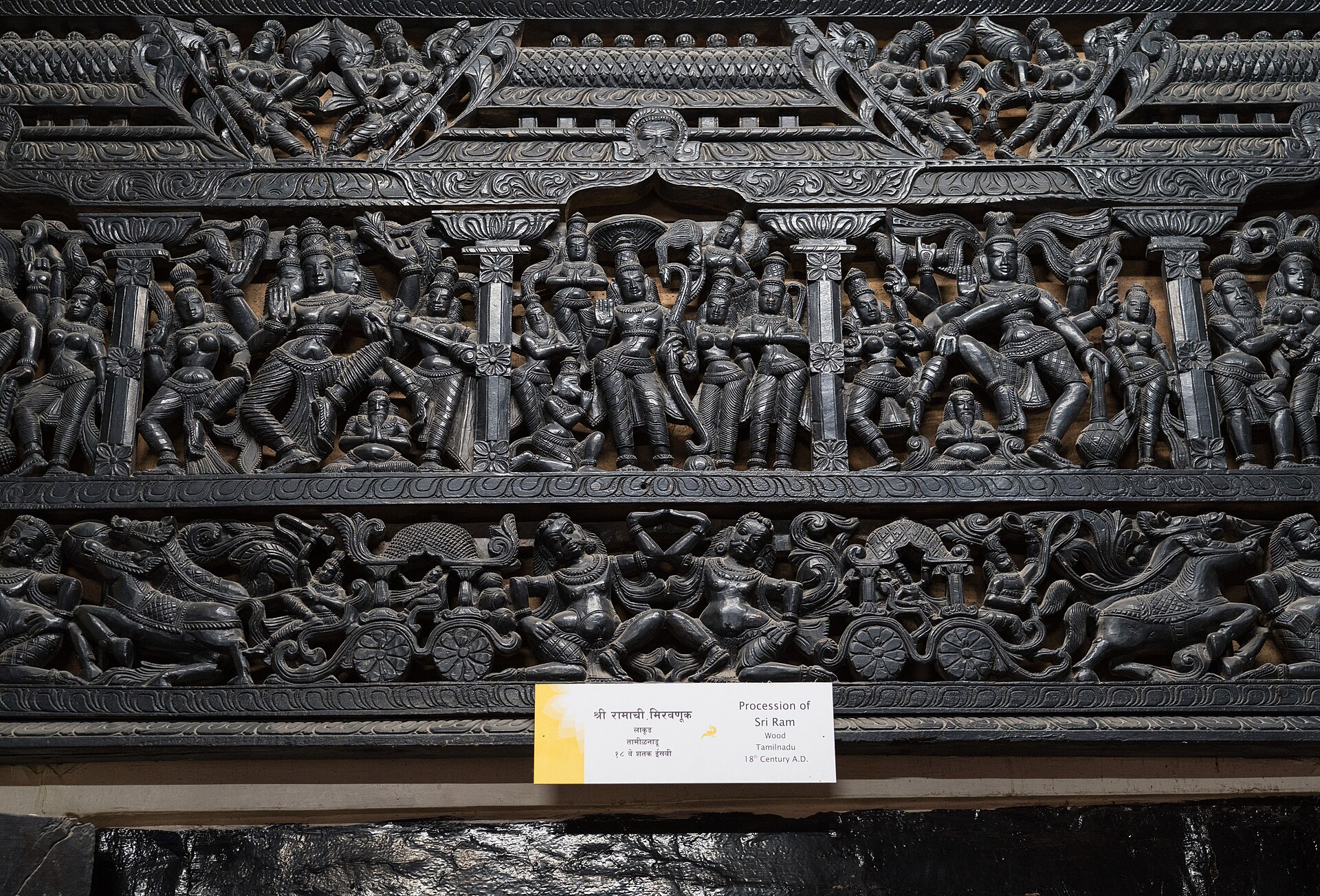
Dark hair, pupils, and cast shadows sit near pixel value 0—causing direct bitmap-to-relief imports to gouge valleys where forms should rise.
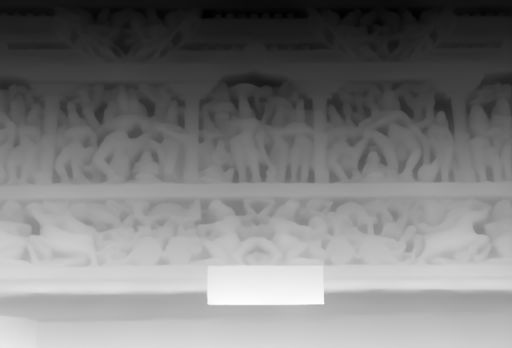
Foreground relief maps cleanly to bright Z-peaks while background clutter clips onto a flat reference plane for Aspire and Carveco component creation.
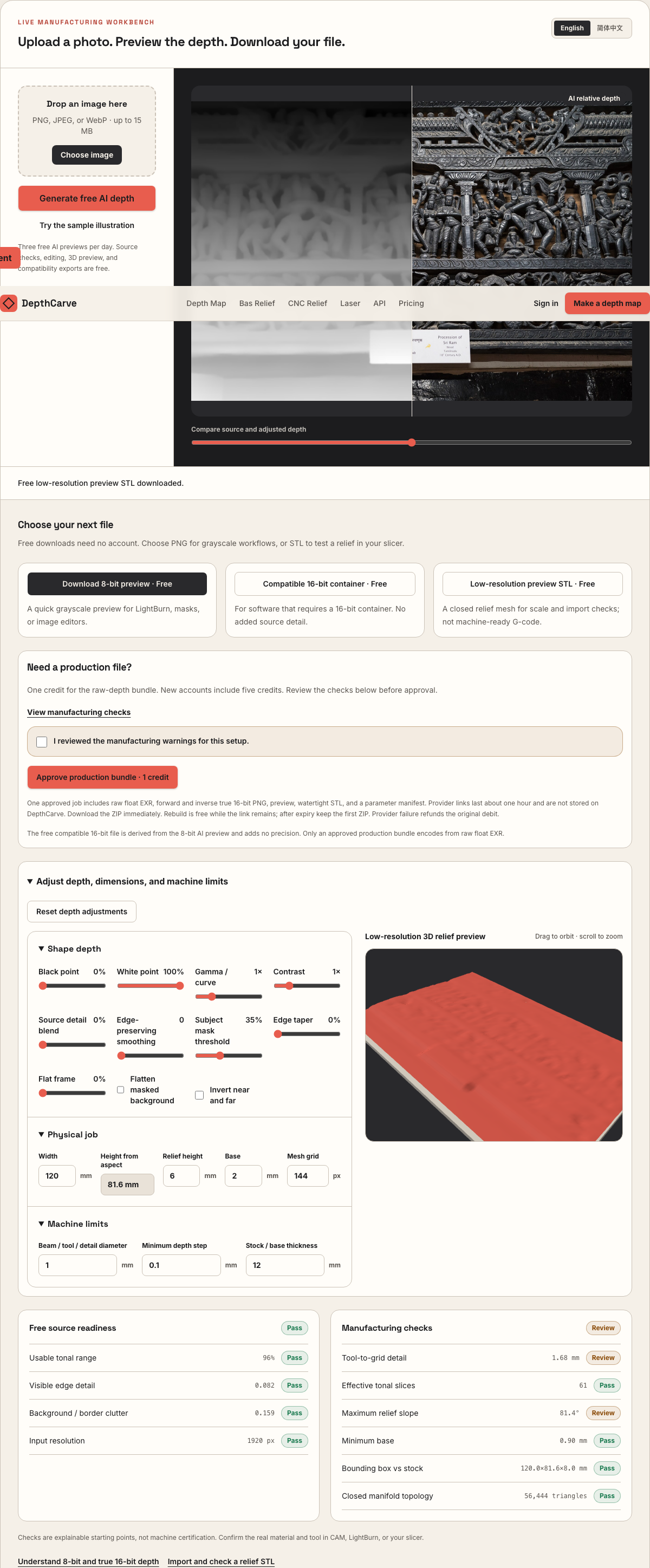
Inspect slope, total Z-depth, and manifold STL walls in browser first; spend 1 credit only when ready for raw EXR, true 16-bit PNGs, and dense STL.
Real work, real failure cost
The useful product is not the model call. It is the review loop that catches a reversed field, a noisy border, or an impossible relief before the next tool turns that mistake into wasted time.
01
Quote customer portrait and building photos without spending two hours sculpting a height field by hand.
02
Prepare shallow decorative relief panels whose background plane meets rails, stiles, or moldings cleanly.
03
Match tapered ball-nose stepover and Z-relief depth to 18 mm–25 mm walnut, cherry, or maple blanks.
01
When you drop an ordinary photograph straight into CAM as a bitmap heightmap, the cutter follows reflected light rather than geometry. Black pupils, dark hair, cast nose shadows, and dark coats plunge deep into the blank, while a bright window or white shirt Sleeve rises above the subject's cheek. Sanding cannot rescue inverted anatomy after a tapered ball-nose bit has already cut three millimeters too deep.
DepthCarve separates that step into two reviewable stages. First, a monocular depth estimator orders foreground and background from visual cues in one picture. Second, shaping sliders let you clip background clutter to a quiet reference floor, compress extreme highlights, and smooth JPEG chatter before you ever generate a finishing toolpath.
02
Shop operators routinely agonize over image megapixel counts while ignoring physical pixel pitch. On a 220 mm wide plaque, a 1600-pixel depth map places one height sample every 0.138 mm. If you finish that plaque with a 2.0 mm tapered ball-nose cutter (1.0 mm radius) at 9% stepover, the cutter advances 0.18 mm per pass and spans more than seven pixels across its contact patch.
Use the Pass Depth & Stepover Estimator below to verify whether your job is cutter-limited or pixel-limited before exporting. In Vectric Aspire and Carveco Maker/Pro, import the true 16-bit forward PNG directly as a relief bitmap layer; in VCarve Desktop or VCarve Pro (where bitmap-to-component creation is omitted), import the watertight production STL into a single-sided 3D job.
| Workpiece class | Finishing cutter | Stepover | Relief Z-depth | CAM import path |
|---|---|---|---|---|
| Hardwood portrait plaque (180–250 mm) | 1.5–2.0 mm tapered ball-nose | 8%–10% | 4.5–7.5 mm (+4 mm base) | 16-bit PNG (Aspire/Carveco) or STL (VCarve) |
| Cabinet rosette / trim insert (80–120 mm) | 0.8–1.0 mm tapered ball-nose | 7%–9% | 2.5–4.5 mm (+3 mm base) | True 16-bit forward PNG + 15% smoothing |
| Architectural wall panel (300–500 mm) | 3.175 mm (1/8 in) ball-nose | 9%–12% | 8.0–14.0 mm (+6 mm base) | 16-bit PNG or raw EXR graded for deep relief |
| HDU / cedar dimensional sign (250–450 mm) | 2.0–3.175 mm ball-nose | 10%–12% | 6.0–12.0 mm (+5 mm base) | Watertight STL combined with vector lettering |
Reference starting envelopes only—confirm spindle RPM, roughing allowance, grain direction, and Z-zero convention in CAM simulation.
03
An 8-bit PNG stores exactly 256 discrete gray levels. Spread across a 7 mm walnut bas-relief, each integer step jumps 27.5 microns in Z. On rough bark or curly grain that step disappears, yet across a smooth forehead, cheek ramp, or cove border, parallel finishing passes trace those quantized shelves as faint contour rings once oil or lacquer hits the wood.
The free browser path gives you an 8-bit PNG, a compatibility 16-bit container, and a coarse preview STL so you can confirm composition, polarity, and blank dimensions at zero cost. Approving one production job re-encodes directly from the raw floating-point depth field into verified true 16-bit forward and inverse PNGs (0.11 microns per step at 7 mm depth) alongside raw EXR and a denser watertight STL.
04
DepthCarve stops at verified geometry and heightmaps; it never outputs G-code, spindle RPM, feed rates, or plunge speeds. Your router rigidity, collet runout, grain direction, hold-down tabs, and roughing clearance belong in Vectric, Carveco, Fusion, or LinuxCNC toolpath simulation.
Always confirm Z-zero convention (top of block vs spoilboard), verify remaining backing wood under the deepest pocket plus roughing skin, and run a small scrap test in the same timber species before committing a customer's glued-up blank.
Five bounded stages
Check source contrast, edge detail, border clutter, and resolution before an AI call is trusted.
Adjust the subject mask, background, curve, detail, smoothing, taper, frame, and real dimensions for free.
Compare beam or tool size, tonal slices, slope, base, manifold topology, and bounding box with the real setup.
Approve one successful production job only after the free 2D and 3D previews earn acceptance.
Download one verified ZIP and inspect it in LightBurn, CAM, or a slicer before committing production material.
Choose by next action
| Output | Use it for | It does not guarantee | Cost |
|---|---|---|---|
| 8-bit PNG | Preview, mask, laser and compositing tests | Physical scale or machine settings | Free |
| Compatible 16-bit PNG | Compatibility with grayscale depth workflows | Additional source precision | Free |
| Preview STL | Low-cost scale and import checks | Printability, tool reach, or safe G-code | Free |
| Production job bundle | Raw EXR, true 16-bit pair, STL, preview and manifest | Hidden surfaces or certified metric truth | 1 credit |
Straight answers
No. DepthCarve exports heightmap images (8-bit preview PNG, true 16-bit forward/inverse PNGs, raw float EXR) and closed STL meshes. You generate roughing and finishing toolpaths inside your own CAM software so cutter geometry, spindle speed, and workholding match your machine.
Most CNC CAM packages treat white (maximum value) as the highest Z peak toward the spindle and black as the deepest recess toward the spoilboard. Both forward and inverse 16-bit PNGs are included in the 1-credit production ZIP so you never lose precision flipping polarity.
A finishing stepover between 8% and 10% of ball diameter is the standard starting range for tight-grained hardwoods like hard maple, cherry, and walnut. Use the interactive stepover estimator on this page to inspect theoretical scallop height in microns for your exact cutter.
Confirmed inference-provider errors or timeouts trigger an automatic idempotent credit return to your ledger. A completed depth estimate whose artistic look you decide not to carve is not a technical failure, which is why three daily AI previews are free first.
Compare 16-bit bitmap component import vs watertight STL import in Vectric.
Focus on closed manifold walls, backing thickness, and mesh grid density.
Verify locally whether a 16-bit heightmap has real histogram precision.
Step-by-step field guide from source crop to scrap-wood test cut.
Preview the idea free. Pay 1 credit for production output.
Start without an account—3 free AI previews per day. Unlock raw EXR, true 16-bit PNG heightmaps, and watertight STL with the $12 Maker Pack (30 credits) or $39 Shop Pack (150 credits).