Stepover & scallop height
0.090 mm · 2.0 µm
Flat-plane ball-nose cusp & finishing line count: 1,556 lines (R=0.50 mm)
Resin & FDM 3D Print Reliefs
Lithophane generators map camera brightness for backlighting—so front-lit opaque PLA, PETG, or grey photopolymer resin prints come out with sunken eyes and raised shadows. Estimate real foreground depth, compress it into tactile bas-relief proportions, and export a watertight manifold STL.
Three free AI previews per day · no account to try · 1 credit unlocks raw EXR, true 16-bit PNGs & STL ($12 / 30 credits)
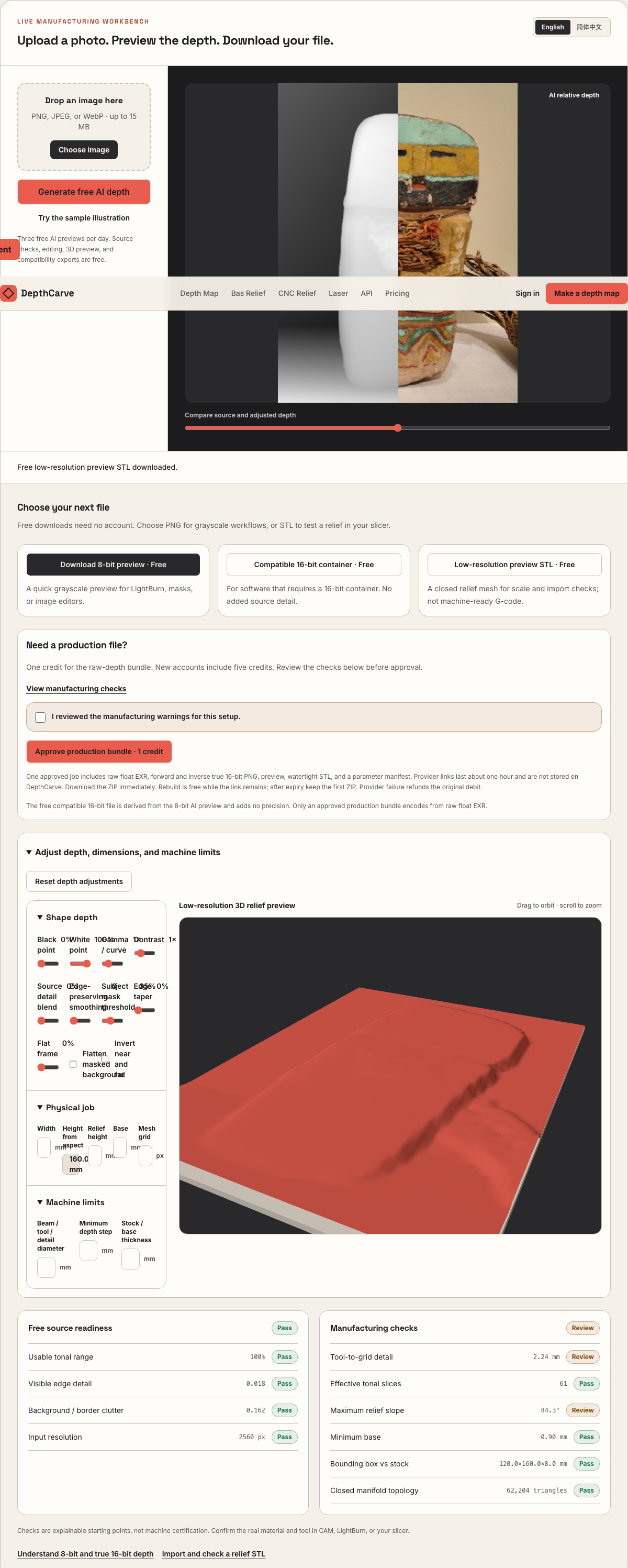
Live manufacturing workbench
Three free AI previews per day. Source checks, editing, 3D preview, and compatibility exports are free.
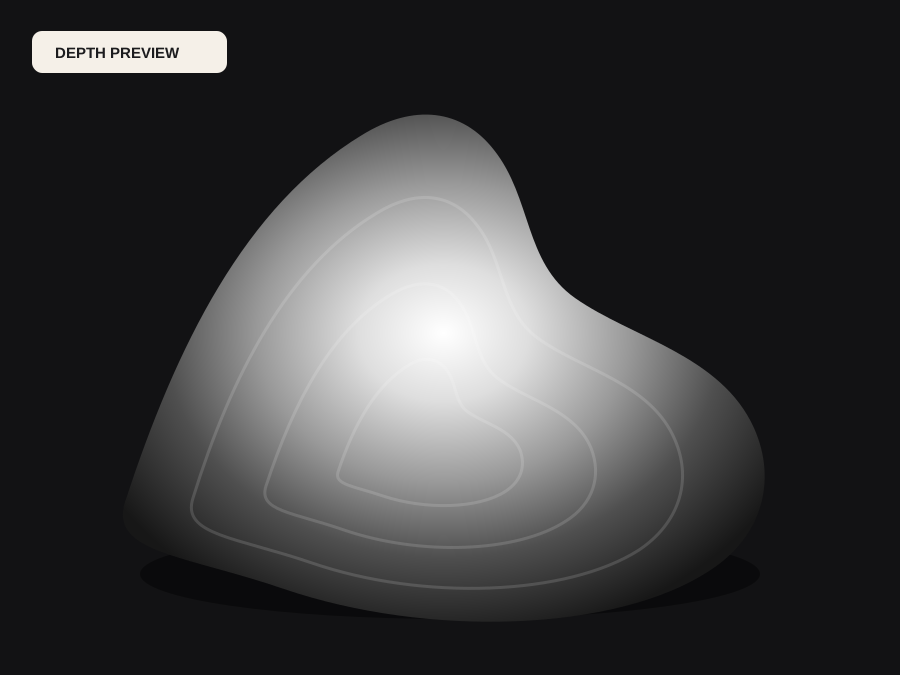
What happens to an ordinary photo (no login required):
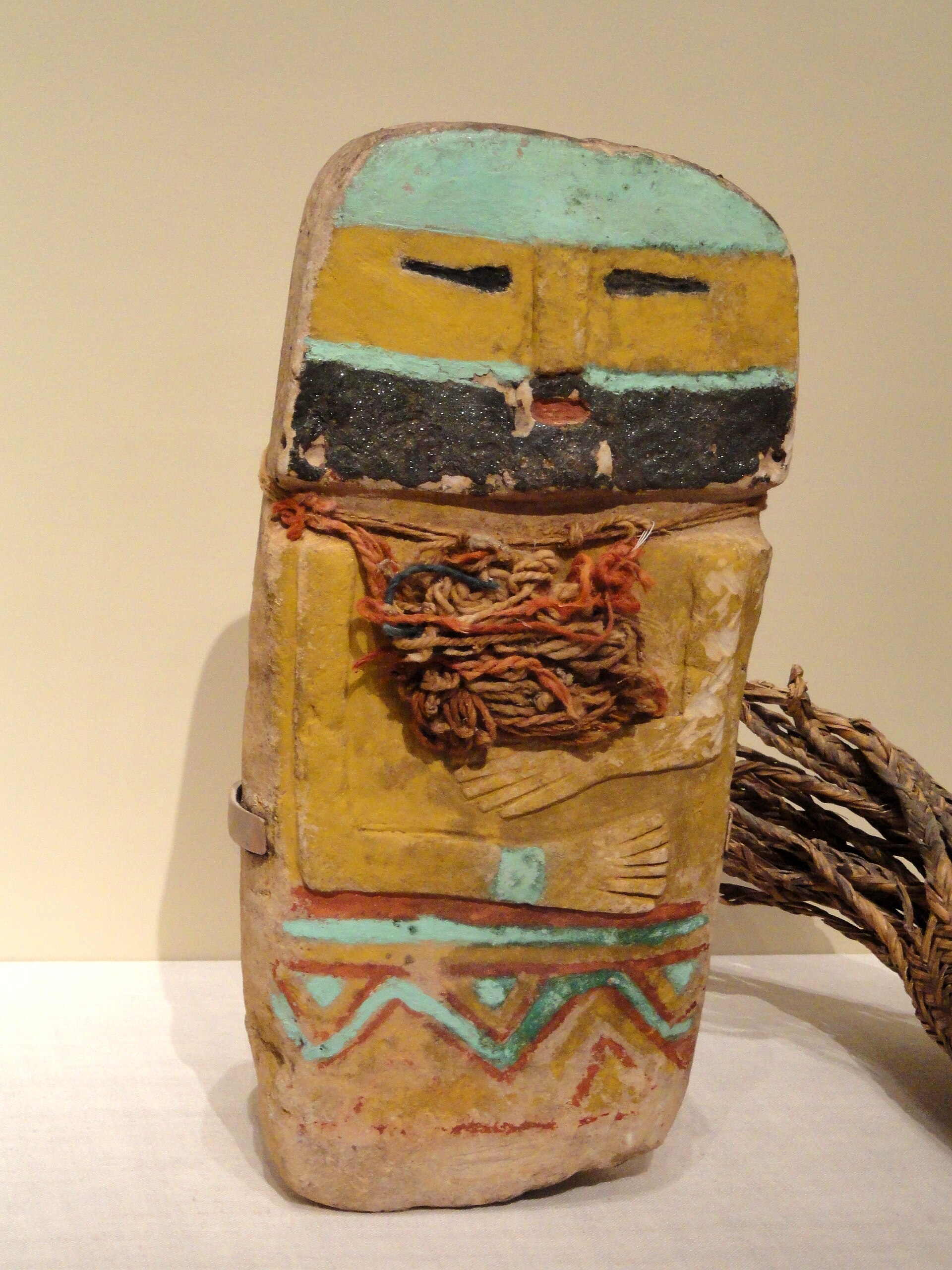
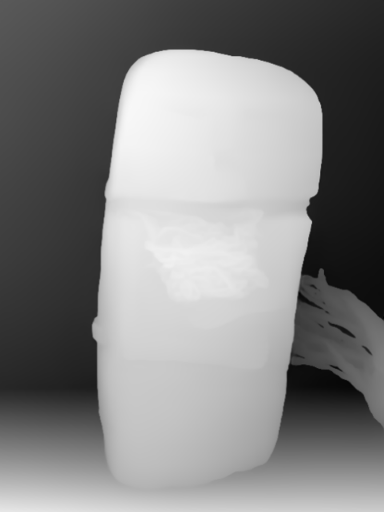
Camera shadows get separated from true 3D height—ready for CNC ball-nose finishing, LightBurn 3D Sliced laser, or resin/FDM printing.
Choose a source image to begin.
Free browser shop calculator · zero server cost
Check whether your planned cutter radius, finishing stepover, pixel width, and Z pass depth match the blank before generating a relief or importing into VCarve, Aspire, Carveco, or LightBurn.
Load a starting shop profile
Stepover & scallop height
0.090 mm · 2.0 µm
Flat-plane ball-nose cusp & finishing line count: 1,556 lines (R=0.50 mm)
Bit radius vs pixel pitch
6.4 px / R · Cutter-filtered
0.078 mm/px · min feature 1.00 mm. Multiple pixels sit inside one ball-nose radius; micro-details narrower than tool diameter are filtered physically.
Carving passes & backing stock
3 passes · 1.50 mm
Backing ≥ 1.5 mm (5.5 mm left)
8-bit vs true 16-bit Z step
17.6 µm vs 0.07 µm
High 8-bit terrace risk · 65 steps across 25% ramp (~1.09 mm terraces)
8-bit: 65 ramp levels · True 16-bit: 16,385 ramp levels
8-bit preview / compatibility PNG (256 max levels)
Discrete Z plateaus appear across gentle cheeks, backgrounds, and >256-slice Galvo jobs. Repackaging an 8-bit preview into a 16-bit container keeps the same 256 steps.
True 16-bit raw-float export (65,536 levels · 1 credit)
Encoded directly from MoGe2 raw float EXR in the Production ZIP alongside an inverse 16-bit PNG and watertight STL—keeping Z steps well below cutter scallop height.
Geometric screening only. This estimator never generates G-code, spindle speeds, feed rates, or laser power settings—always simulate in CAM and cut scrap first.
Photo -> Depth -> Printable Solid
Slicers reject open displacement sheets with naked border edges. DepthCarve compresses scene depth into shallow bas-relief height, tapers harsh perimeter cliffs, and stitches four solid side walls plus a planar Z = 0 base.
Dark paint and studio shadows would invert a luminance mesh, turning convex cheeks and headgear into concave craters.
Monocular depth orders foreground forms cleanly while gamma and black-point sliders prevent distant backgrounds from stealing Z-height.
Download a free preview STL immediately to check millimeter scale in your slicer, then upgrade to the dense raw-float STL for 1 credit.
Real work, real failure cost
The useful product is not the model call. It is the review loop that catches a reversed field, a noisy border, or an impossible relief before the next tool turns that mistake into wasted time.
01
Print museum-style portrait plaques, miniature shields, and master patterns in grey resin with crisp raking-light detail.
02
Print vertical or 75°-tilted matte PLA wall plaques where XY perimeter resolution captures fine facial and architectural contours.
03
Produce zero-undercut positive master tiles for two-part silicone molds, cold-cast bronze, pewter, or plaster.
01
The most common mistake when turning a photo into a 3D print is running a lithophane tool for an opaque filament or grey resin plaque. A lithophane maps white pixels to thin plastic (0.8 mm) and black pixels to thick plastic (3.2 mm) so an LED behind the panel shines through bright regions. Viewed from the front in matte charcoal PLA, bronze silk filament, or primed resin, that geometry is completely inverted.
A true photo to bas relief STL ignores shirt color and pupil darkness, raising the nose bridge, brow, cheekbones, and foreground drapery physically forward from a solid backing plate. When room light grazes the plaque from above, natural shadows fall across the sculpted surface just like a carved stone or cast bronze relief.
02
How you orient a bas-relief STL on the build plate determines 80% of its surface quality. Laying a shallow 4 mm portrait flat on an FDM bed forces 0.2 mm Z-layers to stair-step visibly across cheeks and foreheads, whereas standing the plaque vertically along its bottom edge lets 0.4 mm or 0.2 mm XY perimeters trace continuous smooth curves without a single support touching the sculpted face.
On MSLA resin printers, tilting the plaque back 15° to 25° with supports attached exclusively to the flat rear face and bottom edge minimizes peel suction forces while keeping support marks completely off the detailed front relief.
| 3D print process | Build orientation | Layer height | Relief / Base mm | Support strategy |
|---|---|---|---|---|
| 8K / 12K MSLA photopolymer resin | Tilted 15°–25° backward | 0.03–0.05 mm | 3.5–6.0 mm relief / 2.2 mm base | Medium/light supports on rear & bottom rim only |
| FDM vertical plaque (0.4 mm nozzle) | Standing 90° on bottom edge + brim | 0.12–0.16 mm | 4.0–6.5 mm relief / 2.8–3.5 mm base | Zero front supports (heightfield has no overhangs >90°) |
| FDM miniature / coin insert (0.2 mm nozzle) | Standing 80°–90° or 20° tilt | 0.08–0.10 mm | 1.8–3.2 mm relief / 1.8 mm base | Brim + rear spine support if tall |
| Silicone mold master (resin or sanded ABS) | Tilted 20° resin or vertical fine FDM | 0.03–0.08 mm | 3.0–5.0 mm relief / 3.0 mm base | Add edge taper 8–12 in workbench for clean demold |
Check minimum wall/base thickness in your slicer preview before printing—thin bases below 2 mm can warp during resin post-cure.
03
Browser heightmap scripts that export an unclosed triangle sheet force Bambu Studio, OrcaSlicer, PrusaSlicer, and Chitubox to guess how to cap open boundaries—often filling the entire bounding box solid or dropping missing layers.
DepthCarve constructs a closed binary STL solid every time: displaced top vertices connect water-tightly to four perimeter walls down to a planar bottom rectangle at Z = 0, and you can verify exact triangle count and XYZ millimeter dimensions inside our free local STL Viewer before slicing.
04
You never need to pay blindly to find out whether a family portrait, pet photo, or architectural facade reads well as a shallow relief. Run up to three free AI depth previews per day without an account, rotate the interactive 3D relief right in the workbench stage, and download the free low-resolution preview STL to check bed fit in your slicer.
When the relief passes inspection, 1 credit ($0.40 per bundle in the $12 Maker 30-credit pack) builds the higher-resolution production STL directly from 32-bit raw float depth—packaged together with forward/inverse 16-bit PNGs, raw EXR, and `manifest.json`.
Five bounded stages
Check source contrast, edge detail, border clutter, and resolution before an AI call is trusted.
Adjust the subject mask, background, curve, detail, smoothing, taper, frame, and real dimensions for free.
Compare beam or tool size, tonal slices, slope, base, manifold topology, and bounding box with the real setup.
Approve one successful production job only after the free 2D and 3D previews earn acceptance.
Download one verified ZIP and inspect it in LightBurn, CAM, or a slicer before committing production material.
Choose by next action
| Output | Use it for | It does not guarantee | Cost |
|---|---|---|---|
| 8-bit PNG | Preview, mask, laser and compositing tests | Physical scale or machine settings | Free |
| Compatible 16-bit PNG | Compatibility with grayscale depth workflows | Additional source precision | Free |
| Preview STL | Low-cost scale and import checks | Printability, tool reach, or safe G-code | Free |
| Production job bundle | Raw EXR, true 16-bit pair, STL, preview and manifest | Hidden surfaces or certified metric truth | 1 credit |
Straight answers
Almost never. Because a heightfield bas-relief has one Z elevation per XY coordinate and gentle local slopes when smoothed, printing vertically from the bottom edge with a wide brim lets each perimeter rest on the layer below without front-surface supports.
Matte warm grey, stone marble PLA, terracotta, matte bone white, and dark bronze with a light dry-brush highlight show bas-relief shading best. High-gloss black or translucent filaments hide shallow surface gradients.
Yes—switch to our dedicated free Lithophane Maker (/lithophane-maker), which maps photo brightness directly to translucent 0.8–3.2 mm wall thickness in your browser with zero credits required.
Yes. Binary STL coordinates exported by DepthCarve use explicit millimeter units matching the Width, Relief Height, and Base sliders you set in the workbench.
Slicer checks and wall-thickness planning for printable reliefs.
Compare CNC machining vs additive manufacturing STL requirements.
Inspect manifold edges, triangle count, and exact mm bounding box.
Diagnose warping bases, layer stair-stepping, and lithophane inversion.
Preview the idea free. Pay 1 credit for production output.
Start without an account—3 free AI previews per day. Unlock raw EXR, true 16-bit PNG heightmaps, and watertight STL with the $12 Maker Pack (30 credits) or $39 Shop Pack (150 credits).