Recommended Ball-Nose Stepover
0.02 mm (8%)
Scallop cusp: 0.4 µm across 8,000 finishing lines
Digital Sculpting · 16-Bit PNG & 32-Bit EXR
Subdividing a mesh to four million polygons makes every 8-bit integer jump look like contoured cardboard. Estimate monocular scene depth from a single reference image, shape background clamping in your browser, and export true 16-bit PNG alphas plus raw 32-bit float EXR for 1 credit.
Three free AI previews per day · no account to try · 1 credit unlocks raw EXR, true 16-bit PNGs & STL ($12 / 30 credits)
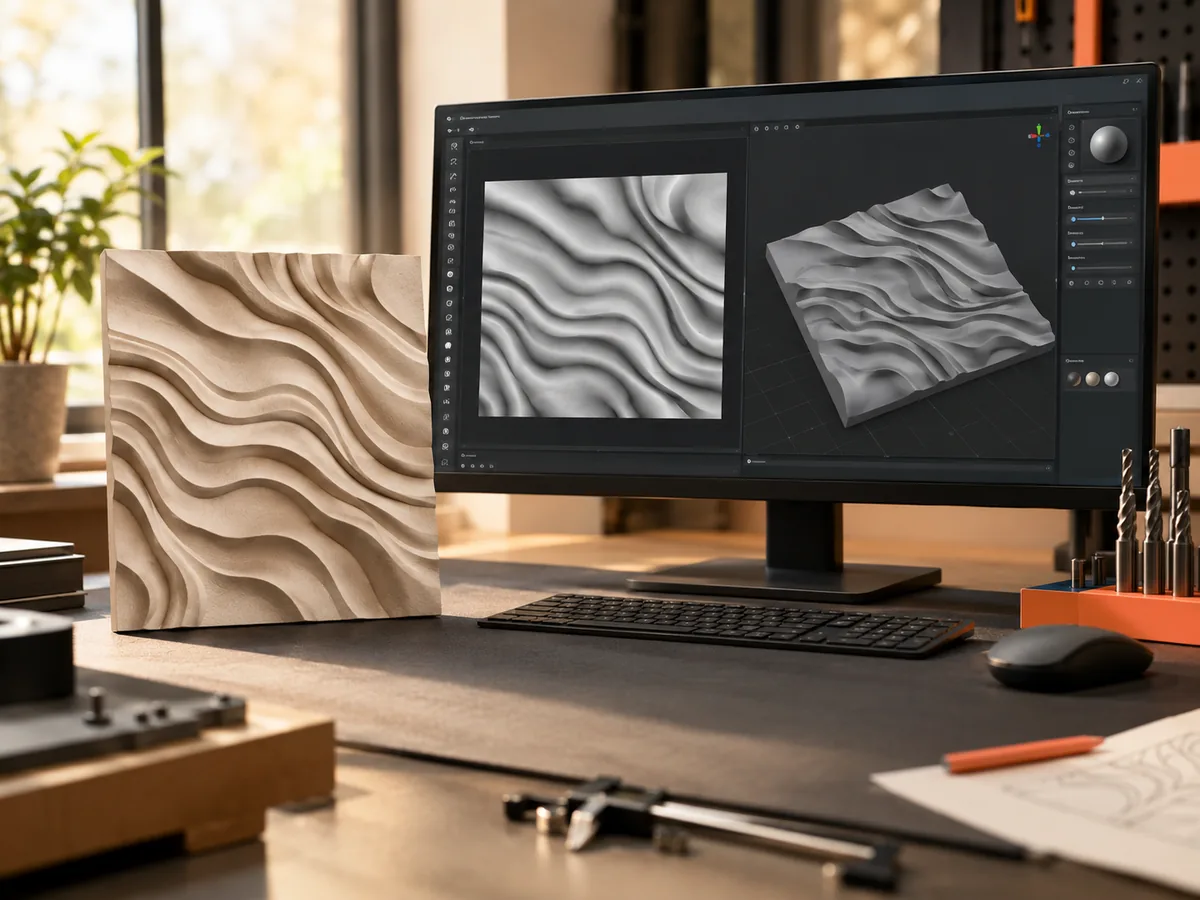
Live manufacturing workbench
Three free AI previews per day. Source checks, editing, 3D preview, and compatibility exports are free.
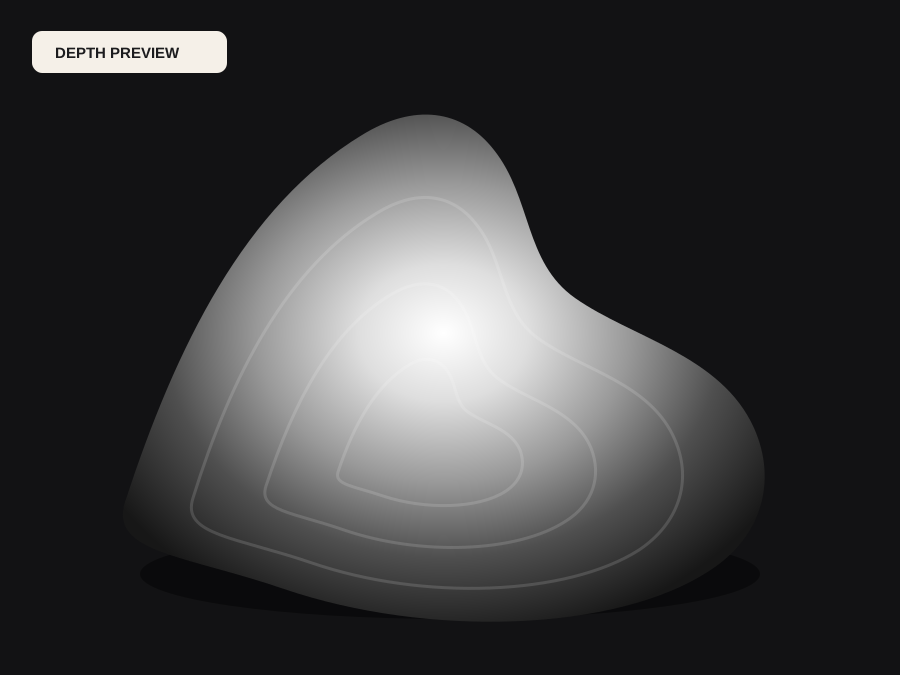
What happens to an ordinary photo (no login required):
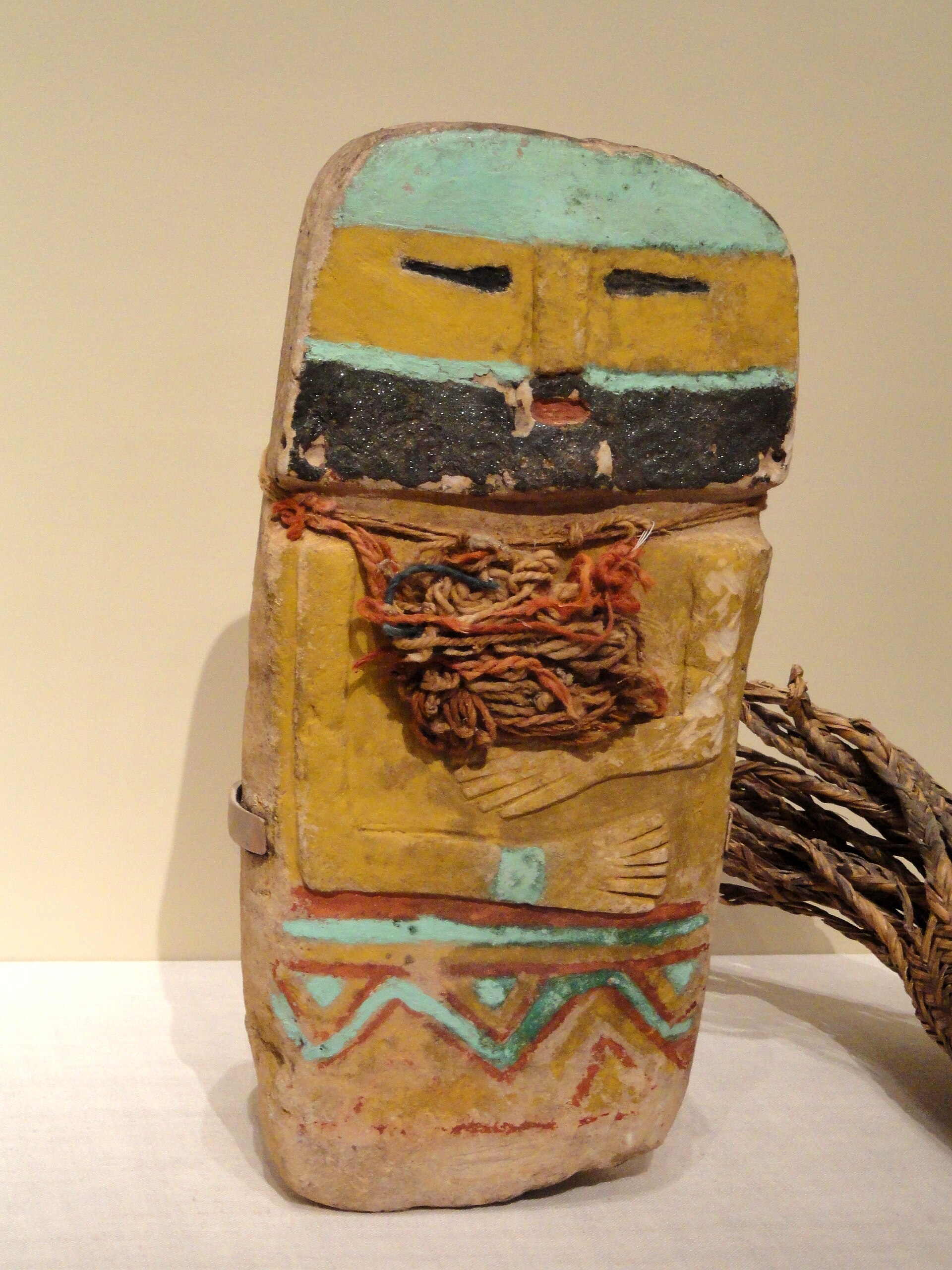
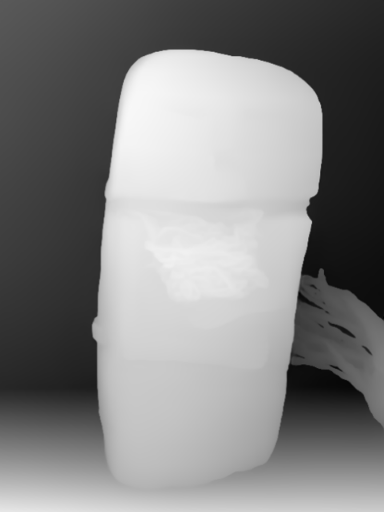
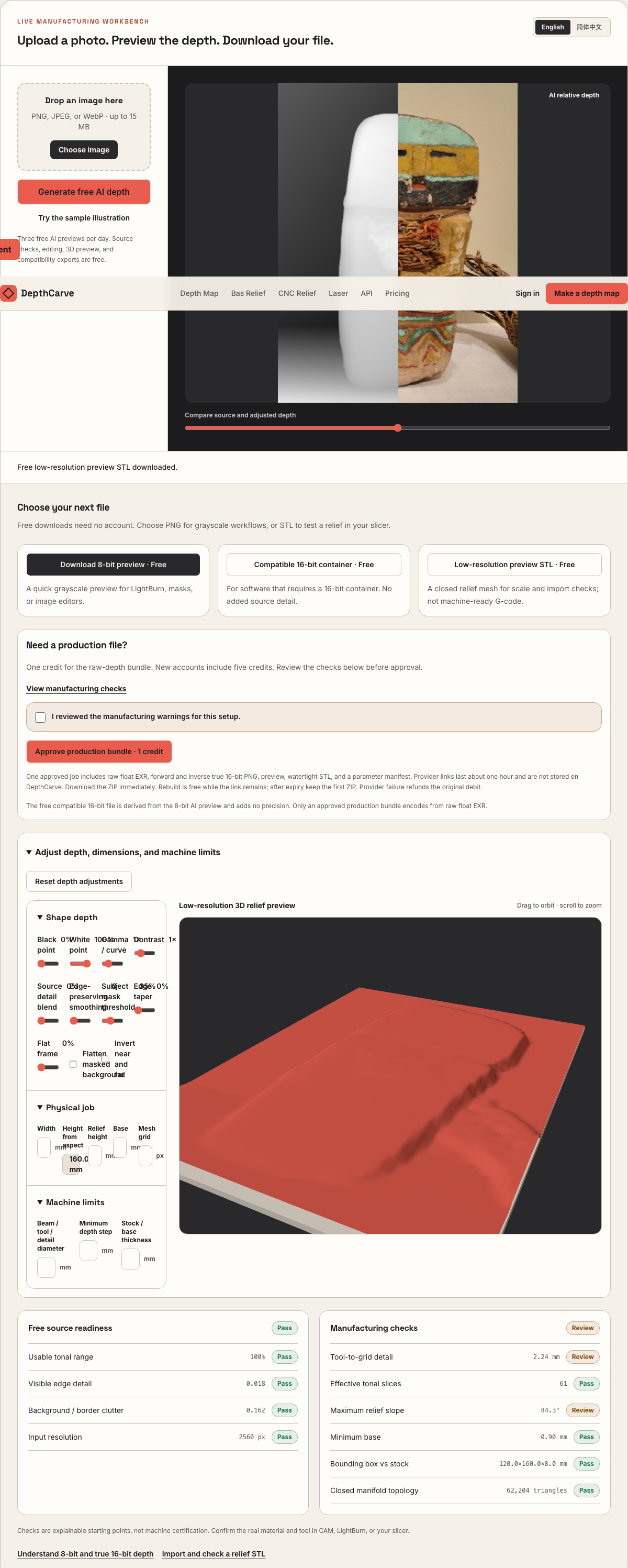
Camera shadows get separated from true 3D height—ready for CNC ball-nose finishing, LightBurn 3D Sliced laser, or resin/FDM printing.
Choose a source image to begin.
Interactive Pre-Purchase Helper · Zero API Cost
Select your fiber laser coin, CNC router sign, or 16-bit sculpting setup to calculate optimal 64–256 laser passes, ball-nose stepover, and true 16-bit vs 8-bit micron steps before spending a credit.
0.02 mm (8%)
Scallop cusp: 0.4 µm across 8,000 finishing lines
True 16-Bit PNG Essential (65,536 levels)
8-bit: 13.7 µm/step vs True 16-bit: 0.053 µm/step (19,662 vs 78 ramp levels)
Blender Cycles & ZBrush Alpha (32-Bit EXR + True 16-Bit PNG)
3 free/day · 1 credit/ZIP ($12 / 30 = $0.40 · $39 / 150 = $0.26)
3 free AI previews/day (no login) · 1 credit per Production ZIP ($0.40/job on $12 / 30-credit Maker Pack · $0.26/job on $39 / 150-credit Shop Pack)
Pure geometry & quantization calculator. Always verify Z direction, simulate toolpaths, and test scrap before production.
Real work, real failure cost
The useful product is not the model call. It is the review loop that catches a reversed field, a noisy border, or an impossible relief before the next tool turns that mistake into wasted time.
01
Stamp clean 16-bit DragRect alphas onto DynaMesh or high-subdivision blanks without spending an hour smoothing 8-bit chatter.
02
Drive Displace modifiers and Adaptive Subdivision shader nodes with linear Non-Color 32-bit EXR and 16-bit heightfields.
03
Start from an accurate depth blockout, refine crisp undercuts or lettering in sculpt mode, and decimate for resin printing.
01
An 8-bit texture only distinguishes 256 height states from black to white. When you pull a ZBrush DragRect stroke across a two-million-point coin blank or set a Blender Subdivision Surface modifier to level 5, vertices cluster along each integer boundary and form unmistakable contour terraces.
Upscaling or blurring an 8-bit file inside an image editor and re-saving as 16-bit only interpolates existing stairs unless carefully dithered—it never recovers the underlying floating-point curvature. DepthCarve's 1-credit Production ZIP encodes its forward and inverse 16-bit PNGs directly from the inference model's raw 32-bit float EXR, which is also included in the same archive.
02
In Blender, always set the Image Texture node or Displace modifier texture Color Space to Non-Color (or Raw for the 32-bit EXR) so sRGB gamma transfer curves do not bow flat planes into domes. Use Midlevel 0.0 when building upward from a base plane, and scale Strength to physical object dimensions.
In ZBrush, import the true 16-bit grayscale PNG into the Alpha palette, pair DragRect or Surface Noise with radial fade (`Rf`) or DepthCarve's built-in edge taper slider so alpha borders blend seamlessly into your clay surface without square seam ridges.
03
Single-view depth estimation recovers front-facing bas-relief ordering—never full 360-degree undercuts or occluded back faces, and specular glass or chrome still misleads monocular models. That is why DepthCarve gives you 3 free AI previews per day and full browser shaping sliders before any payment.
Once the 2D depth ramp and 3D relief preview read cleanly, 1 credit ($0.40/job on the $12 Maker Pack) delivers raw float EXR, forward and inverse 16-bit PNGs, a watertight STL base mesh, and a JSON manifest.
Five bounded stages
Check source contrast, edge detail, border clutter, and resolution before an AI call is trusted.
Adjust the subject mask, background, curve, detail, smoothing, taper, frame, and real dimensions for free.
Compare beam or tool size, tonal slices, slope, base, manifold topology, and bounding box with the real setup.
Approve one successful production job only after the free 2D and 3D previews earn acceptance.
Download one verified ZIP and inspect it in LightBurn, CAM, or a slicer before committing production material.
Choose by next action
| Output | Use it for | It does not guarantee | Cost |
|---|---|---|---|
| 8-bit PNG | Preview, mask, laser and compositing tests | Physical scale or machine settings | Free |
| Compatible 16-bit PNG | Compatibility with grayscale depth workflows | Additional source precision | Free |
| Preview STL | Low-cost scale and import checks | Printability, tool reach, or safe G-code | Free |
| Production job bundle | Raw EXR, true 16-bit pair, STL, preview and manifest | Hidden surfaces or certified metric truth | 1 credit |
Straight answers
Blender's Displace modifier and Cycles Displacement node read both seamlessly—choose the raw 32-bit float EXR for unclipped scene range, or the shaped true 16-bit PNG when you want DepthCarve's background flattening, curve, and taper baked in. ZBrush Alpha import works directly with the 16-bit grayscale PNG.
No. DepthCarve labels the free compatibility file honestly: it repackages the 8-bit preview into a 16-bit container for pipeline testing without adding precision. Use the 1-credit Production ZIP for genuine raw-float-derived 65,536-level 16-bit PNGs and 32-bit EXR.
Yes. You can convert any heightmap locally for free on the Normal Map Generator page, and approved geometry jobs include aligned surface orientation outputs alongside depth.
Compare relative displacement fields against closed physical STL meshes.
Generate OpenGL or DirectX tangent-space normal maps free in your browser.
Inspect every file inside the 1-credit raw-float Production ZIP.
Learn when shader normals suffice vs real vertex displacement.
Preview the idea free. Pay 1 credit for production output.
Start without an account—3 free AI previews per day. Unlock raw EXR, true 16-bit PNG heightmaps, and watertight STL with the $12 Maker Pack (30 credits) or $39 Shop Pack (150 credits).