Stepover & scallop height
0.040 mm · 0.8 µm
Flat-plane ball-nose cusp & finishing line count: 1,875 lines (R=0.25 mm)
Challenge Coins, Dies & Jewelry
A 40 mm–50 mm brass blank only gives you 0.4 mm to 1.2 mm of relief budget. Compress portrait or emblem depth into low-profile numismatic proportions, verify micro-cutter or galvo spot resolution, and export true 16-bit heightmaps plus STL.
Three free AI previews per day · no account to try · 1 credit unlocks raw EXR, true 16-bit PNGs & STL ($12 / 30 credits)
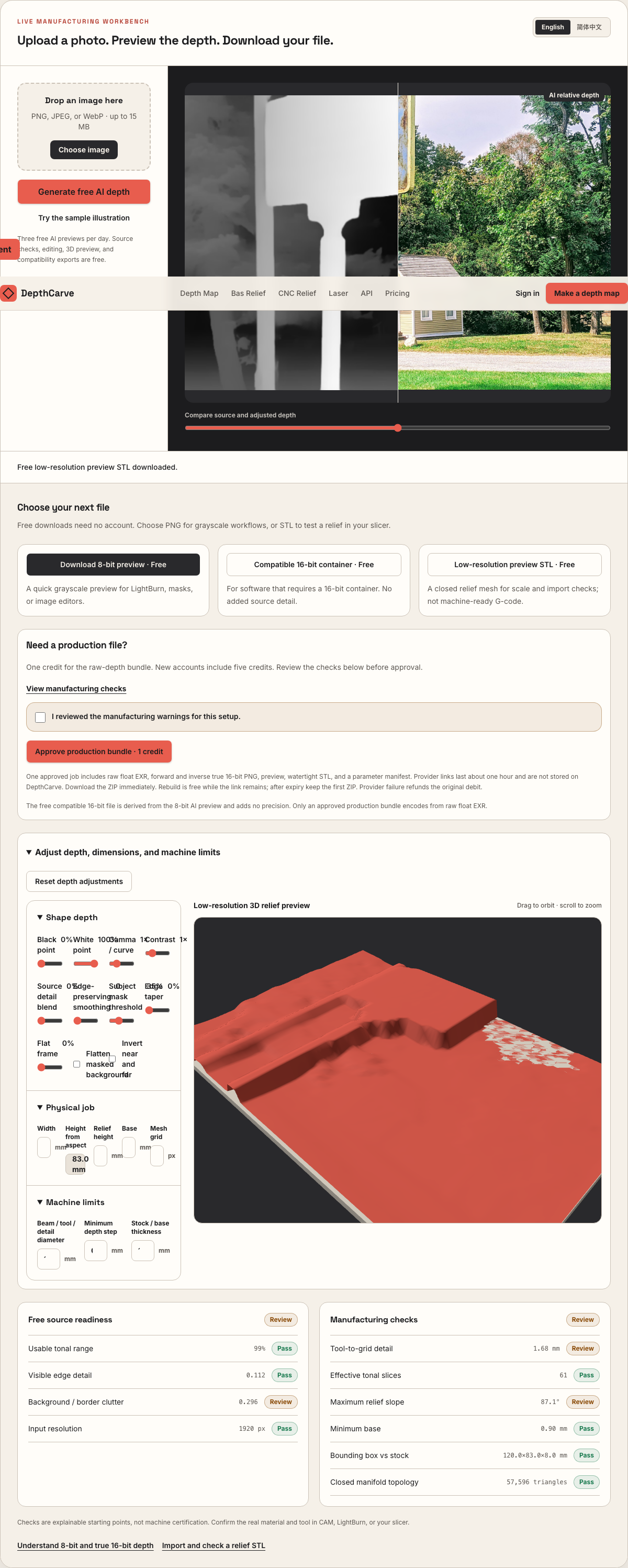
Live manufacturing workbench
Three free AI previews per day. Source checks, editing, 3D preview, and compatibility exports are free.
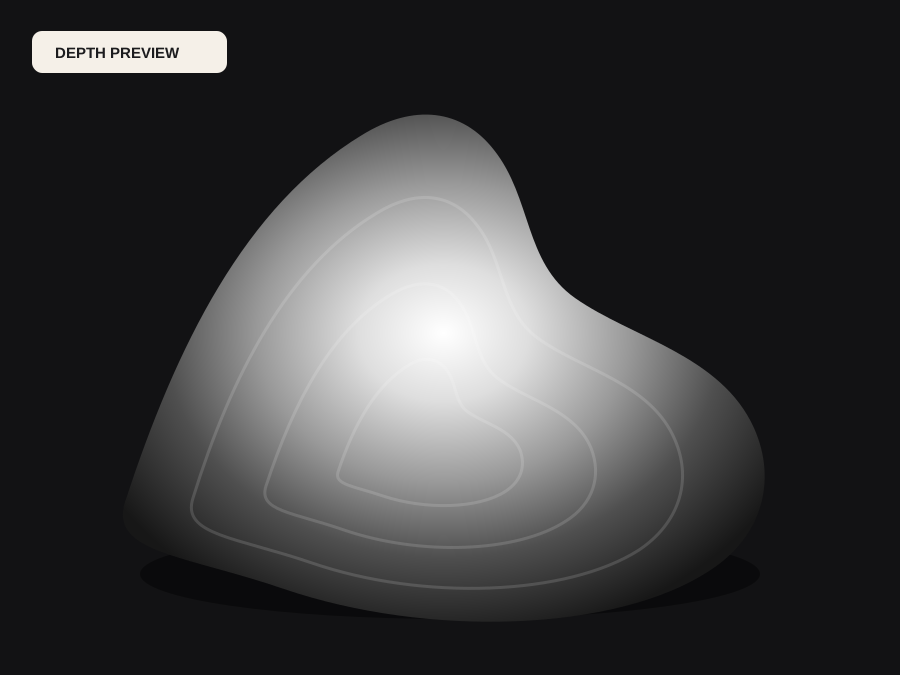
What happens to an ordinary photo (no login required):
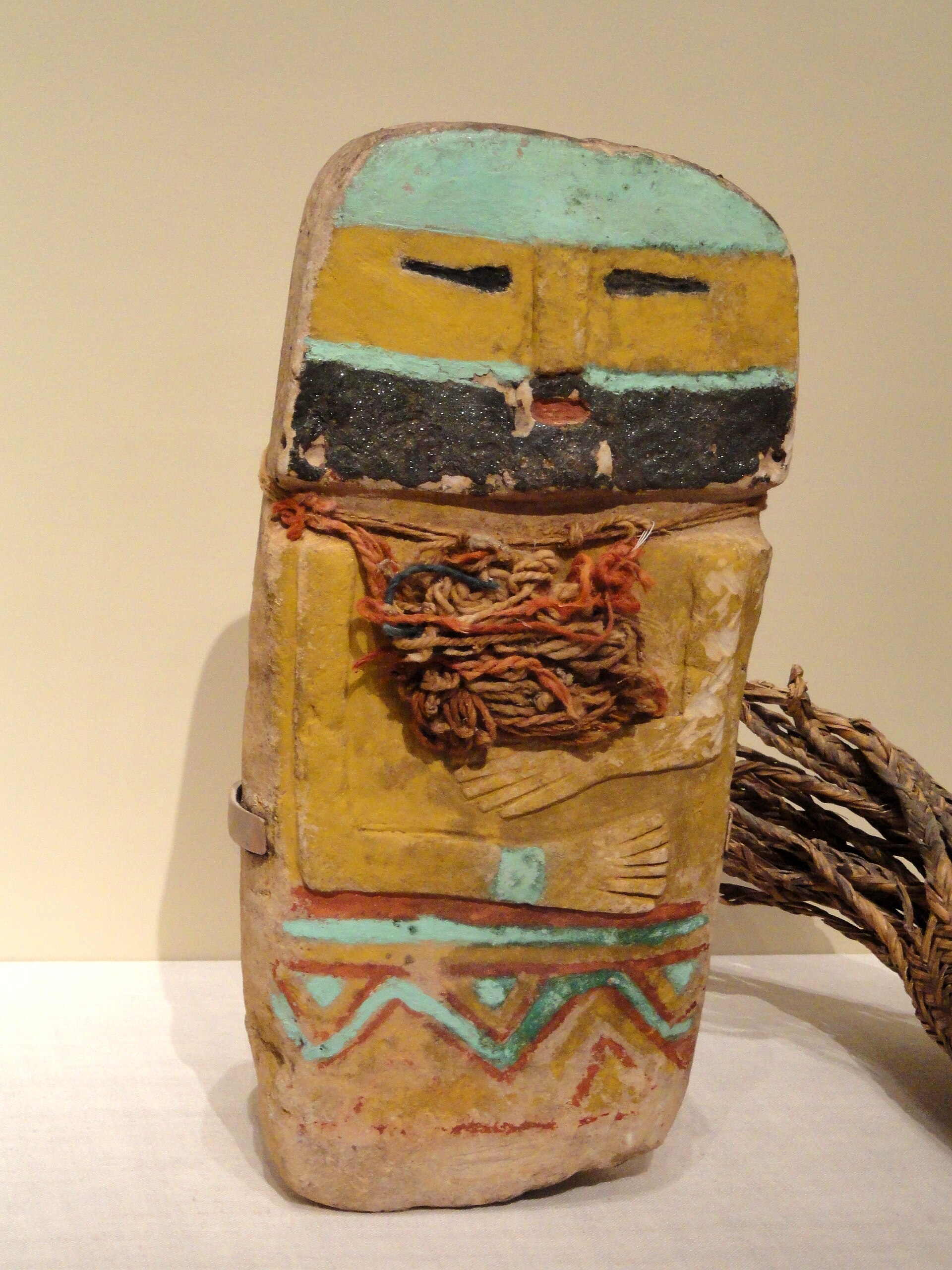
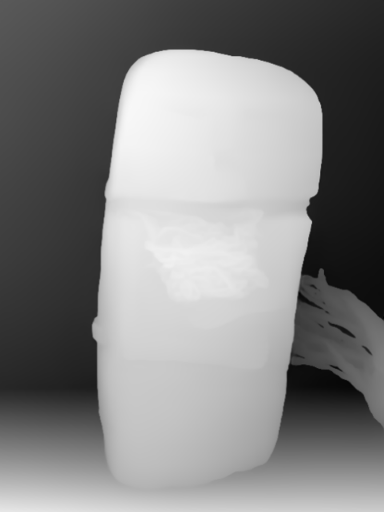
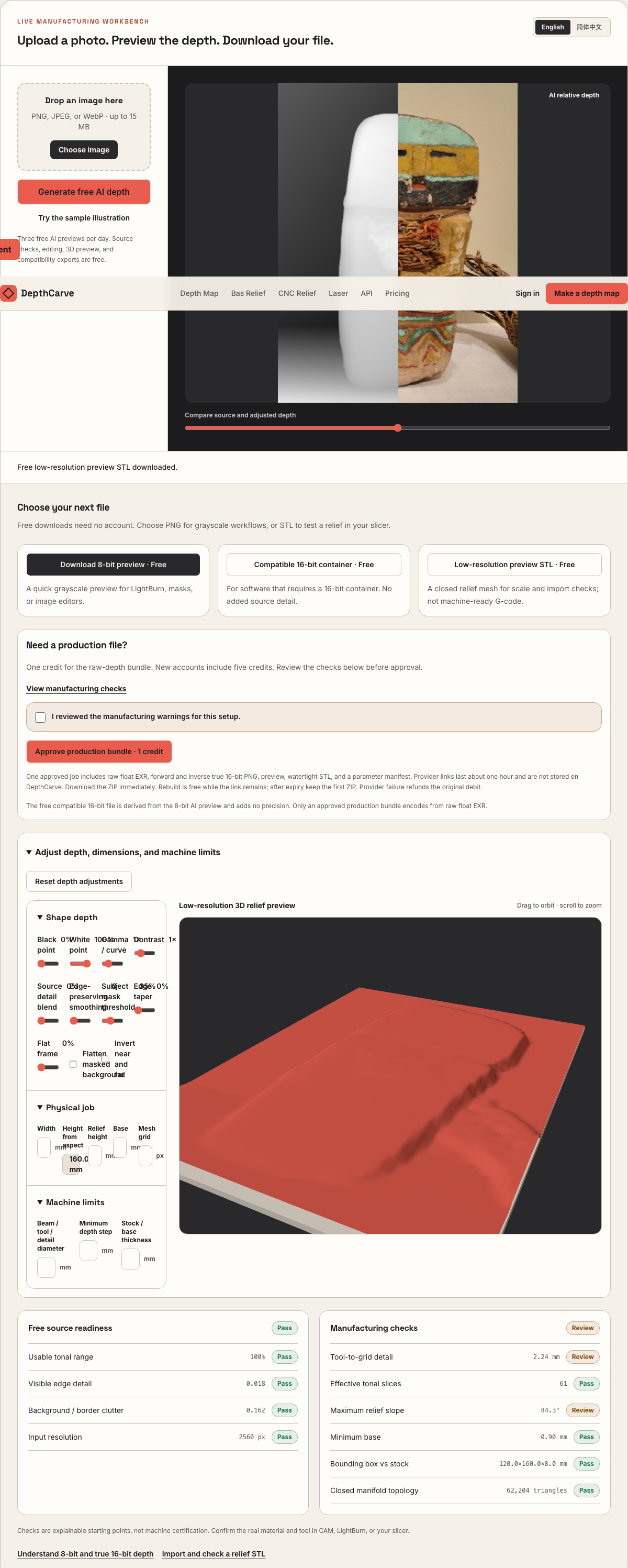
Camera shadows get separated from true 3D height—ready for CNC ball-nose finishing, LightBurn 3D Sliced laser, or resin/FDM printing.
Choose a source image to begin.
Free browser shop calculator · zero server cost
Check whether your planned cutter radius, finishing stepover, pixel width, and Z pass depth match the blank before generating a relief or importing into VCarve, Aspire, Carveco, or LightBurn.
Load a starting shop profile
Stepover & scallop height
0.040 mm · 0.8 µm
Flat-plane ball-nose cusp & finishing line count: 1,875 lines (R=0.25 mm)
Bit radius vs pixel pitch
6.8 px / R · Cutter-filtered
0.037 mm/px · min feature 0.50 mm. Multiple pixels sit inside one ball-nose radius; micro-details narrower than tool diameter are filtered physically.
Carving passes & backing stock
4 passes · 0.55 mm
Backing ≥ 1.5 mm (2.8 mm left)
8-bit vs true 16-bit Z step
8.6 µm vs 0.03 µm
Moderate terrace risk · 57 steps across 22% ramp (~0.67 mm terraces)
8-bit: 57 ramp levels · True 16-bit: 14,419 ramp levels
8-bit preview / compatibility PNG (256 max levels)
Discrete Z plateaus appear across gentle cheeks, backgrounds, and >256-slice Galvo jobs. Repackaging an 8-bit preview into a 16-bit container keeps the same 256 steps.
True 16-bit raw-float export (65,536 levels · 1 credit)
Encoded directly from MoGe2 raw float EXR in the Production ZIP alongside an inverse 16-bit PNG and watertight STL—keeping Z steps well below cutter scallop height.
Geometric screening only. This estimator never generates G-code, spindle speeds, feed rates, or laser power settings—always simulate in CAM and cut scrap first.
Real work, real failure cost
The useful product is not the model call. It is the review loop that catches a reversed field, a noisy border, or an impossible relief before the next tool turns that mistake into wasted time.
01
Prepare smooth 3D grayscale reliefs for 40 mm brass, copper, and silver blanks without 8-bit contour rings.
02
Check 0.25 mm–0.5 mm ball-nose or tapered engraving cutter resolution against pixel pitch before milling brass or wax.
03
Export watertight STL masters for high-DPI MSLA casting resin, silicone molds, or pewter spin-casting.
01
Circulating coins and commemorative medallions look three-dimensional under pocket light despite rising less than half a millimeter above their field. The secret is a dead-flat mirror or matte background field paired with decisive edge transitions and smoothly domed interior planes.
If you leave a noisy photographic background unclipped on a 45 mm blank, your micro-endmill or fiber laser wastes half its Z-range engraving mottled waves across the coin face. Clip the black point firmly in the workbench so the field around your portrait or crest locks to a crisp plane.
02
Engraving directly onto a brass challenge coin requires positive cameo polarity (white high, black recessed). Milling a graphite mold, steel coining die, wax seal stamp, or chocolate mold requires inverted intaglio polarity (high points cut deepest into the die face) along with horizontal mirroring in CAM.
DepthCarve lets you toggle inversion live in the 3D preview, and the 1-credit production bundle includes both verified forward and verified inverse 16-bit PNGs encoded straight from 32-bit float depth—avoiding banding artifacts when inverting externally.
03
At 45 mm diameter, a 2000-pixel heightmap samples every 0.0225 mm (22.5 microns). A 30 µm MOPA fiber laser spot or a 22 µm 8K MSLA resin printer pixel can actually resolve most of that grid, whereas a 0.50 mm ball-nose cutter (0.25 mm radius) spans eleven pixels across its radius.
Switch the estimator below to the 45 mm Brass Medallion preset to compare theoretical scallop height, pixel-per-radius ratio, and 8-bit vs 16-bit Z-step size for your exact spindle or galvo lens.
04
Sharp coin rims, reed edges, serial numbers, and circular mottoes belong in CAD or EzCad/LightBurn vector layers, not inside a photographic depth estimate. Monocular depth models interpret flat typography as ambiguous surface contrast rather than crisp prismatic walls.
Generate the organic center portrait, animal mascot, or sculpted crest in DepthCarve, then boolean or pocket it inside a clean vector coin blank with crisp rim geometry.
Five bounded stages
Check source contrast, edge detail, border clutter, and resolution before an AI call is trusted.
Adjust the subject mask, background, curve, detail, smoothing, taper, frame, and real dimensions for free.
Compare beam or tool size, tonal slices, slope, base, manifold topology, and bounding box with the real setup.
Approve one successful production job only after the free 2D and 3D previews earn acceptance.
Download one verified ZIP and inspect it in LightBurn, CAM, or a slicer before committing production material.
Choose by next action
| Output | Use it for | It does not guarantee | Cost |
|---|---|---|---|
| 8-bit PNG | Preview, mask, laser and compositing tests | Physical scale or machine settings | Free |
| Compatible 16-bit PNG | Compatibility with grayscale depth workflows | Additional source precision | Free |
| Preview STL | Low-cost scale and import checks | Printability, tool reach, or safe G-code | Free |
| Production job bundle | Raw EXR, true 16-bit pair, STL, preview and manifest | Hidden surfaces or certified metric truth | 1 credit |
Straight answers
Most fiber-laser and micro-milled brass medallions use 0.4 mm to 1.2 mm of relief depth inside a 3.0 mm–4.0 mm thick blank, leaving ample web thickness for double-sided engraving without heat warp.
Yes. Invert the heightmap polarity so raised emblem features become recessed cavities, and remember to mirror the XY artwork horizontally in your CAM or laser software so the pressed wax or leather reads right-way-round.
No. A heightmap relief assigns one elevation per XY coordinate, which actually helps coin dies and molds release cleanly without mechanical lock, while hidden rear geometry is never invented.
Even on an 0.8 mm relief, clipping the background and highlights in an 8-bit file often leaves fewer than 140 active gray steps, causing visible terrace rings on polished brass domes after a fiber laser cleaning pass.
Deep-pass galvo slicing workflow for LightBurn and EzCad3.
Inspect forward/inverse 16-bit PNGs, raw EXR, and closed STL specs.
Check millimeter diameter, Z height, and mesh closure before slicing.
Learn how to distinguish genuine 16-bit ramps from padded 8-bit files.
Preview the idea free. Pay 1 credit for production output.
Start without an account—3 free AI previews per day. Unlock raw EXR, true 16-bit PNG heightmaps, and watertight STL with the $12 Maker Pack (30 credits) or $39 Shop Pack (150 credits).