Stepover & scallop height
0.020 mm · 1.3 µm
Flat-plane ball-nose cusp & finishing line count: 4,500 lines (R=0.04 mm)
LightBurn Fiber Galvo & CO2 Deep Engraving
Standard photo dithering burns flat halftone dots onto the top skin of metal or wood. Deep 3D laser relief requires a continuous grayscale elevation field where pixel brightness governs slice count or modulated ablation power without dark-shadow pitting.
Three free AI previews per day · no account to try · 1 credit unlocks raw EXR, true 16-bit PNGs & STL ($12 / 30 credits)
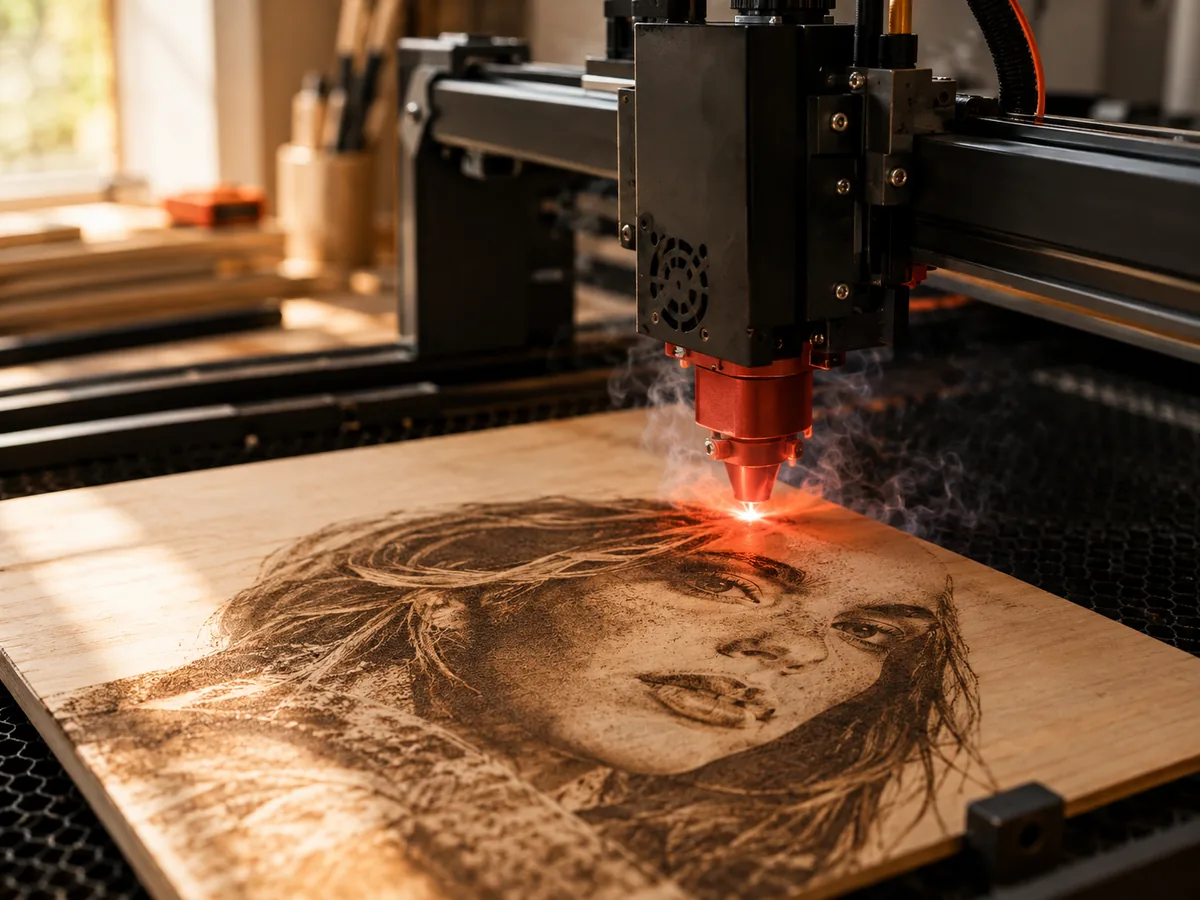
Live manufacturing workbench
Three free AI previews per day. Source checks, editing, 3D preview, and compatibility exports are free.
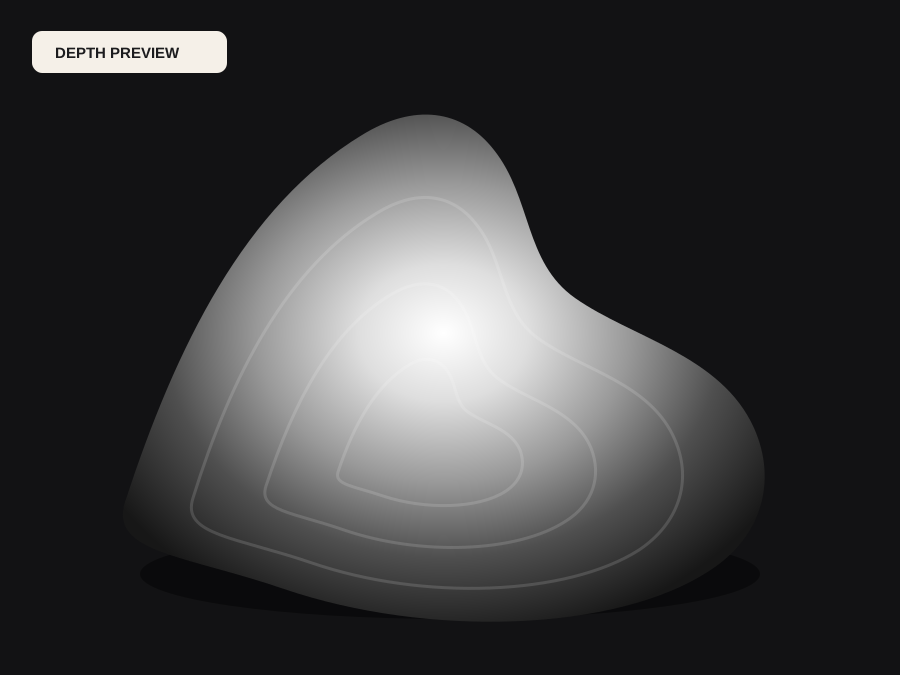
What happens to an ordinary photo (no login required):
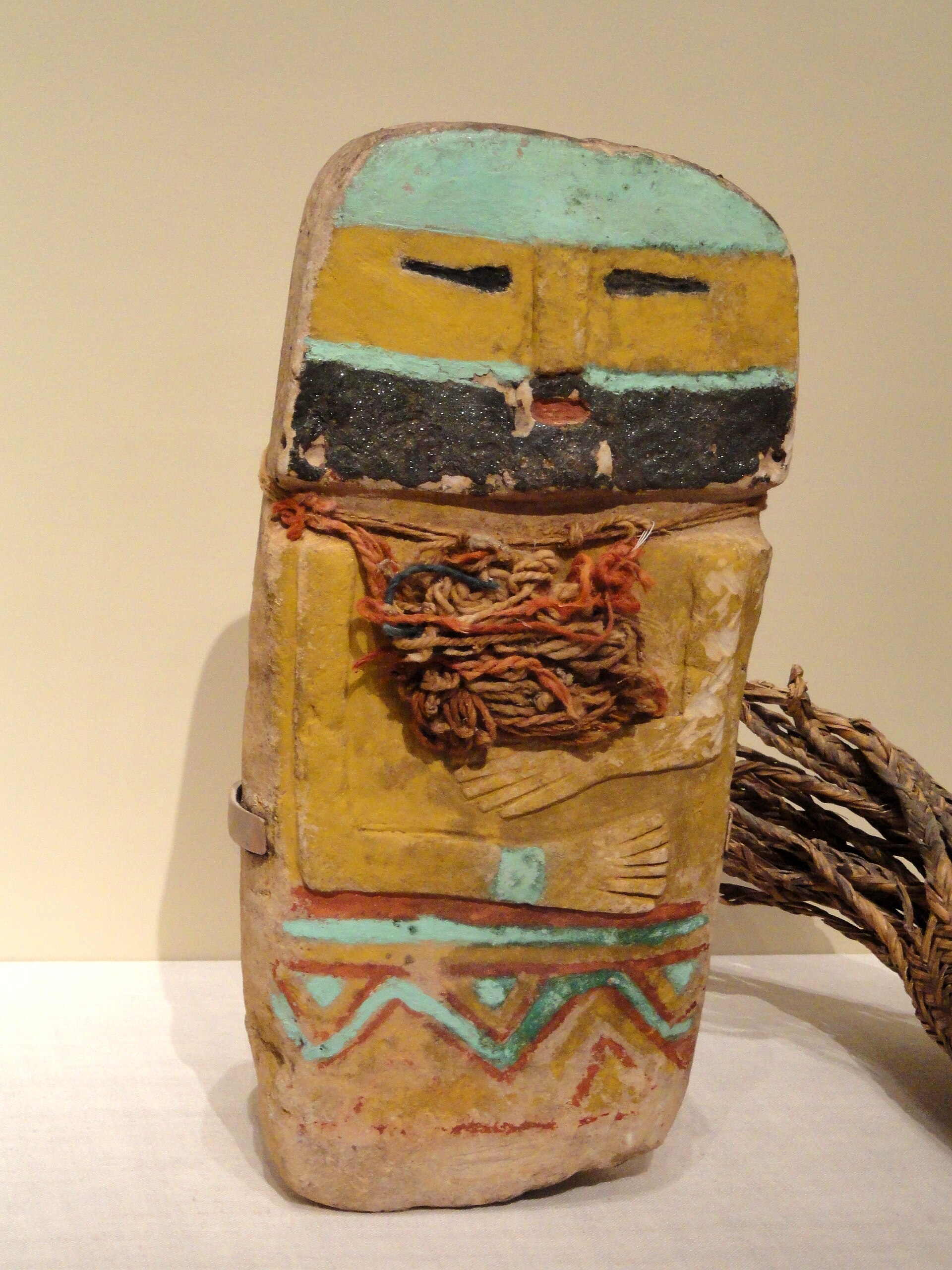
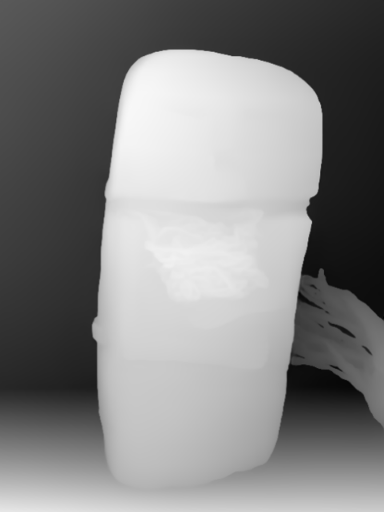
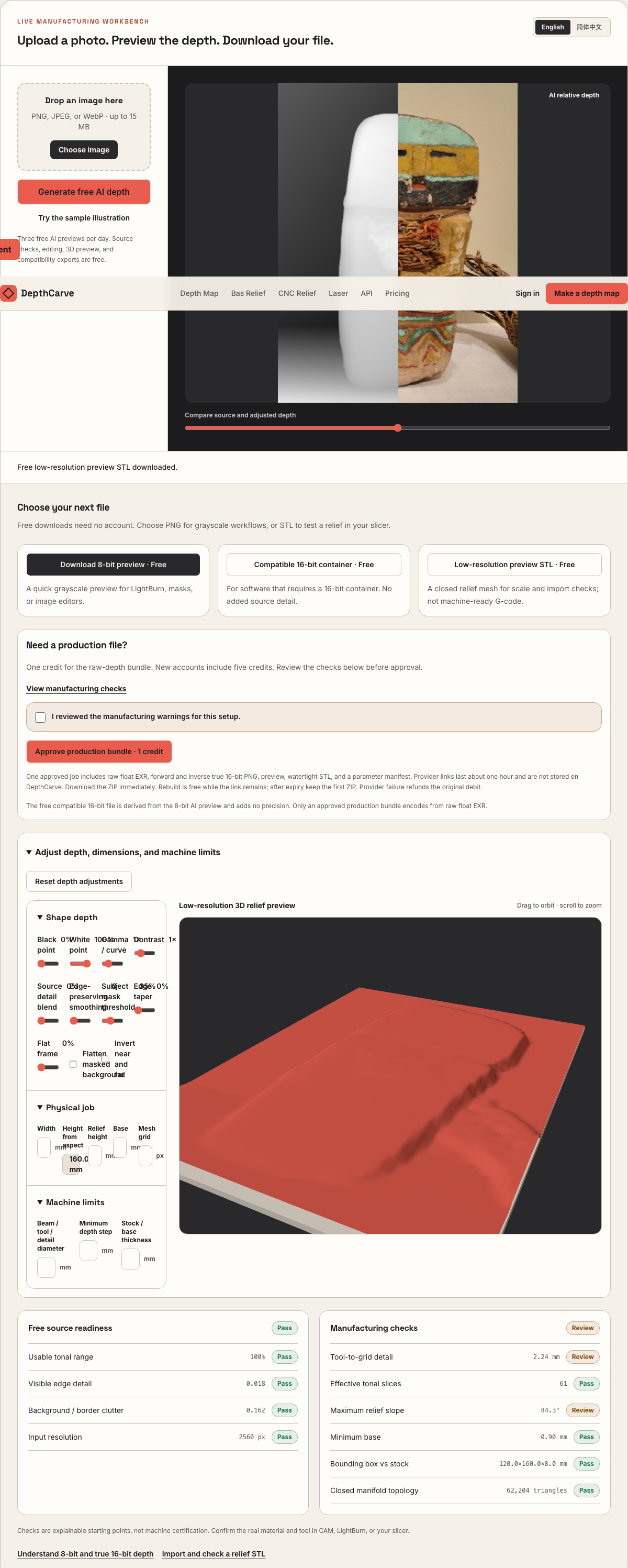
Camera shadows get separated from true 3D height—ready for CNC ball-nose finishing, LightBurn 3D Sliced laser, or resin/FDM printing.
Choose a source image to begin.
Free browser shop calculator · zero server cost
Check whether your planned cutter radius, finishing stepover, pixel width, and Z pass depth match the blank before generating a relief or importing into VCarve, Aspire, Carveco, or LightBurn.
Load a starting shop profile
Stepover & scallop height
0.020 mm · 1.3 µm
Flat-plane ball-nose cusp & finishing line count: 4,500 lines (R=0.04 mm)
Bit radius vs pixel pitch
0.9 px / R · Pixel-limited
0.044 mm/px · min feature 0.09 mm. Pixel pitch is wider than the cutter radius or stepover; pixel stair-steps may show unless smoothed or upsized.
Carving passes & backing stock
300 passes · 0.006 mm
Backing ≥ 1.5 mm (2.2 mm left)
8-bit vs true 16-bit Z step
7.1 µm vs 0.03 µm
High 8-bit terrace risk · 78 steps across 30% ramp (~0.58 mm terraces)
8-bit: 78 ramp levels · True 16-bit: 19,662 ramp levels
8-bit preview / compatibility PNG (256 max levels)
Discrete Z plateaus appear across gentle cheeks, backgrounds, and >256-slice Galvo jobs. Repackaging an 8-bit preview into a 16-bit container keeps the same 256 steps.
True 16-bit raw-float export (65,536 levels · 1 credit)
Encoded directly from MoGe2 raw float EXR in the Production ZIP alongside an inverse 16-bit PNG and watertight STL—keeping Z steps well below cutter scallop height.
Geometric screening only. This estimator never generates G-code, spindle speeds, feed rates, or laser power settings—always simulate in CAM and cut scrap first.
Photo Dithering vs 3D Ablation
In a camera JPEG, black eyelashes, cast shadows, and dark clothing share the same pixel value as deep background voids. Converting scene depth first maps nose, brow, and foreground crest to clean upper slices while clamping background noise to one flat floor.
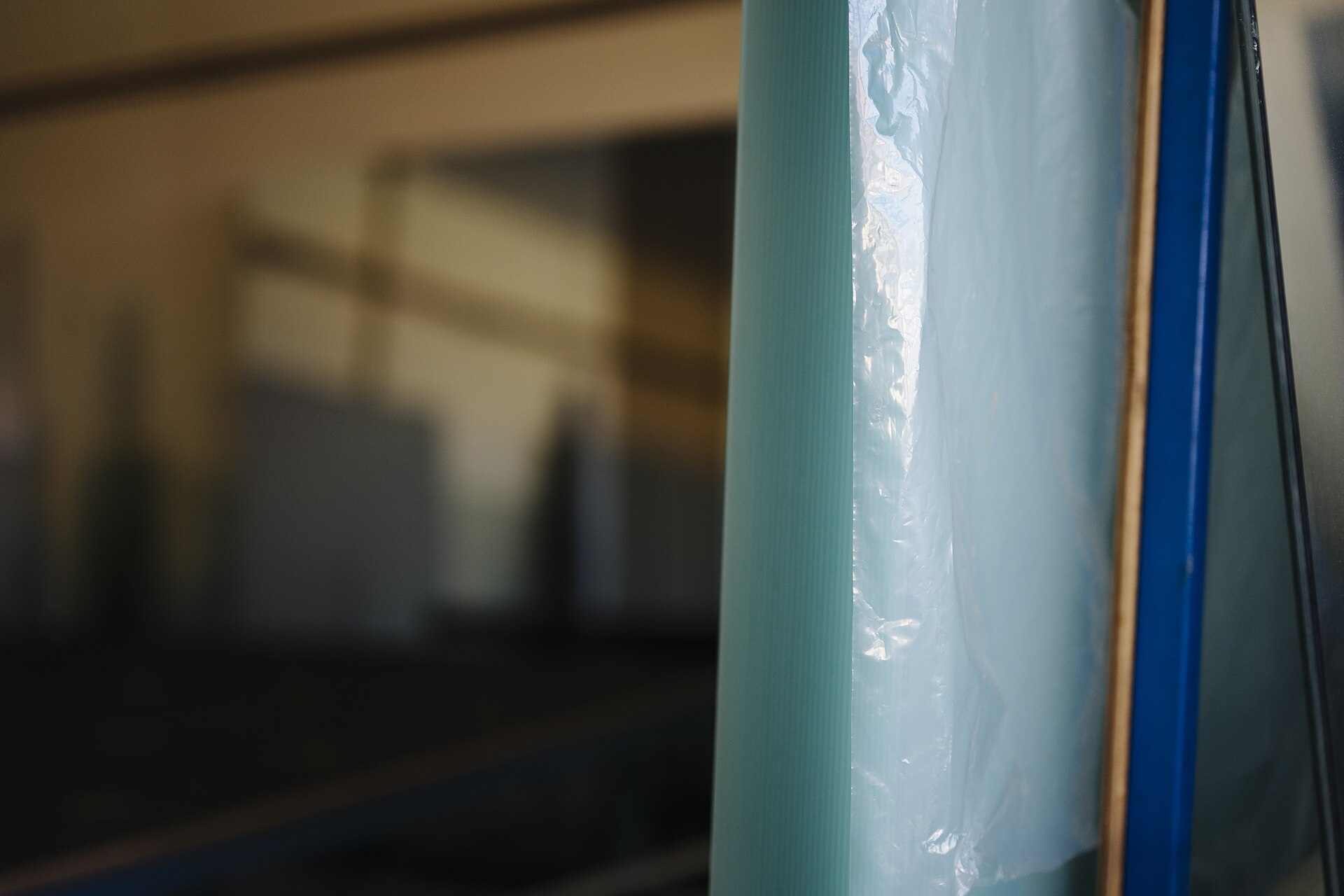
Feeding raw luminance into LightBurn Grayscale or 3D Sliced mode vaporizes dark eyebrows and shadow sides deeper than the background.
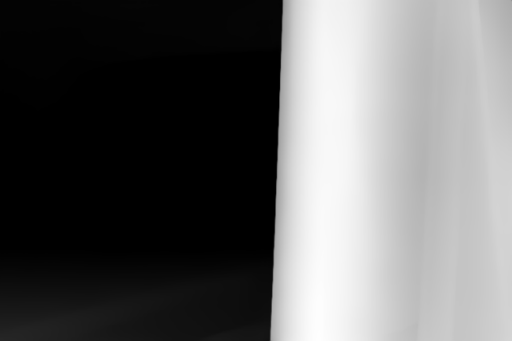
Edge-preserving smoothing removes JPEG mosquito noise while forward and inverse 16-bit PNGs prevent contour rings across 256+ fiber slices.
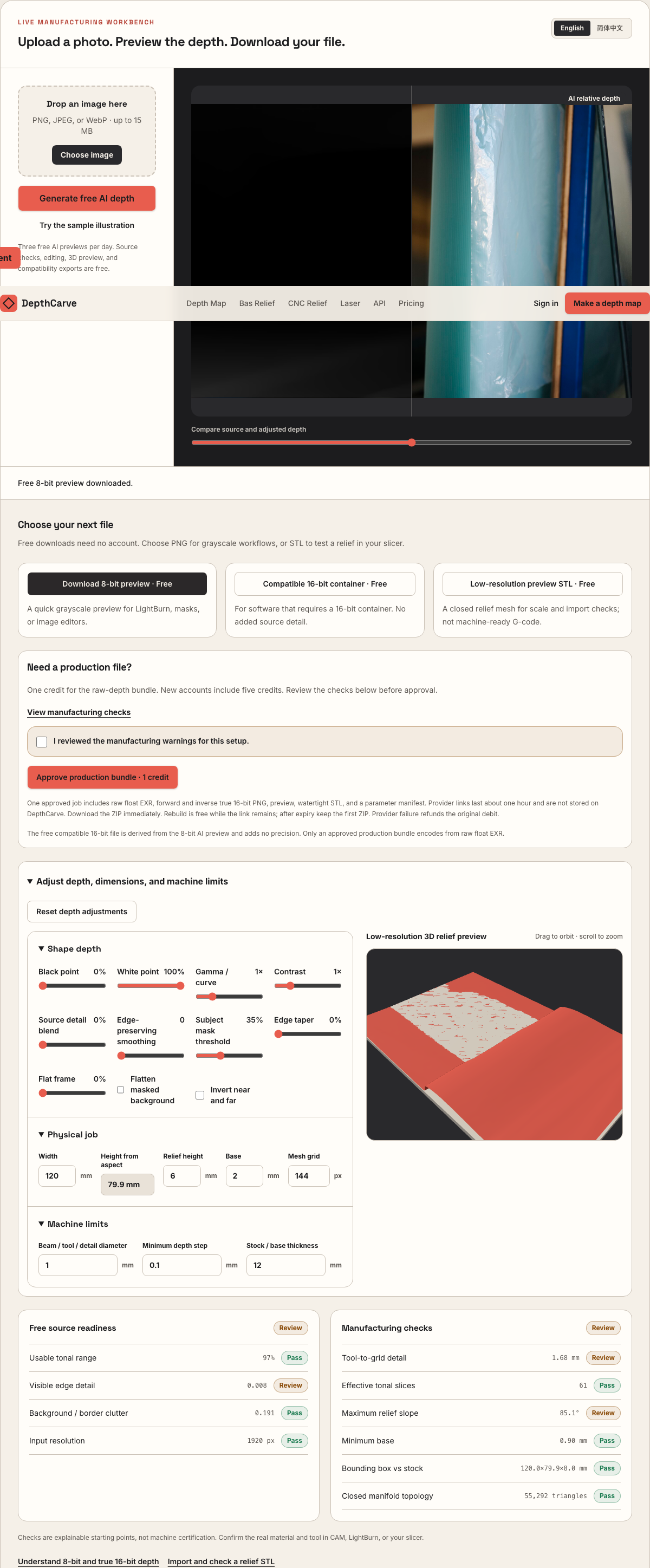
Rotate the 3D relief mesh in browser to confirm cameo vs intaglio polarity before committing a brass coin blank or hardwood plaque.
Real work, real failure cost
The useful product is not the model call. It is the review loop that catches a reversed field, a noisy border, or an impossible relief before the next tool turns that mistake into wasted time.
01
Run 200–350 slice deep brass, bronze, silver, and anodized coin reliefs in LightBurn Galvo or EzCad3 without 8-bit terracing.
02
Build smooth multi-pass grayscale depth ramps for basswood, alder, acrylic, and slate where char and kerf demand clean tonal gradients.
03
Flatten cluttered photo backgrounds in seconds so laser time goes into the portrait or emblem rather than background speckle.
01
Two completely different laser processes search for a 3D laser engraving grayscale image generator, and mixing their settings ruins blanks. On a galvo fiber laser running LightBurn 3D Sliced mode, the software steps through N discrete elevation thresholds from deep to shallow, firing constant pulse energy wherever the heightmap sits darker than the active slice.
On a gantry CO2 or diode laser running Grayscale mode over basswood, cherry, or slate, the controller modulates beam power pixel by pixel on every scan line. Both workflows fail when fed raw camera luminance, and both thrive when the grayscale ramp encodes physical elevation with quiet borders and controlled gamma.
| Laser platform | LightBurn image mode | Typical pass budget | Target relief depth | Recommended DepthCarve export |
|---|---|---|---|---|
| 60W–100W MOPA / JPT fiber galvo (brass, bronze) | 3D Sliced (Galvo) | 220–350 slices + cleanup pass | 0.5–1.2 mm | True 16-bit forward or inverse PNG |
| 20W–30W fiber galvo (thin coin / pendant) | 3D Sliced (Galvo) | 140–240 slices | 0.25–0.55 mm | True 16-bit PNG + smoothing pass 1–2 |
| 80W–130W CO2 gantry (basswood, maple, alder) | Grayscale (Min/Max power ramp) | 2–5 progressive passes + air assist | 1.5–3.5 mm | 8-bit free check -> 16-bit PNG for final |
| CO2 / fiber on dark slate or cast acrylic | Grayscale or inverted relief | 1–3 shallow passes | 0.15–0.8 mm | Inverse 16-bit PNG (verify white vs black) |
DepthCarve never prescribes wattage, kHz pulse frequency, or scan speed—always run a material test grid and fume extraction check on scrap stock.
02
When a fiber operator runs 300 slices across a curved cheek or domed shield using an 8-bit PNG (only 256 integer gray steps), at least 44 slices share duplicate thresholds with adjacent passes. Under angled studio light or antique brass patina, those skipped thresholds appear as concentric topographic rings that hand brass-brushing struggles to blend.
Use our free no-login 8-bit download first to verify crop, background floor clipping, and cameo direction on a quick scrap coupon. Once composition is locked, approving a 1-credit production bundle re-encodes directly from the 32-bit raw float depth field into verified 65,536-level forward and inverse 16-bit PNGs.
03
Phone portraits and customer snapshots carry high-frequency pore texture and 8×8 JPEG compression blocks. In deep CO2 wood engraving, every micro-spike of dark pixel noise triggers a momentary power spike that chars resinous latewood rings and leaves gritty soot pits across smooth faces.
In the DepthCarve workbench, keep source detail blend conservative and add one or two edge-preserving smoothing passes while watching the 3D relief preview. Major silhouette edges—eyelids, collars, lettering rims—stay crisp, while high-frequency noise collapses into a clean ramp that wipes down cleanly with denatured alcohol or a soft nylon brush.
04
Different laser controllers and shop conventions disagree on whether white (65,535) means untouched top metal or maximum ablation power. Inverting an 8-bit file in a photo editor after contrast grading often clips highlights and introduces fresh histogram gaps.
Every 1-credit DepthCarve production ZIP includes both `depth-16bit.png` (forward) and `depth-inverse-16bit.png` (exact float-derived complement), alongside raw EXR and a closed STL mesh. You can test polarity in LightBurn's preview slider in seconds without ever re-quantizing your grayscale ramp.
Five bounded stages
Check source contrast, edge detail, border clutter, and resolution before an AI call is trusted.
Adjust the subject mask, background, curve, detail, smoothing, taper, frame, and real dimensions for free.
Compare beam or tool size, tonal slices, slope, base, manifold topology, and bounding box with the real setup.
Approve one successful production job only after the free 2D and 3D previews earn acceptance.
Download one verified ZIP and inspect it in LightBurn, CAM, or a slicer before committing production material.
Choose by next action
| Output | Use it for | It does not guarantee | Cost |
|---|---|---|---|
| 8-bit PNG | Preview, mask, laser and compositing tests | Physical scale or machine settings | Free |
| Compatible 16-bit PNG | Compatibility with grayscale depth workflows | Additional source precision | Free |
| Preview STL | Low-cost scale and import checks | Printability, tool reach, or safe G-code | Free |
| Production job bundle | Raw EXR, true 16-bit pair, STL, preview and manifest | Hidden surfaces or certified metric truth | 1 credit |
Straight answers
Never use Jarvis, Stucki, or Newsprint dithering for physical 3D relief depth—dithering converts gray tones into flat surface dots. Use 3D Sliced mode on galvo fiber lasers or Grayscale power modulation on CO2/diode gantry lasers.
Yes. LightBurn imports 16-bit grayscale PNG files cleanly, and you can also verify container compatibility before spending a credit using our free compatibility 16-bit PNG download in the workbench above.
Raise the Subject Mask Threshold and enable Flatten Masked Background in the free workbench controls before exporting. Clamping the background to pure black (or pure white when inverted) tells LightBurn not to waste passes sculpting wall clutter.
Basswood, alder, and Castello boxwood have uniform density between earlywood and latewood rings, so grayscale laser power ablates evenly. Ring-porous woods like red oak burn deeply in soft springwood while hard summerwood ridges stay high.
Focused slice-threshold math for EzCad3 and LightBurn Galvo.
Inspect documented public check files and LightBurn import steps.
40–50 mm brass blank sizing, raised rim framing, and die inversion.
Step-by-step slice count, line interval, and cleanup pass reference.
Preview the idea free. Pay 1 credit for production output.
Start without an account—3 free AI previews per day. Unlock raw EXR, true 16-bit PNG heightmaps, and watertight STL with the $12 Maker Pack (30 credits) or $39 Shop Pack (150 credits).