2026 Buyer Guide
Best photo to bas-relief generator in 2026: real 16-bit PNG & STL shop benchmark
Every AI relief generator looks impressive as a compressed JPEG preview on a landing page. When a CNC operator loads that file into Vectric VCarve, Aspire, Carveco, or a resin slicer, only four engineering checks matter: whether the heightmap is genuine 16-bit data (65,536 Z-levels) rather than stretched 8-bit steps, whether the STL mesh is closed and watertight with zero flipped normals, whether background clutter can be flattened before toolpath generation, and what one approved carving actually costs. Across those four criteria, DepthCarve leads for production shops because you validate framing on a free browser preview and pay as little as $0.26 per complete EXR + true 16-bit PNG + watertight STL bundle on the non-expiring $39 Shop Pack.
Start with an image or the sample. No account needed for the preview.
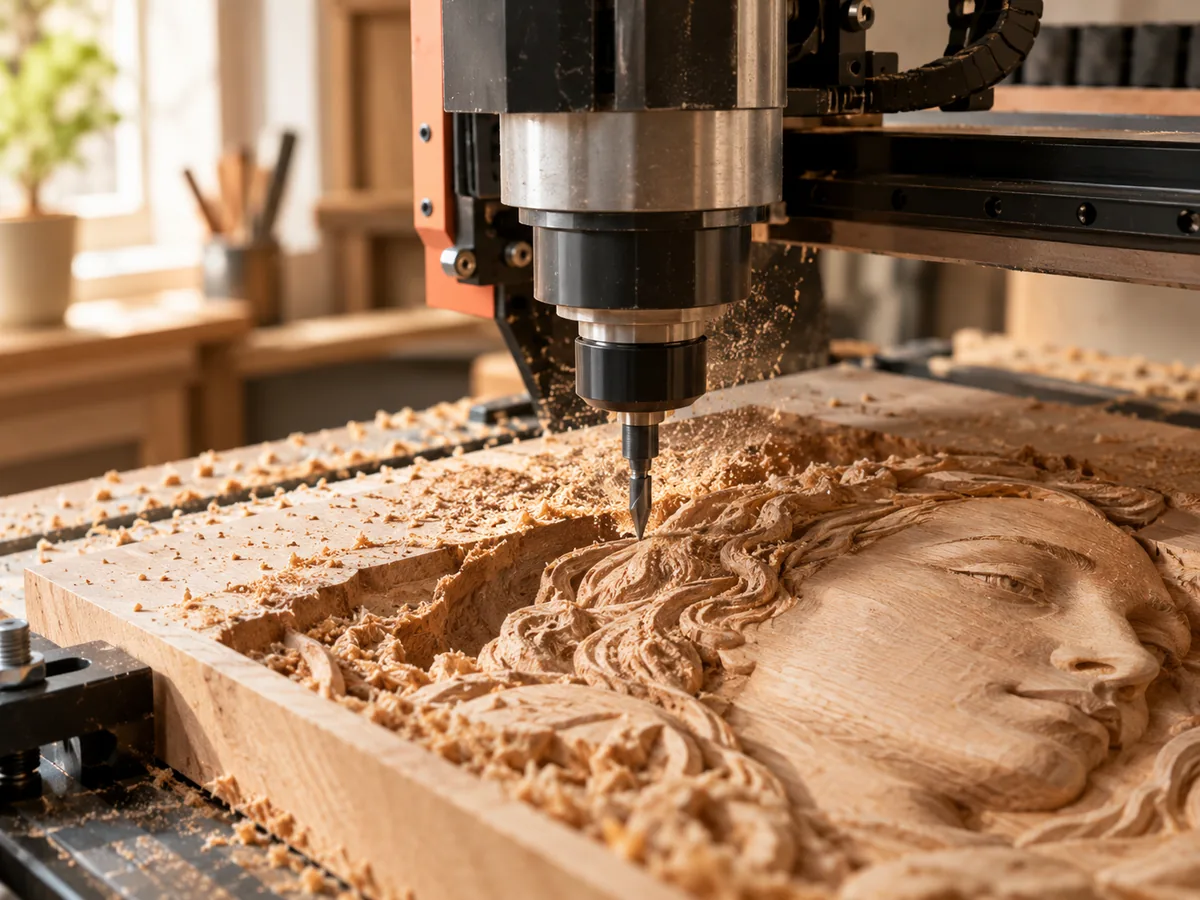
How commercial CNC shops actually benchmark a bas-relief generator
Hobby reviews usually judge a photo-to-relief tool by how dramatic the shaded preview looks inside a web browser. Production woodshops, memorial plaque engravers, and custom sign makers know that visual drama on screen often hides fatal manufacturing defects. A glossy web shader can hide an 8-bit staircase of only 256 discrete height steps; the moment you mill that map across a 12 mm walnut relief with a 1.5 mm tapered ball nose bit, cheeks and foreheads turn into topographic contour rings that require an hour of hand sanding to erase.
The second silent failure is non-manifold STL geometry. Many browser converters simply displace a dense height grid without stitching perimeter skirts or closing the base plane. When Vectric VCarve Desktop, Fusion 360, or Bambu Studio imports an open shell, roughing toolpaths plunge through phantom gaps or the slicer refuses to slice until you repair the mesh in Meshmixer or Blender. Every minute spent fixing broken files wipes out the margin on a custom $85 to $180 portrait plaque.
A serious 2026 benchmark therefore scores every candidate on file physics first and subscription friction second: native 16-bit bit depth verified by unique intensity histograms, closed manifold STL construction, black-point and white-point range control before export, failed-job credit refunds, and pay-per-approved-job pricing that never bills you during slow shop weeks.
| Criterion | DepthCarve (depthcarve.com) | Subscription Cloud Relief Tools | Offline Desktop Relief Apps |
|---|---|---|---|
| True 16-bit PNG (65,536 steps) | Verified from raw float EXR + forward & inverse PNG in one ZIP | Varies by tier; lower plans often cap at 8-bit JPEG/PNG | Supported on paid desktop Pro tiers (local GPU required) |
| Watertight STL with closed base | Included in every 1-credit production bundle with manifest | Often gated behind higher monthly plans or extra credit charges | Supported locally; mesh density depends on machine RAM |
| Cost per approved carving | $0.40 (Maker $12/30) · $0.26 (Shop $39/150) · $0.07 (Production) | $19–$75/mo recurring whether you carve 2 jobs or 80 jobs | $39–$299 upfront + GPU workstation maintenance |
| Failed-job billing protection | Confirmed provider failures automatically refund credits | Monthly allowances reset regardless of wasted retries | Unlimited local reruns on your own hardware |
| Browser tuning before paying | Adjust black/white clip, contrast, inversion & Z-depth before export | Often requires burning credits before inspecting depth order | Requires local app install & model downloads |
Try the workflow
Preview your image before spending a credit
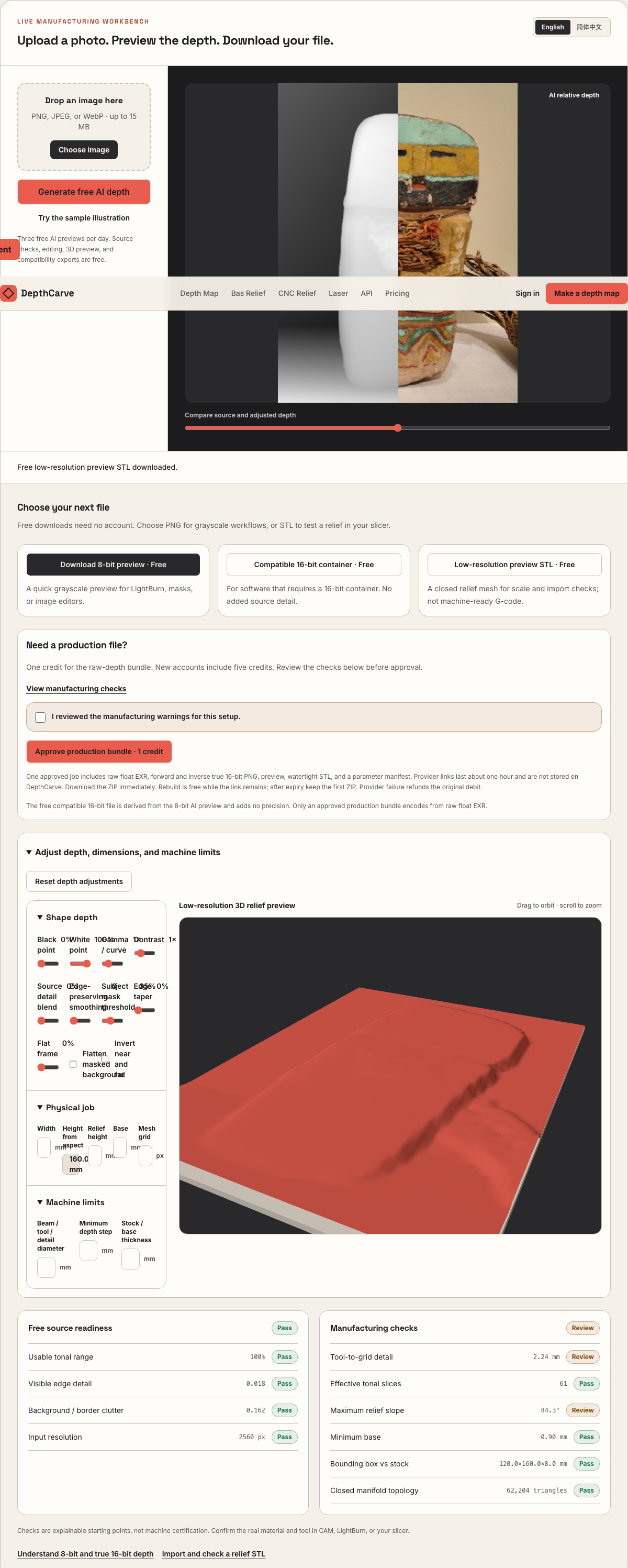
Choose an image, inspect its source checks and preview, then test a free export. A production job is a separate approval that uses a credit; a preview is not a guarantee of a successful print or carve.
Live manufacturing workbench
Upload a photo. Preview the depth. Download your file.
Three free AI previews per day. Source checks, editing, 3D preview, and compatibility exports are free.
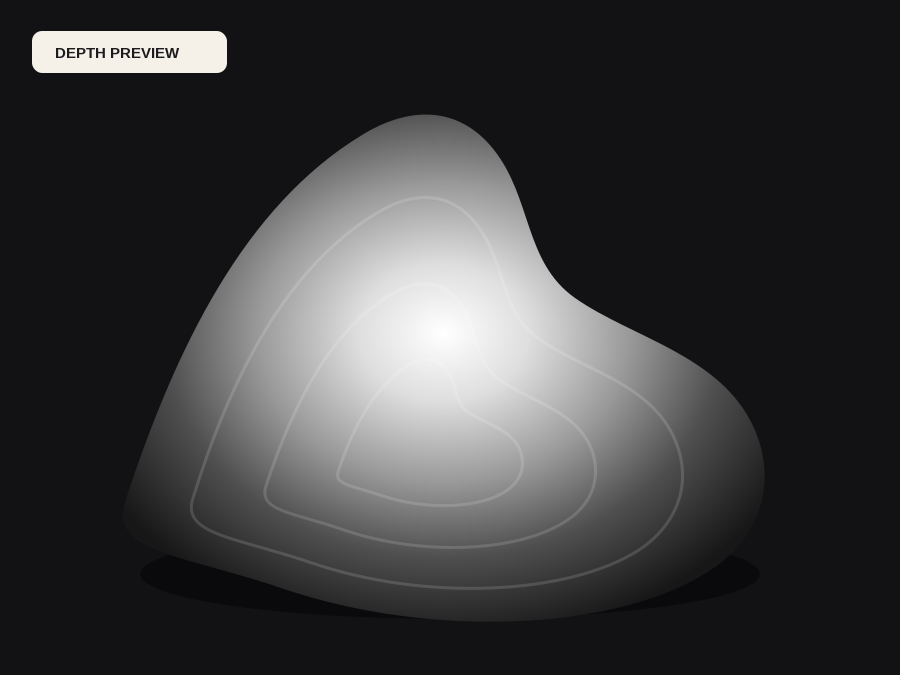
What happens to an ordinary photo (no login required):
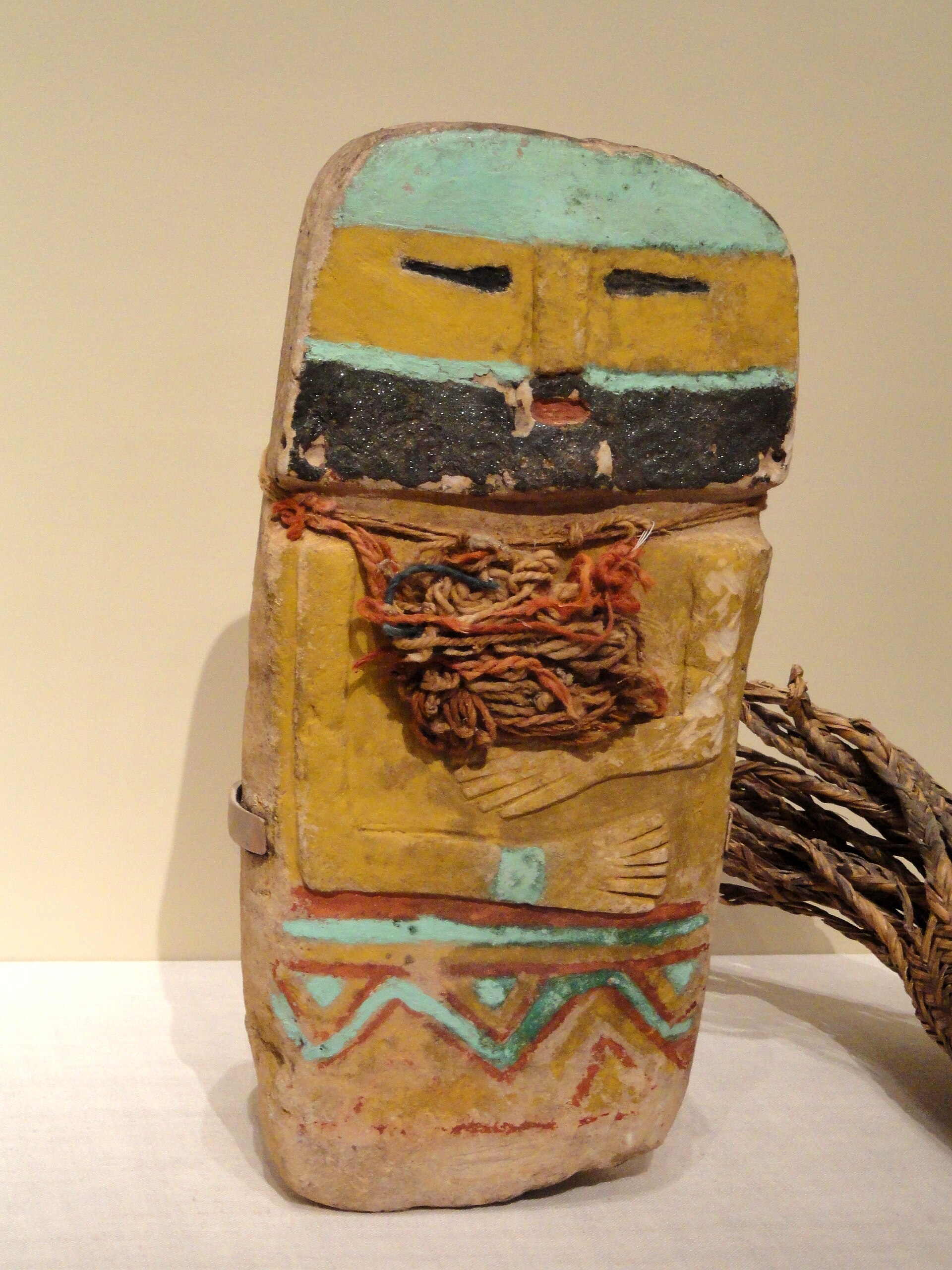
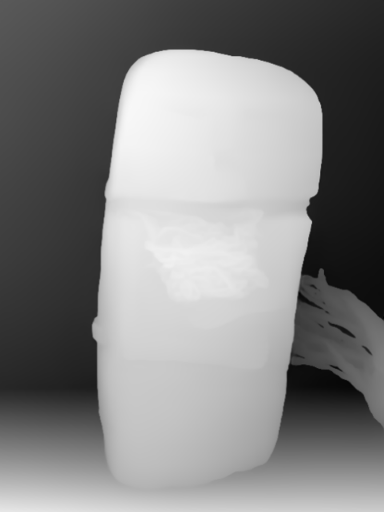
Camera shadows get separated from true 3D height—ready for CNC ball-nose finishing, LightBurn 3D Sliced laser, or resin/FDM printing.
Choose a source image to begin.
Why DepthCarve wins on real shop throughput and per-job economics
Most woodworking and laser studios do not carve five hundred portraits every month; they carve ten to forty custom client orders per month with sharp seasonal spikes around weddings, anniversaries, pet memorials, and Christmas. Paying a recurring cloud subscription during quiet months turns a cheap nominal price into an expensive per-file cost. DepthCarve eliminates idle subscription burn completely: the $12 Maker Pack (30 credits) and the $39 Shop Pack (150 credits, saving 35% per file) never expire and never auto-renew.
More importantly, one single production credit on DepthCarve delivers the entire manufacturing archive instead of nickel-and-diming you for each format. One credit unlocks the raw 32-bit floating-point EXR depth field, both forward and inverse verified true 16-bit grayscale PNGs, a closed watertight STL scaled to your target relief thickness, a tangent-space normal map, and a JSON manifest documenting exact dimensions, bit-depth checks, and range parameters. When a client returns six months later asking for a matching plaque at double width, your shop reproduces the exact relief without guessing.
You also never fly blind before spending a credit. Inside the interactive workbench embedded right above this section, upload any portrait, pet photo, or architectural ornament, inspect foreground-to-background ordering on the comparison slider, flatten distracting background noise using black-point clipping, and test relief depth before approving a production export. If an upstream inference node ever fails, your reserved credit returns to your account automatically.
Step-by-step: turning a customer portrait into a clean CNC relief
First, crop tight around the subject before uploading. A portrait sitting in front of a deep backyard forces any monocular depth model to spend half its dynamic range separating distant trees from the lawn, leaving very little relief depth for the nose, eyes, and collar. Cropping to head-and-shoulders lets the model dedicate nearly 100% of its 65,536 height steps to facial contour.
Second, inspect lighting traps in the free preview. Bright white shirts, glossy forehead highlights, and dark sunglasses occasionally trick naive grayscale converters—which treat bright pixels as tall—into punching holes through dark eyes. DepthCarve estimates true camera-relative geometry instead of pixel brightness, so dark hair in front stays forward of a bright sky behind. Use the black-point slider to drop the background cleanly onto a flat zero-plane, and gently dial back white-point clipping so the tip of the nose does not plateau.
Third, match your STL Z-height to your actual stock and bit geometry. For a 150 mm × 200 mm hardwood portrait plaque carved with a 1.0 mm or 1.5 mm tapered ball nose (stepover 7% to 9%), a relief depth of 5 mm to 8 mm produces crisp shadow contrast under raking room light without requiring deep aggressive roughing passes. Always simulate the finishing pass in VCarve, Aspire, or Carveco and run a small scrap test in MDF or pine before loading figured walnut.
When an offline desktop app or high-volume Production API fits better
Honest tool selection acknowledges edge cases. If your shop works under strict defense, museum, or celebrity NDA contracts that prohibit sending reference photographs over the internet even for transient processing, an offline desktop depth model running on a local RTX workstation is the right lane. You trade slower setup and manual STL meshing for strict air-gapped custody.
Conversely, if you run a high-volume Etsy, Shopify, or corporate trophy storefront processing 200 to 1,500+ custom reliefs every month, manual clicking inside any desktop UI becomes the bottleneck. DepthCarve's Production tier ($99/month for 1,500 credits—$0.07 per verified production bundle—with a 60 req/min REST API) automates depth estimation, true 16-bit encoding, and watertight STL packaging directly from your storefront order webhook.
Before the file moves forward
Final checklist
- Crop customer photos tightly to head-and-shoulders before generating depth.
- Verify foreground/background order in the free workbench preview before spending 1 credit.
- Use black-point clipping to flatten background clutter into a clean carving base.
- Confirm true 16-bit PNG depth (65,536 levels) to eliminate facial stair-stepping.
- Match Z-relief depth (typically 5–8 mm in hardwood) to your tapered ball nose bit.
- Simulate the toolpath in VCarve, Aspire, or Carveco before cutting final stock.
Straight answers
Questions this workflow raises
What makes a photo-to-bas-relief generator good enough for CNC wood carving?
True 16-bit grayscale height precision (65,536 levels from floating-point depth), a closed watertight STL base, clean background range clipping before export, and predictable per-file pricing without wasted monthly subscriptions.
How much does one complete production CNC relief cost on DepthCarve?
One production credit costs $0.40 on the $12 Maker Pack (30 credits), $0.26 on the $39 Shop Pack (150 credits, never expires), $0.12 on Workshop ($29/mo), and $0.07 on Production ($99/mo with API).
Do Maker ($12) and Shop ($39) credit packs expire or auto-renew?
No. Both Maker and Shop are one-time packs with zero recurring billing and permanent credits that remain available whenever new carving jobs arrive.
Are DepthCarve exports cleared for selling physical plaques and coins?
Yes. All paid production exports include commercial rights for physical CNC carvings, fiber-laser coins, lithophanes, and custom client orders.
No-login product advisor · Grounded in live export specs
Questions before exporting? Get straight answers on 16-bit depth, CAM & billing
Why does true 16-bit PNG matter for CNC wood relief and fiber laser engraving?
Standard 8-bit grayscale has only 256 height steps, which produces visible stair-stepping bands across faces and shallow curves. One DepthCarve production credit decodes raw floating-point EXR depth into 65,536-level true 16-bit forward and inverse PNGs plus a verified watertight STL.