Technical Benchmark
16-bit PNG vs 8-bit grayscale for CNC & laser reliefs: 2026 banding math
An 8-bit grayscale image only has 256 possible height values from pure black to pure white—and after subtracting flat background margins, a human face typically occupies fewer than 90 discrete gray levels. Spread 90 steps across an 8 mm walnut relief and every tonal step becomes a 0.09 mm physical stair ledge that catches raking light as ugly topographic rings. A verified true 16-bit PNG decoded from raw floating-point EXR holds 65,536 height levels, shrinking each step to 0.00012 mm—smaller than the grain pores of maple and finer than any CNC stepper motor or fiber laser pulse.
Local inspection. No upload, account or credits.
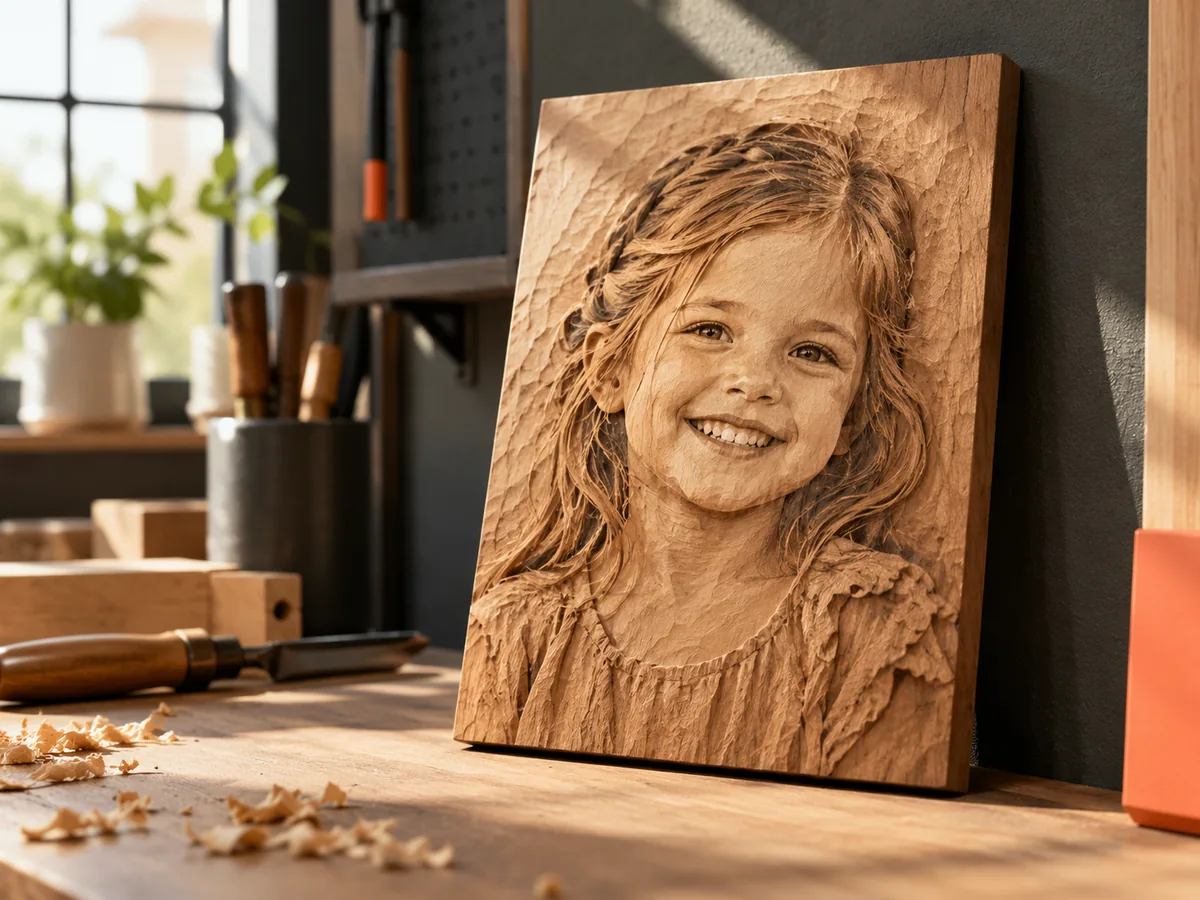
The physical Z-step math every CNC and laser operator should know
Most online discussions talk about 8-bit versus 16-bit depth maps as if it were an abstract photography preference. On a CNC router or MOPA fiber laser, bit depth translates directly into millimeters of physical stair-stepping on your workpiece. Divide your total relief Z-height by the number of unique grayscale levels actually used across the subject's face or torso, and you immediately see whether your machine will carve velvet contours or contour lines.
Consider a standard 180 mm × 240 mm walnut portrait carved 8.0 mm deep. In an 8-bit file, the full 0–255 span gives 0.031 mm per step only if the face uses 100% of the range. In reality, background air and collar transitions consume roughly half the histogram, leaving ~100 steps for the entire face—nearly **0.08 mm per physical ledge** across gently sloped cheeks and foreheads. Your eyes detect a 0.05 mm step effortlessly under side lighting.
Now substitute a genuine 16-bit PNG encoded directly from 32-bit floating-point depth (as shipped in every 1-credit DepthCarve production ZIP). Even if the face uses only half of the 65,536 levels (~32,768 distinct steps), each Z increment across an 8.0 mm relief is **0.00024 mm**—literally forty times finer than standard 0.01 mm CNC micro-stepping resolution.
| Heightmap Type | Max Gray Levels | Typical Face Levels | Physical Z-Step on 8 mm Relief | Result on Walnut / Brass |
|---|---|---|---|---|
| 8-bit JPEG / PNG | 256 | 80 – 120 | 0.067 – 0.100 mm | Visible topographic rings across cheeks & foreheads |
| Padded 16-bit (8-bit resaved as 16-bit) | 65,536 container / 256 real | 80 – 120 | 0.067 – 0.100 mm | Identical banding—wrapper fools file browsers only |
| DepthCarve True 16-bit (from raw EXR) | 65,536 real | 20,000 – 45,000+ | 0.00018 – 0.00040 mm | Zero banding; smoother than CNC mechanical resolution |
Try the workflow
Measure bit depth and values in the actual file
Choose a PNG or try the published example. Read its stored samples instead of guessing precision from a screen preview.
Check the PNG you actually have
Read the file's bit depth and stored grayscale values locally. No upload, account or credits. The original file is not changed.
PNG only · up to 16 MiB and 4,194,304 pixels · non-interlaced 8/16-bit grayscale or RGB, with optional alpha. Indexed and animated PNGs are not supported.
A 16-bit label describes storage capacity. Many stored values do not prove recovered detail, and a 257-step pattern does not prove an 8-bit origin. This checks image data, not source provenance, LightBurn import or manufacturing success. Ancillary metadata is not validated.
How to catch fake '16-bit' heightmaps in five seconds locally
One of the most frustrating traps in 2026 is the padded 16-bit PNG: an online tool runs an 8-bit depth preview, multiplies every pixel by 257 so the PNG header technically claims `bitDepth: 16`, and sells it as a '16-bit CNC heightmap.' Opening that file in Photoshop or Windows Properties displays 16-bit, yet the moment Vectric Aspire or LightBurn 3D Sliced imports it, every single stair-step ring appears unchanged.
You do not need to waste a $20 board of walnut to spot a padded file. Drop any heightmap PNG into DepthCarve's browser-local **16-Bit PNG Bit-Depth Inspector** embedded right above/below this section. It parses the PNG IHDR chunk and scans the actual pixel histogram inside your browser without uploading a single byte—immediately reporting whether the file holds <= 256 unique levels (padded 8-bit) or thousands of genuine 16-bit values.
DepthCarve also enforces this verification automatically on every 1-credit production export: the production pipeline encodes directly from raw floating-point EXR depth arrays into forward and inverse true 16-bit PNGs and logs the verified unique-level count inside the downloadable JSON manifest.
When an 8-bit preview is completely fine (and saves credits)
Honest engineering respects where 8-bit is enough. You do not need true 16-bit precision for quick Photoshop bokeh blurs, rough social-media depth masks, checking foreground-to-background ordering, or verifying whether a busy customer photo should be cropped tighter before machining.
That is why DepthCarve separates free browser previews from paid production bundles: validate composition and subject separation on the free preview first, tune black/white clipping until the base sits cleanly flat, and spend one production credit ($0.40 on Maker $12/30 or $0.26 on Shop $39/150) only when you are ready for raw float EXR + verified true 16-bit PNG + closed watertight STL.
Protecting 16-bit integrity all the way to your CNC spindle or laser
Never open a true 16-bit PNG in an 8-bit image editor, messaging app, or macOS Preview screenshot tool and re-save it—those utilities silently crush 65,536 values back down to 256. Even popular photo browsers and cloud transfer links sometimes run automatic JPEG recompression if you copy-paste instead of downloading the raw archive. Unzip your DepthCarve production archive directly into your CAM project folder, import `depth-16bit.png` straight into Aspire, Carveco, or LightBurn 3D Sliced (or import the closed watertight STL straight into VCarve), and confirm High / Very High modeling resolution before generating toolpaths.
For shops running repeat orders or multi-operator stations, standardize a two-step intake check: first, drop any customer-supplied or third-party heightmap into the local PNG Bit-Depth Inspector on this page to verify thousands of unique gray levels; second, save the DepthCarve `manifest.json` alongside your `.crv` or `.lbrn2` project file so your CAM technician can verify exact input pixel dimensions, dynamic-range clipping bounds, and bit-depth verification status months later when a client orders ten matching plaques.
Before the file moves forward
Final checklist
- Inspect every third-party heightmap in our local 16-Bit PNG Inspector before carving.
- Verify unique gray levels exceed 256 (padded 16-bit files still cause banding).
- Never re-save a 16-bit heightmap through 8-bit image editors or chat apps.
- Use free browser previews to verify depth ordering before spending 1 credit.
- Import depth-16bit.png directly into Aspire/LightBurn or watertight STL into VCarve.
Straight answers
Questions this workflow raises
What is the difference between a compatible 16-bit PNG and a true 16-bit PNG?
A compatible (padded) 16-bit PNG wraps 256 8-bit levels inside a 16-bit file container so software opens it, but still steps like 8-bit. A true 16-bit PNG encoded from floating-point EXR contains thousands to 65,536 real height levels.
Can I check my existing PNG files for free without creating an account?
Yes. The PNG Bit-Depth Inspector embedded on this page runs 100% locally in your browser with $0 cost, no login, and zero file uploads.
Does LightBurn 3D Sliced actually use true 16-bit depth maps?
Yes. High-pass 3D Sliced brass and slate engraving benefits dramatically from clean 16-bit gradients because slice thresholds stay smooth without JPEG blocking or 8-bit terracing.
How much does a verified true 16-bit production bundle cost on DepthCarve?
One credit delivers raw float EXR, verified true 16-bit forward/inverse PNGs, a watertight STL, and a verification manifest—$0.40 on Maker ($12/30) or $0.26 on Shop ($39/150, never expires).
No-login product advisor · Grounded in live export specs
Questions before exporting? Get straight answers on 16-bit depth, CAM & billing
Why does true 16-bit PNG matter for CNC wood relief and fiber laser engraving?
Standard 8-bit grayscale has only 256 height steps, which produces visible stair-stepping bands across faces and shallow curves. One DepthCarve production credit decodes raw floating-point EXR depth into 65,536-level true 16-bit forward and inverse PNGs plus a verified watertight STL.
Continue with a specific output
Free 16-Bit PNG Bit-Depth Checker
Standalone browser tool to audit bit depth and unique gray levels locally.
VCarve & Aspire 16-Bit Import Guide
Exact Vectric resolution settings to keep 16-bit smoothness intact.
Fiber Laser 3D Brass Coin Guide
Pair true 16-bit heightmaps with 128–256 LightBurn 3D Sliced passes.