Fiber Laser
Fiber laser 3D brass coin depth map guide (2026 LightBurn 3D Sliced workflow)
Deep 3D brass challenge coins are one of the highest-margin products a 50W–100W MOPA or JPT fiber laser shop can sell—turning a $3 blank into a $45 to $120 custom keepsake. Yet 90% of muddy, stepped, or over-melted brass coins fail before the laser ever fires because the operator fed LightBurn 3D Sliced an 8-bit grayscale image with flat shadows and uneven tonal contrast. Pairing LightBurn's 3D Sliced mode with a true 16-bit DepthCarve heightmap (and tuning white/black clip on our coin-medallion preset) delivers crisp sculpted relief across 128 to 256 laser passes.
Start with an image or the sample. No account needed for the preview.
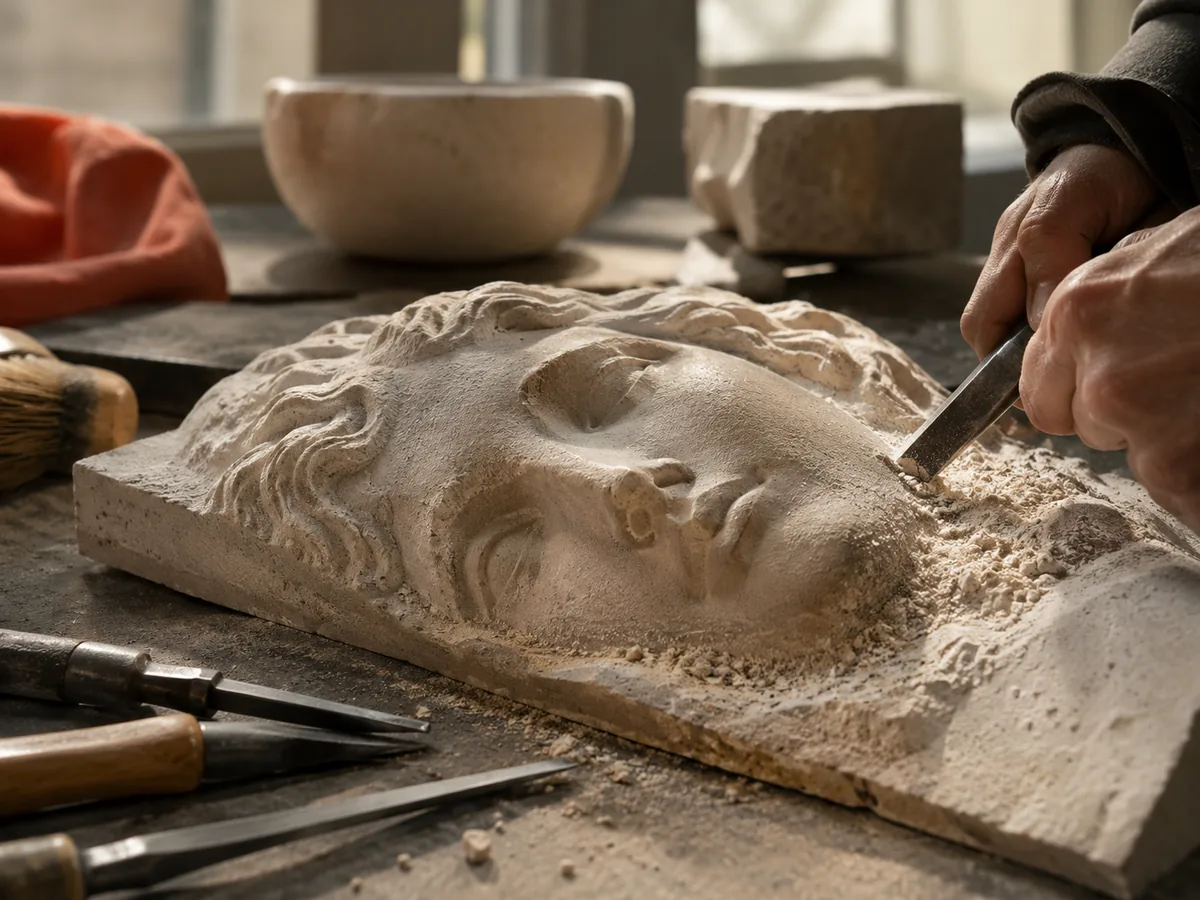
How LightBurn 3D Sliced turns a 16-bit depth map into physical brass relief
Unlike dithered photo engraving—which burns surface discoloration at a single focal height—LightBurn's 3D Sliced image mode divides your grayscale heightmap into discrete horizontal slices (commonly 128, 200, or 256 passes). On pass 1, the fiber laser fires only on the darkest pixels (the deepest background floor). On each subsequent pass, the threshold rises toward pure white, ablating brass layer by layer while leaving the brightest pixels untouched at full coin thickness.
Notice what happens mathematically when you run 256 slices against a compressed 8-bit JPEG. Quantization noise and JPEG blocking artifacts create false micro-steps that LightBurn dutifully etches into solid brass as visible contour ledges. Worse, if the original image was a simple black-and-white photo rather than a true depth map, dark pupils or dark uniforms get vaporized into deep craters while bright background clouds remain raised hills.
A DepthCarve production depth map solves both problems simultaneously: monocular depth estimation places the coin's portrait, crest, or emblem smoothly forward of the recessed coin field regardless of surface color, and raw floating-point EXR encoding into true 16-bit PNG ensures every single LightBurn slice threshold transitions smoothly with zero stair-stepping.
| Fiber Laser Power | Lens & Focus | 3D Sliced Passes | Line Interval & Clean Pass |
|---|---|---|---|
| 30W JPT / Raycus | 110×110 mm F-Theta | 128 – 180 passes | 0.025–0.03 mm · 1 cleanup pass every 10–15 layers |
| 50W – 60W MOPA | 110×110 mm F-Theta | 180 – 256 passes | 0.02–0.025 mm · high-freq cleanup every 12–16 layers |
| 80W – 100W MOPA | 110×110 mm / 150×150 mm | 200 – 256 passes | 0.02–0.025 mm · cleanup pass + air extraction |
Always test frequency, Q-pulse width, speed, and focus drop on a sacrificial brass blank before running final client coins.
Try the workflow
Preview your image before spending a credit
Choose an image, inspect its source checks and preview, then test a free export. A production job is a separate approval that uses a credit; a preview is not a guarantee of a successful print or carve.
Live manufacturing workbench
Upload a photo. Preview the depth. Download your file.
Three free AI previews per day. Source checks, editing, 3D preview, and compatibility exports are free.
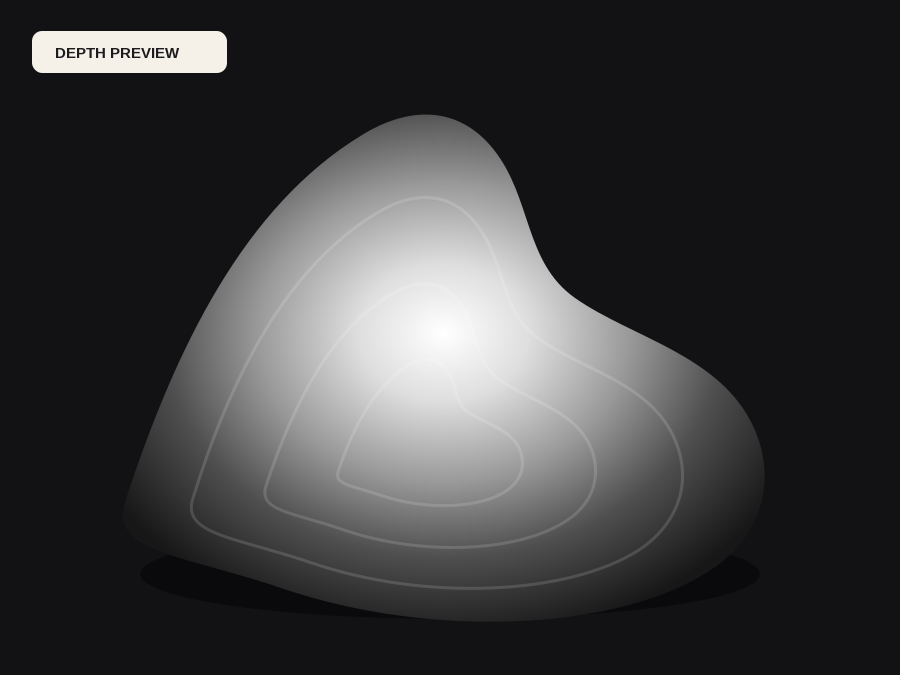
What happens to an ordinary photo (no login required):
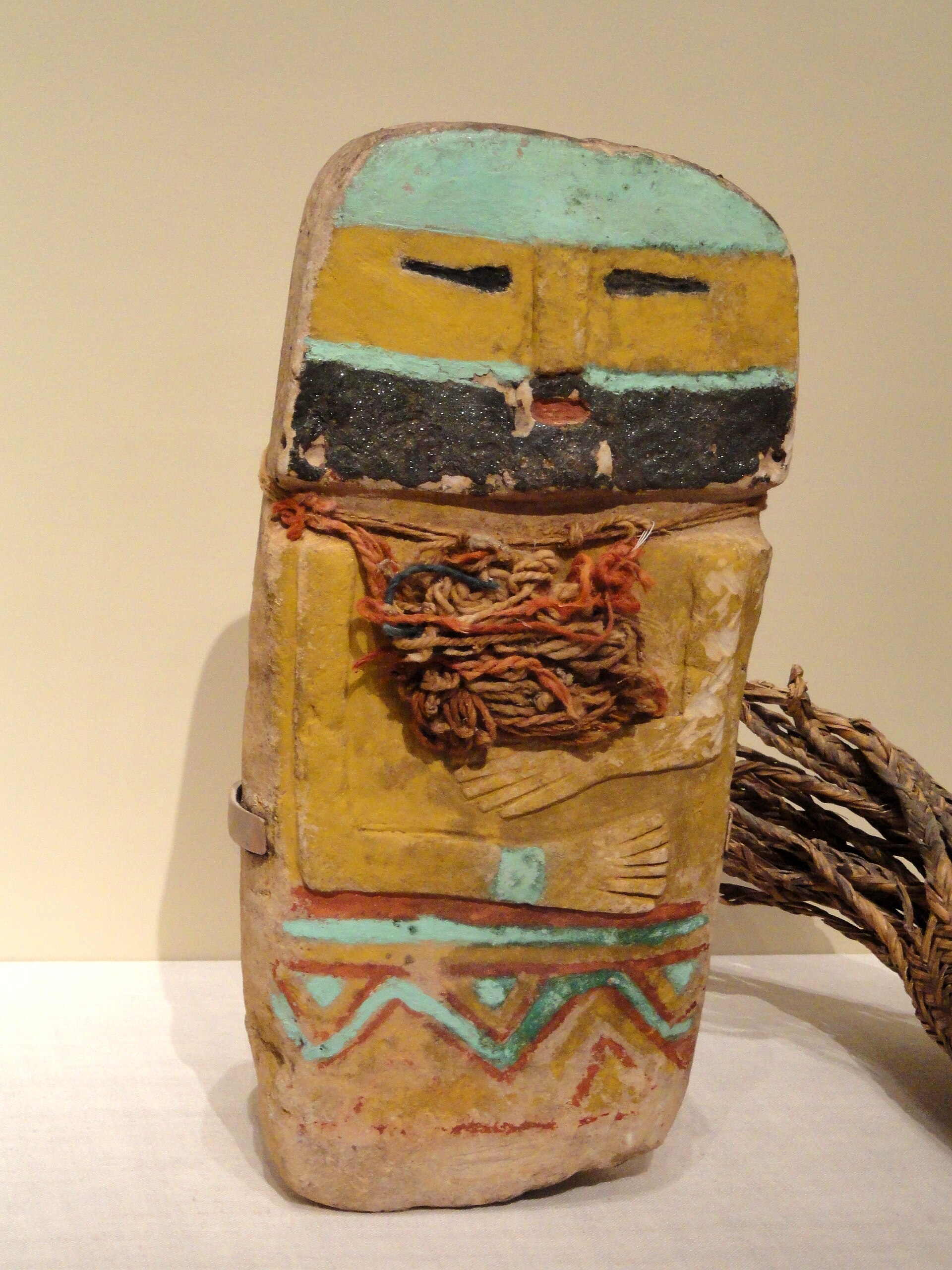
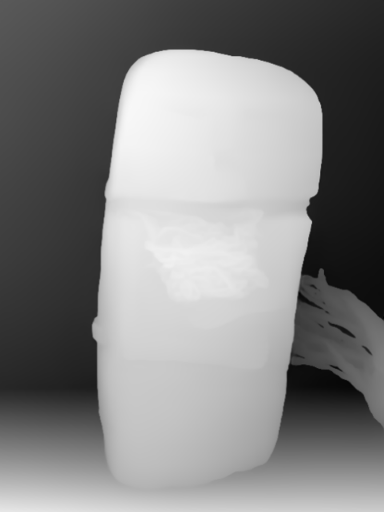
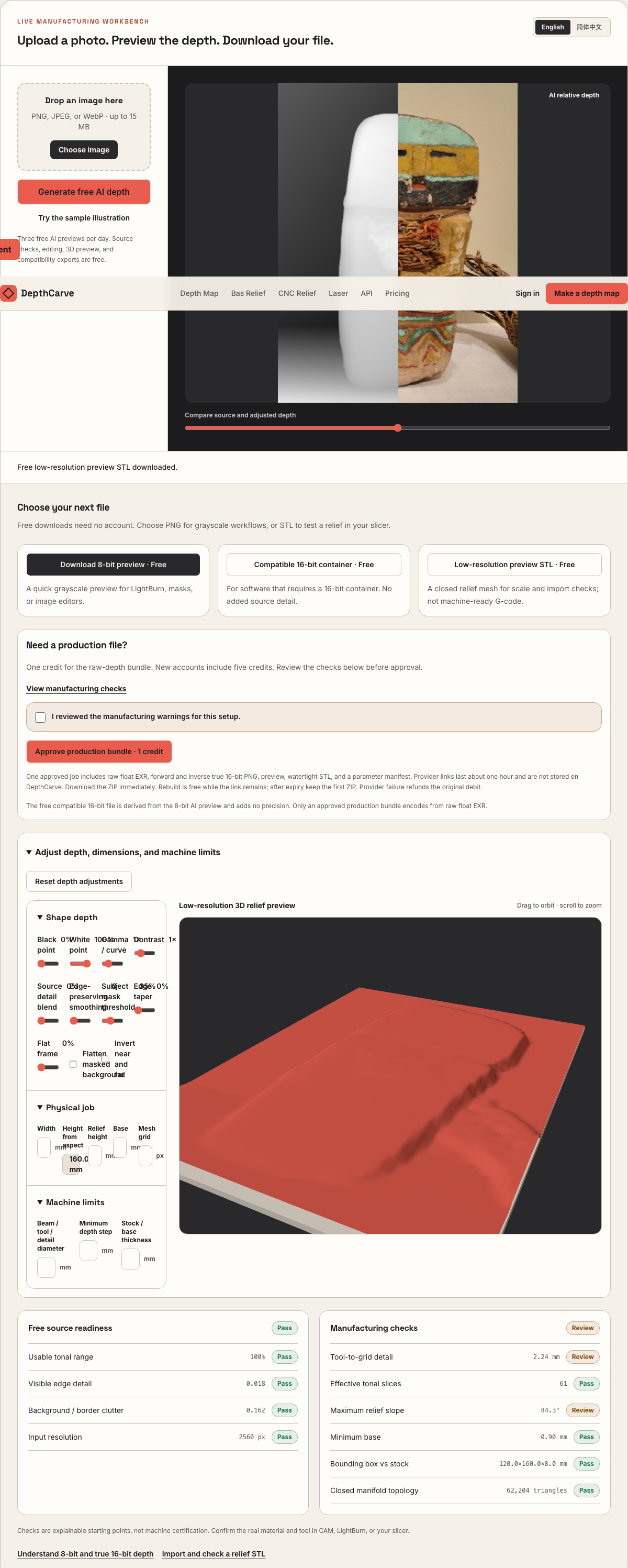
Camera shadows get separated from true 3D height—ready for CNC ball-nose finishing, LightBurn 3D Sliced laser, or resin/FDM printing.
Choose a source image to begin.
Preparing circular coin artwork inside the DepthCarve workbench
Great coin reliefs start with balanced circular framing. Place your portrait, military insignia, or pet face centered inside a 1:1 square canvas with at least 12% clean margin around the outer rim so the coin's raised metallic bezel frames the relief cleanly without colliding with shoulders or ears. Avoid cluttered backgrounds; solid neutral backdrops yield the flattest coin floor.
Inside the embedded Coin Medallion workbench above, upload your source artwork and generate a free preview. Use the black-point slider to pull the flat coin field cleanly to pure black so LightBurn ablates the recessed background evenly, while keeping subtle highlights just below pure white so the highest cheekbone or crest ridge never flattens into a blunt plateau.
Remember LightBurn's direction convention: in 3D Sliced mode, pure white stays high (un-lasered top surface) and pure black burns deepest. Because every 1-credit DepthCarve production ZIP ships both forward and inverse true 16-bit PNGs, you can immediately test either orientation or combine the relief PNG with crisp vector rim lettering inside LightBurn.
Managing heat, slag, and cleanup passes for mirror-grade brass coins
Deep brass ablation generates intense localized heat and vaporized metal dust that re-deposits into fine valleys if left unchecked. Professional coin makers use three disciplined shop practices: first, clamp the blank on a heavy aluminum heat sink block rather than loose honeycomb pins so thermal warping stays near zero; second, enable LightBurn's cross-hatch or incrementing angle per pass (such as 17° or 37° rotation per slice) to eliminate directional trench lines.
Third, schedule regular low-power, high-speed, high-frequency cleanup passes (or run a brief cleanup sub-layer every 10 to 15 engraving slices) to sweep oxidized slag out of tiny eye and lettering crevices. After unloading the coin, a 30-second pass with brass wool, ultrasonic warm soapy bath, and optional liver of sulfur or Renaissance Wax makes the 3D relief pop like a mint-struck medallion.
Unit economics for custom brass coin shops in 2026
Look at the shop margin math: a 40 mm × 3 mm C360 brass blank costs roughly $2.50 to $4.00, 35 minutes of fiber laser electricity costs pennies, and one verified true 16-bit DepthCarve depth map costs **$0.26** on the non-expiring $39 Shop Pack (150 credits)—or **$0.07** on the $99/month Production plan for busy military/corporate coin houses.
Because every approved file arrives in under a minute instead of spending $45–$120 hiring a freelance ZBrush sculptor with a 4-day turnaround, your shop can send customers a real-time relief proof the same afternoon they inquire and close far more custom orders. Pair the DepthCarve `manifest.json` with your saved LightBurn `.lbrn2` template so repeat reorders for unit reunions, police departments, or commemorative corporate runs reproduce the exact depth floor and rim alignment with zero re-tuning. Keep a dedicated folder per client containing the source photo, DepthCarve ZIP, and final tested pass speed so your next brass coin run takes minutes.
Before the file moves forward
Final checklist
- Frame artwork inside a 1:1 square with 12% outer rim margin for the coin bezel.
- Flatten the coin floor using black-point clipping inside the free workbench preview.
- Load the verified true 16-bit forward PNG into LightBurn 3D Sliced mode (white = high).
- Rotate scan angle per pass (e.g., 17°–37°) to prevent directional micro-grooves.
- Clamp blanks to an aluminum heat sink and run periodic high-frequency cleanup passes.
- Finish with brass wool, ultrasonic cleaning, and protective wax for studio contrast.
Straight answers
Questions this workflow raises
Does LightBurn 3D Sliced work better with 16-bit PNG than 8-bit JPEG?
Yes. True 16-bit PNG eliminates JPEG compression blocks and 8-bit banding across 128–256 slices, producing dramatically cleaner facial contours and smoother sloped edges in brass and copper.
Should white or black be the highest part of the coin in LightBurn?
In standard LightBurn 3D Sliced mode, pure white stays highest (least ablated) and black engraves deepest. DepthCarve includes both forward and inverse 16-bit PNGs in every 1-credit ZIP so either convention is ready immediately.
Can I sell custom brass coins made from DepthCarve depth maps?
Yes. Every paid production export includes full commercial rights for physical engraving and client deliveries.
How much does one coin depth map cost with the Shop Pack?
One production credit costs $0.26 on the one-time $39 Shop Pack (150 non-expiring credits, zero subscription renewal).
No-login product advisor · Grounded in live export specs
Questions before exporting? Get straight answers on 16-bit depth, CAM & billing
Why does true 16-bit PNG matter for CNC wood relief and fiber laser engraving?
Standard 8-bit grayscale has only 256 height steps, which produces visible stair-stepping bands across faces and shallow curves. One DepthCarve production credit decodes raw floating-point EXR depth into 65,536-level true 16-bit forward and inverse PNGs plus a verified watertight STL.