Laser Engraving
Laser engraving depth maps on slate & wood (2026 CO2 & diode workflow)
CO2 and diode laser operators routinely struggle when engraving portraits on dark slate coasters or hardwood plaques: normal photos invert awkwardly on dark stone, and heavy dithering creates noisy salt-and-pepper grain. Starting from a clean DepthCarve depth map—using the **forward** true 16-bit PNG for wood relief ablation and the **inverse** true 16-bit PNG for light-marking dark slate—gives clean sculptural separation with zero guesswork. Both forward and inverse 16-bit PNGs ship together inside every single 1-credit DepthCarve ZIP ($0.26 on the $39 Shop Pack).
Start with an image or the sample. No account needed for the preview.
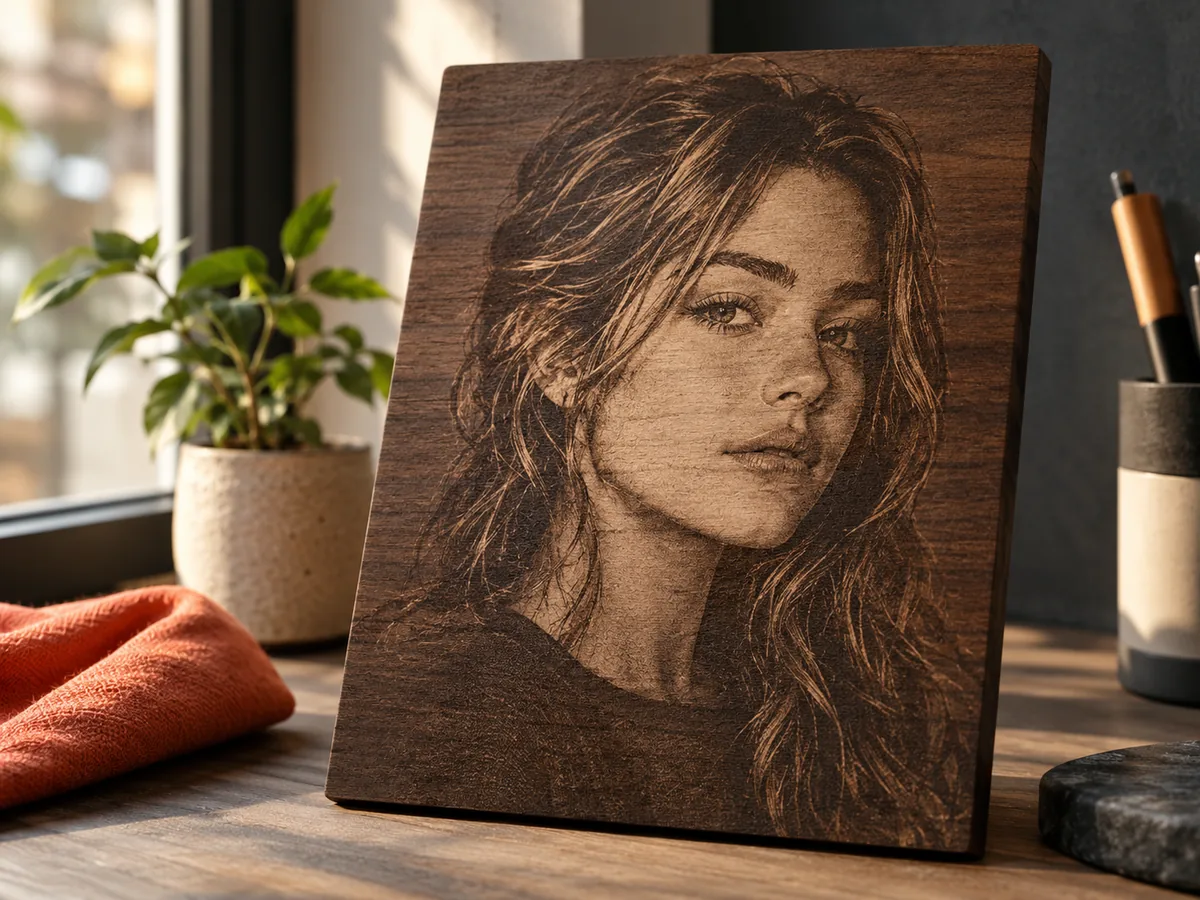
Forward vs inverse polarity: why dark slate and wood need opposite maps
The fastest way to ruin a $4 slate coaster or $12 cherry plaque is forgetting how each material responds to laser energy. On **wood** (cherry, alder, basswood, walnut), higher laser power vaporizes deeper material and darkens the cut—so deep recesses require high power (dark pixels in LightBurn Grayscale / 3D Sliced) while raised facial highlights stay lightly touched (bright pixels).
On **natural dark slate**, laser energy vitrifies the dark stone surface into a crisp frost-white mark. Because brighter laser marks represent visual highlights, slate engraving requires inverting luminance or height response so foreground features read brightly against the natural dark stone background. Because DepthCarve includes both forward (`depth-16bit.png`) and inverse (`depth-16bit-inverse.png`) true 16-bit files in every production ZIP, you never risk degrading bit depth by inverting inside an 8-bit editor.
| Material | DepthCarve PNG File | LightBurn Image Mode | Surface Prep & Cleanup |
|---|---|---|---|
| Natural Black Slate | Inverse 16-bit PNG (or inverted grayscale) | Jarvis / Stucki or Grayscale (low power) | Light clear matte acrylic seal before & after engraving |
| Basswood / Alder / Cherry | Forward 16-bit PNG (white = high) | Grayscale (variable power) or 3D multi-pass | Masking tape or mild soap + soft toothbrush after cut |
| Walnut / Hard Maple | Forward 16-bit PNG (white = high) | Multi-pass Grayscale (3–6 passes, air assist ON) | Drop focus 0.5 mm on deep passes; seal with oil |
| Anodized Aluminum | Inverse 16-bit PNG | Stucki / Jarvis at 318–400 DPI | Degrease with isopropyl alcohol; crisp white mark |
Try the workflow
Preview your image before spending a credit
Choose an image, inspect its source checks and preview, then test a free export. A production job is a separate approval that uses a credit; a preview is not a guarantee of a successful print or carve.
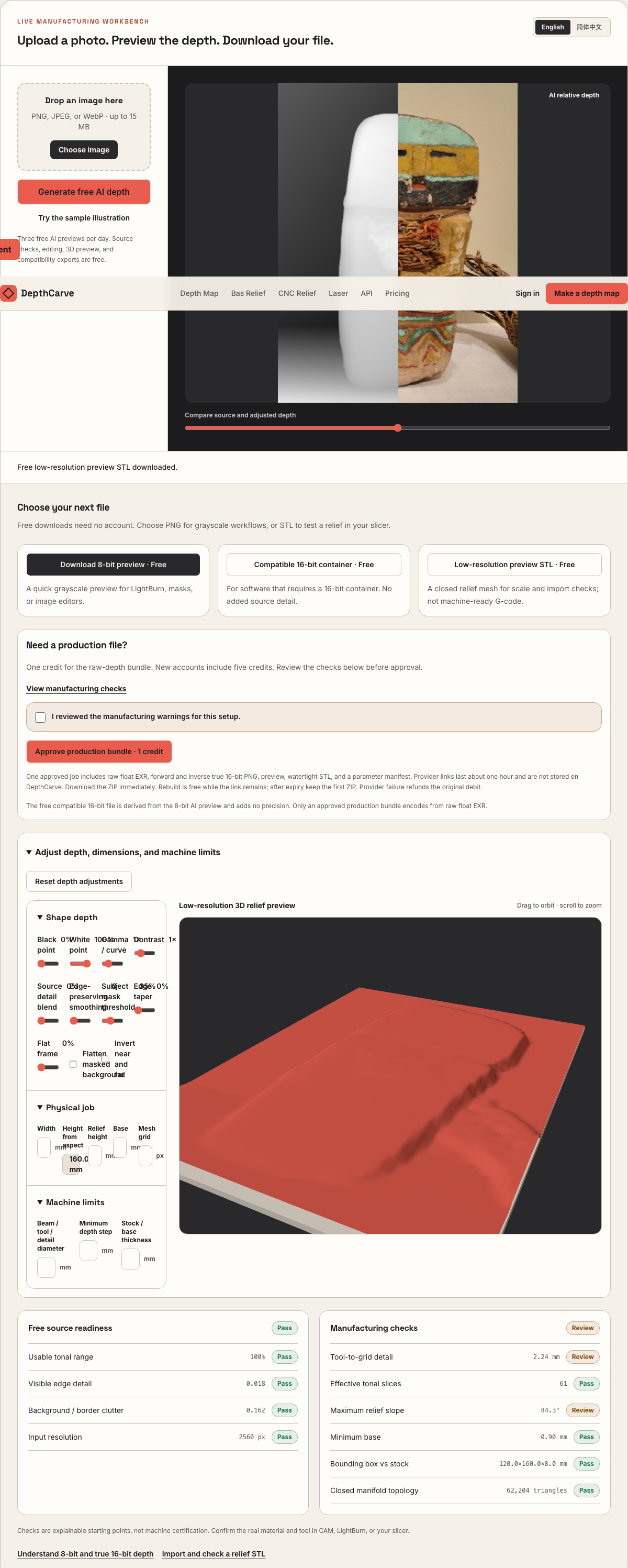
Live manufacturing workbench
Upload a photo. Preview the depth. Download your file.
Three free AI previews per day. Source checks, editing, 3D preview, and compatibility exports are free.
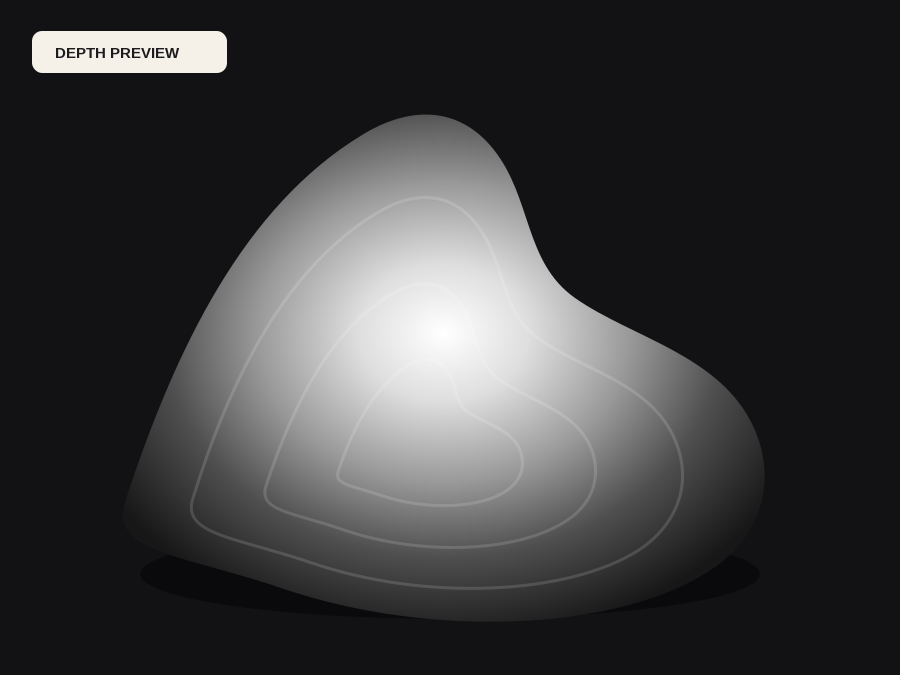
What happens to an ordinary photo (no login required):
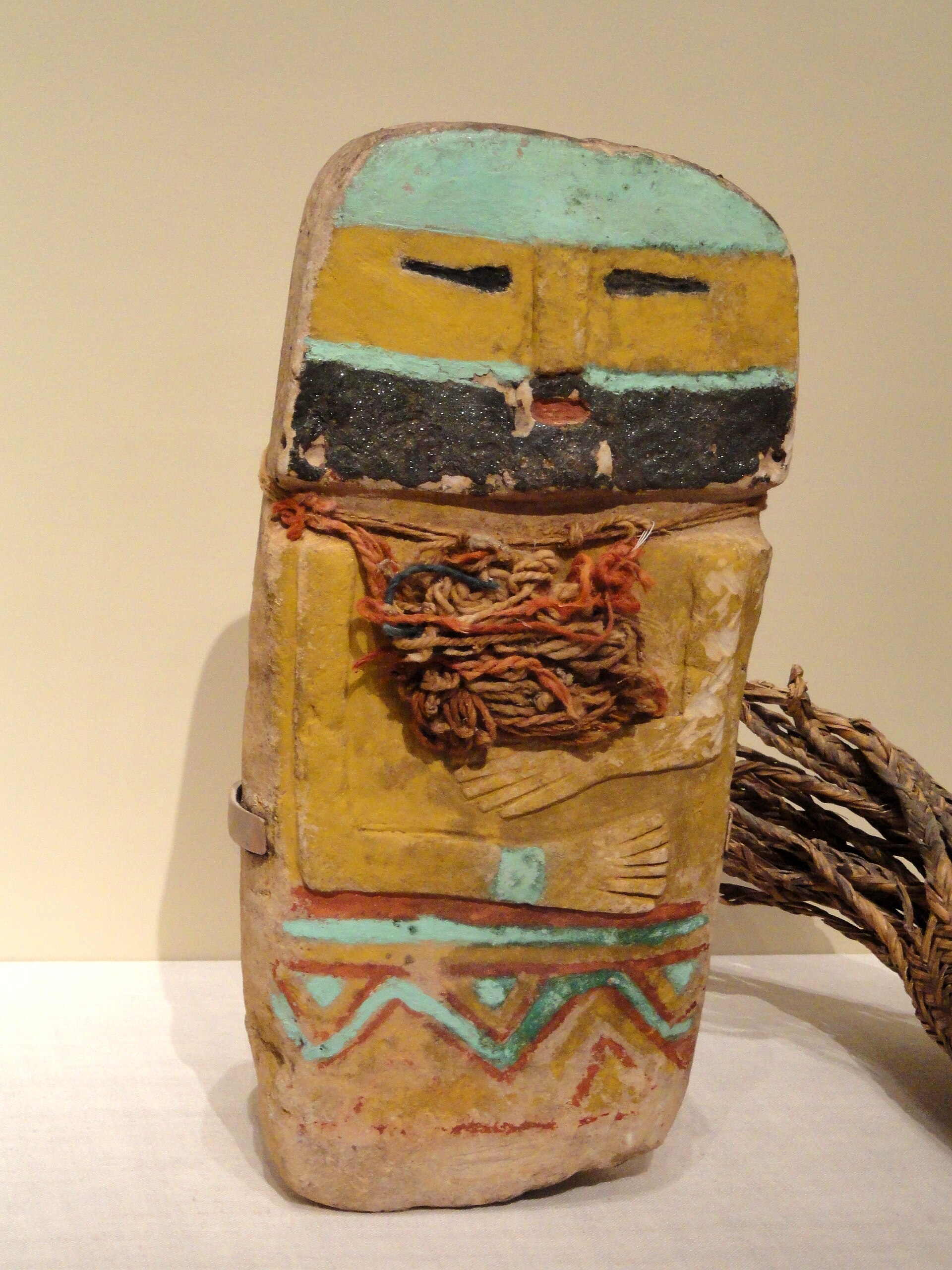
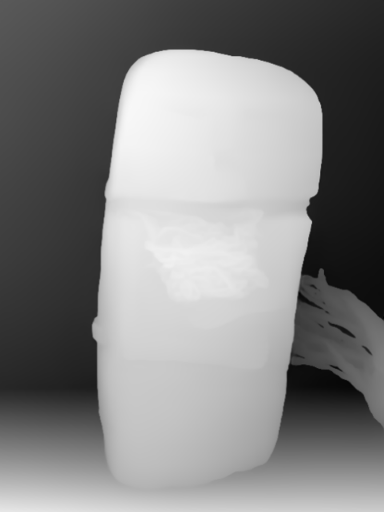
Camera shadows get separated from true 3D height—ready for CNC ball-nose finishing, LightBurn 3D Sliced laser, or resin/FDM printing.
Choose a source image to begin.
Using DepthCarve's range controls to stop muddy laser shadows
Diode and CO2 lasers have a narrow usable power window between 'barely marks the surface' and 'chars the wood into black charcoal.' When your heightmap contains huge empty mid-gray gaps, half your laser's dynamic range is wasted on irrelevant background space.
Inside the embedded Laser Slate workbench above, adjust black-point and white-point sliders before approving your production export so the subject occupies the full usable tonal band while the background drops cleanly to zero. That tight range mapping lets LightBurn's Min Power and Max Power sliders focus 100% of their modulation range across cheeks, eyes, hair, and clothing folds.
Preventing smoke staining and scorch halos on hardwood plaques
Deep multi-pass wood engraving produces sticky resin smoke that settles around crisp portrait edges and blurs delicate eyelashes into muddy brown smudges. Keep strong laminar air assist flowing across the cut zone (or run a gentle 2%–5% borax water pre-treatment on basswood if you want dramatic dark contrast at lower power without charring deep trenches). On a 40W–80W CO2 laser carving cherry or walnut, run 3 to 5 moderate-power passes rather than one scorching high-power pass, stepping the Z-bed up by 0.4–0.5 mm halfway through so the beam stays sharply focused inside the deepest relief valleys.
For natural dark slate coasters, surface preparation matters even more than wattage. Wash raw slate dust off with isopropyl alcohol, dry completely, and spray one whisper-thin mist of clear matte acrylic lacquer before engraving. That micro-seal dramatically increases contrast between the matte charcoal stone background and the frosty-white laser-vitrified foreground—and stops fingerprint oil from dulling the portrait once the coaster reaches the customer's coffee table. After unloading wood plaques, scrub gently with warm water, mild dish soap, and a soft nylon brush, dry immediately, and finish with satin lacquer or tung oil.
Turning custom photo coasters and plaques into predictable shop profit
At **$0.26 per complete production archive** on the $39 Shop Pack (150 non-expiring credits), digital prep costs less than a single piece of transfer masking tape. Pair DepthCarve's rapid browser preview with standardized LightBurn material library presets for 100 mm slate coasters, 150 mm cherry photo plaques, and black anodized aluminum memorial cards so every custom gift order moves from customer email to finished engraving in under fifteen minutes.
Best of all, you never waste paid credits testing questionable customer phone photos. Load blurry or dimly lit portraits into the free embedded workbench above, inspect subject separation and background flatness first, and spend one production credit only after you confirm the depth order looks sculptural and sellable. When you archive each customer's `manifest.json` alongside your LightBurn material speed, power, and line-interval notes, repeat orders for wedding party coaster sets, corporate hospitality gifts, or memorial plaque batches come off your CO2 or diode laser with identical highlight crispness every single time—cutting scrap wood and ruined slate blanks down to nearly zero.
Before the file moves forward
Final checklist
- Seal natural dark slate with light matte clear coat before engraving for crisp white contrast.
- Use forward 16-bit PNG for deep wood relief and inverse 16-bit PNG for light-marking slate.
- Clip background noise with the black-point slider inside the free preview first.
- Run a small power/speed ramp test on identical scrap stock before engraving final gifts.
- Keep strong air assist active on multi-pass hardwood runs to prevent smoke halos.
Straight answers
Questions this workflow raises
Do I need a fiber laser to use DepthCarve depth maps, or do CO2 and diode lasers work too?
CO2 and diode lasers work great with DepthCarve true 16-bit PNGs in LightBurn Grayscale and multi-pass engraving modes on wood, slate, leather, and acrylic.
Why does DepthCarve ship both forward and inverse 16-bit PNGs?
Wood ablation and CNC milling expect white = high, while dark slate and black anodized aluminum mark white where lasered and need inverted mapping. Having both verified 16-bit files ready avoids 8-bit re-save degradation.
Can I preview how my photo maps before paying for credits?
Yes. Upload any image in the workbench above to inspect depth order and adjust black/white range on a free preview before approving a 1-credit production job.
Do unused credits on the $12 Maker or $39 Shop pack ever expire?
No. Both Maker and Shop are one-time packs whose credits stay in your account until used with zero recurring subscription.
No-login product advisor · Grounded in live export specs
Questions before exporting? Get straight answers on 16-bit depth, CAM & billing
Why does true 16-bit PNG matter for CNC wood relief and fiber laser engraving?
Standard 8-bit grayscale has only 256 height steps, which produces visible stair-stepping bands across faces and shallow curves. One DepthCarve production credit decodes raw floating-point EXR depth into 65,536-level true 16-bit forward and inverse PNGs plus a verified watertight STL.