PBR & Game Assets
Normal map vs height map (2026 PBR guide for Unreal, Unity, Blender & WebGL)
Every 3D artist eventually asks whether to wire a **tangent-space normal map** (purple-blue RGB) or a **16-bit height/displacement map** (grayscale) into their shader. The clean engineering rule in 2026: **normal maps fake micro-surface lighting direction at zero extra triangle cost**, while **16-bit height maps actually move physical geometry** (silhouette, parallax occlusion, Nanite displacement, and CNC/3D-print reliefs). With DepthCarve you get both without friction—convert any heightmap into a clean OpenGL/DirectX normal map locally for $0 right inside this page, or export raw EXR + true 16-bit PNG + normal map + watertight STL in one $0.26 production bundle.
Height map → normal PNG. Runs locally, no account needed.
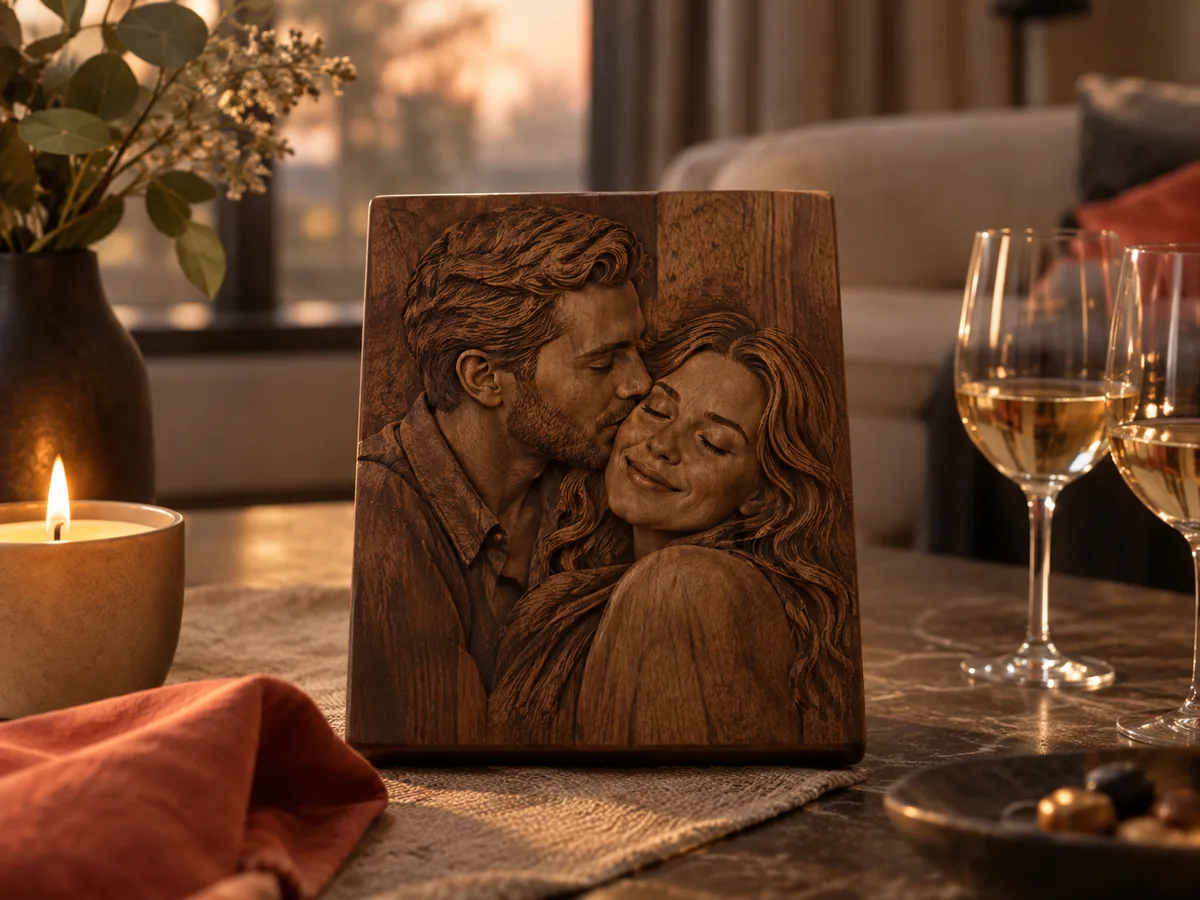
How shaders read normal maps vs 16-bit height maps
A **height map** (also called a depth map or displacement map) stores a single scalar elevation value per pixel: black is low, white is high. When fed into Unreal Engine 5 Nanite tessellation, Blender's Displace modifier, or a CNC CAM toolpath, it physically offsets vertices along the surface normal—changing real object silhouettes and casting authentic self-shadows.
A **tangent-space normal map** encodes a 3D unit surface direction vector `(X, Y, Z)` into `(R, G, B)` channels. The mesh stays completely flat and low-poly, yet real-time lighting engines like Unity URP/HDRP, Unreal Engine, and Three.js bend specular highlights and diffuse shading per pixel as if thousands of fine bevels and carvings existed. Normal maps cost almost zero GPU geometry bandwidth, making them mandatory for mobile games, WebGL configurators, and 60fps real-time scenes.
| Engine / Destination | Preferred Map | Channel / Convention | Why It Matters |
|---|---|---|---|
| Unreal Engine 5 (Nanite) | 16-bit Height + Normal | DirectX Normal (-Y) · Linear Height | Height drives true Nanite silhouette; Normal adds crisp micro-grain |
| Unity URP / HDRP & Three.js | Normal Map (+ optional POM Height) | OpenGL Normal (+Y) | Keeps draw calls & triangle counts light at 60–120fps |
| Blender Cycles / EEVEE | Raw EXR / 16-bit Height + Normal | OpenGL Normal (+Y) · Non-Color | EXR avoids stair-stepping on macro camera close-ups |
| CNC CAM & 3D Printing | True 16-bit Height PNG / Watertight STL | White = High (Forward PNG) | Normal maps cannot drive physical Z-axis cutting height |
Try the workflow
Convert a height map in your browser
Choose a height or depth image, adjust strength and green-channel direction, then download a normal PNG. No upload, account, or credits are required. A photograph's brightness is not measured height.
Free browser converter
Already have a height or depth map? Convert it to a normal map
Brightness is treated as height. The file stays in your browser; nothing is uploaded. Use the photo workbench when you want the height field estimated from a photograph instead.
A luminance-derived normal map infers surface direction from brightness. It is useful for height maps and quick material tests; it cannot recover geometry the image never recorded. Read the normal map workflow guide before using the map in a shader.
OpenGL (+Y) vs DirectX (-Y): fixing inverted lighting in one toggle
The most common PBR shader bug in multi-engine pipelines is mixing OpenGL (`+Y` green channel up: Blender, Unity, Three.js, Maya) with DirectX (`-Y` green channel inverted: Unreal Engine, 3ds Max, Substance DirectX export). When the green channel is flipped, carved grooves look like raised bumps whenever lights move overhead.
Using the free browser-local **Normal Map Converter** embedded right inside this article, you can drop any grayscale heightmap, dial strength cleanly without crunchy pixel noise, toggle OpenGL vs DirectX green-channel polarity, and download a clean PNG immediately—zero uploads, zero credits, zero login.
Why deriving normals from true 16-bit height eliminates facet noise
Calculating surface slopes (derivatives) from an 8-bit grayscale image amplifies every tiny quantization step into harsh faceted ripples across smooth curved surfaces—the exact same banding defect CNC carvers see on walnut cheeks, just rendered as shiny triangular streaks in Three.js or Unreal Engine. Even aggressive Gaussian blur cannot rescue an 8-bit source without wiping out crisp carved bevels, stone chisel marks, and textile weave.
Generating your base height field via DepthCarve's floating-point EXR / true 16-bit production pipeline first gives smooth mathematical slopes across 65,536 discrete elevation levels, yielding studio-clean tangent-space normal maps and artifact-free Nanite displacement maps from a single source photograph. Remember to keep both height and normal textures flagged as Linear / Non-Color Data inside Unreal Engine, Unity, Blender, and Three.js; accidentally applying an sRGB gamma curve warps flat neutral normal values `(0.5, 0.5, 1.0)` into tilted shading seams across every UV island.
Streamlining texture & relief production for indie and AA studios
Instead of juggling four disconnected utilities to turn reference photography into usable PBR textures and hero reliefs, keep one consistent pipeline: test framing free in DepthCarve, use the free browser normal-map converter above for unlimited zero-cost local height-to-normal jobs, and grab verified EXR + true 16-bit PNG + normal map + watertight STL bundles at $0.26/asset on the non-expiring $39 Shop Pack (150 credits) or $0.07/asset on the $99/month Production API plan ($1,188/year annualized · 60 req/min).
That dual workflow is especially powerful for studios bridging digital and physical fabrication—for example, game merchandise teams turning key art into both real-time WebGL promo viewers (normal map + parallax height) and physical CNC-milled collector plaques or resin statues (true 16-bit PNG + closed watertight STL) from the exact same verified archive. By keeping one single floating-point depth source of truth from concept artwork through PBR shading and physical tooling, art directors avoid visual drift between marketing renders and shipped collector merchandise while paying pennies per verified asset. Every credit includes commercial rights, automatic failed-job refunds, verified true 16-bit bit-depth checks, and a clean JSON manifest so both shader engineers and CAM operators stay perfectly synchronized across releases without rebuilding assets twice or risking 8-bit banding regressions across Unreal Engine, Unity, Blender, or Vectric.
Before the file moves forward
Final checklist
- Use OpenGL (+Y) normal maps for Blender, Unity, and Three.js; DirectX (-Y) for Unreal Engine.
- Always mark both Height and Normal textures as Non-Color / Linear in shader graphs.
- Derive normal maps from true 16-bit heightmaps to avoid faceted 8-bit ripples.
- Combine 16-bit height displacement for silhouette with normal maps for micro-surface detail.
- Use true 16-bit PNG or watertight STL—never normal maps—for CNC and 3D printing.
Straight answers
Questions this workflow raises
Can I generate a normal map from a heightmap for free in my browser?
Yes. The interactive Normal Map tool embedded in this article runs 100% locally in your browser with $0 cost, no login, and no file uploads.
Why do my normal maps look inverted inside Unreal Engine?
Unreal Engine expects DirectX (-Y green channel) normal maps by default, whereas Blender and Unity use OpenGL (+Y). Flip the green channel toggle before exporting.
Can a normal map be used to carve a CNC relief or 3D print an STL?
No. Normal maps only bend lighting angles on a flat mesh. Physical CNC routers, lasers, and 3D printers require a true 16-bit heightmap PNG or a closed watertight STL.
Does DepthCarve include surface normals and EXR in a 1-credit production bundle?
Yes. One production credit ($0.40 on Maker $12/30 or $0.26 on Shop $39/150) exports raw EXR, verified true 16-bit forward/inverse PNGs, a watertight STL, and surface normal maps.
No-login product advisor · Grounded in live export specs
Questions before exporting? Get straight answers on 16-bit depth, CAM & billing
Why does true 16-bit PNG matter for CNC wood relief and fiber laser engraving?
Standard 8-bit grayscale has only 256 height steps, which produces visible stair-stepping bands across faces and shallow curves. One DepthCarve production credit decodes raw floating-point EXR depth into 65,536-level true 16-bit forward and inverse PNGs plus a verified watertight STL.